Loading
Video guides
Short films on finding inventory, booking for your clients, managing your wallet and connecting your own systems.
Start here
Getting started
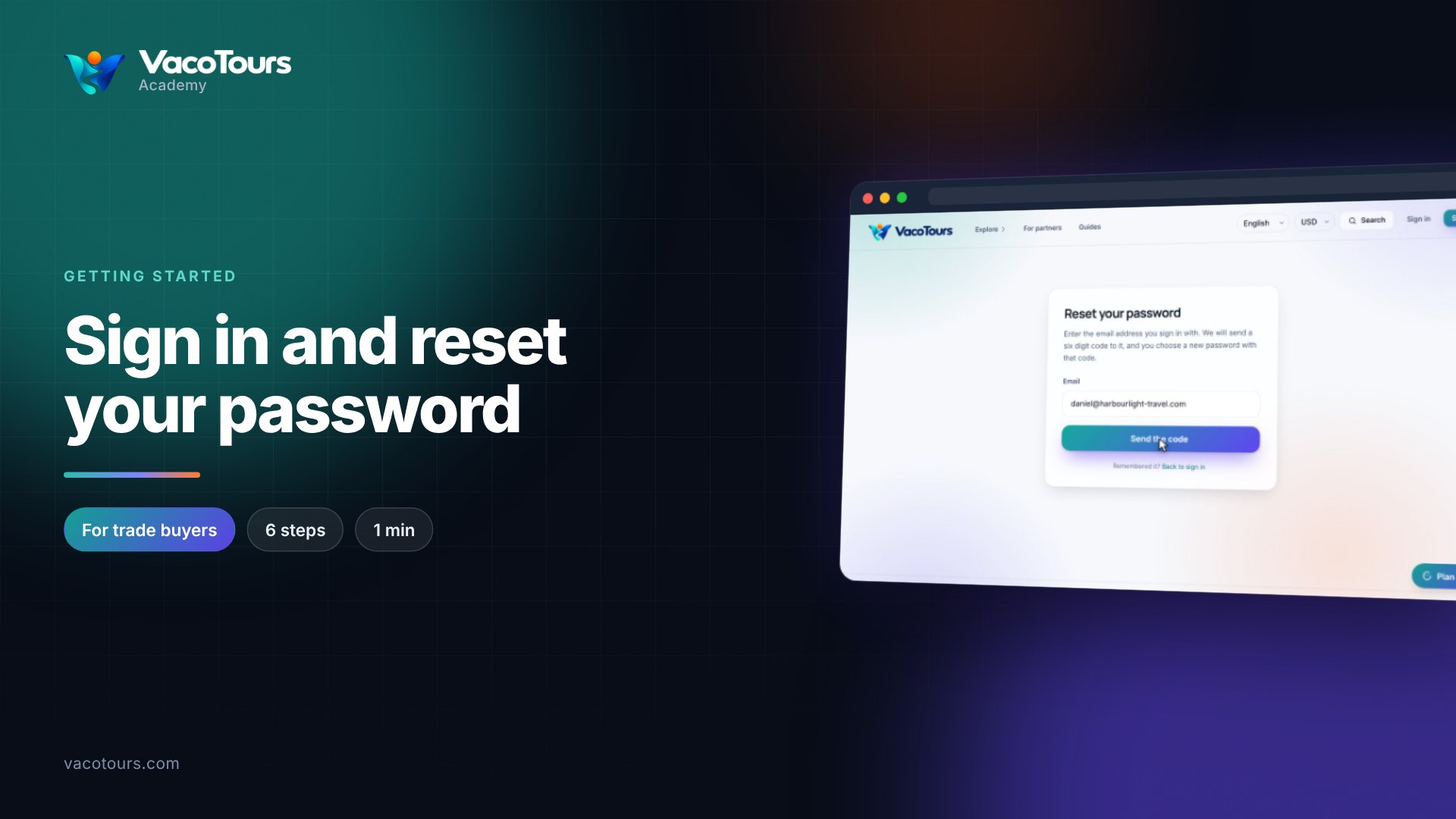
Sign in and reset your password
Sign in as a trade buyer, and get a new password by email if you have forgotten yours.
Watch now1 min · 6 chapters
Sign in and reset your password
Sign in as a trade buyer, and get a new password by email if you have forgotten yours.
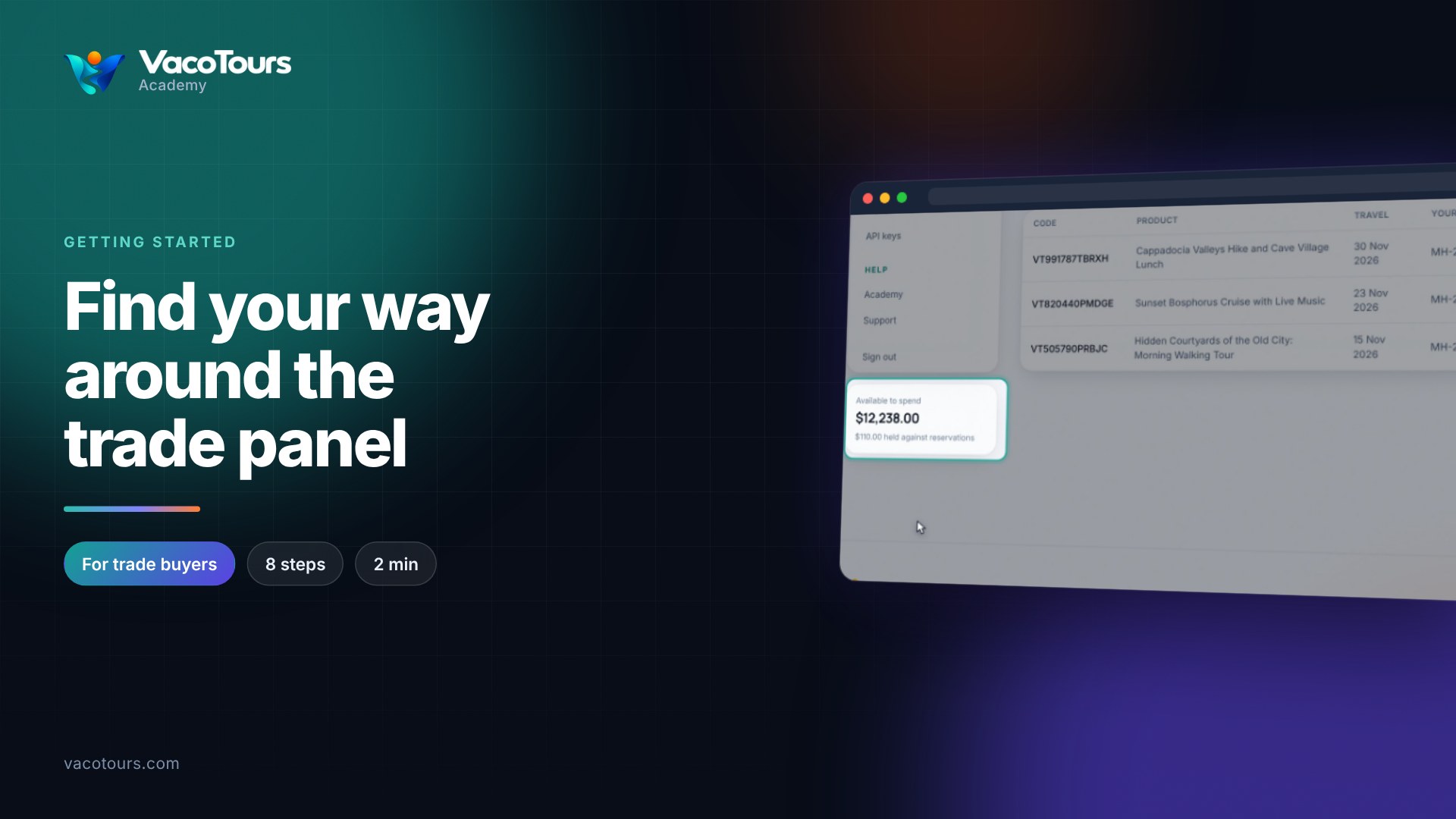
Find your way around the trade panel
A quick walk through the trade panel's menu, your wallet card and the language and currency pickers.
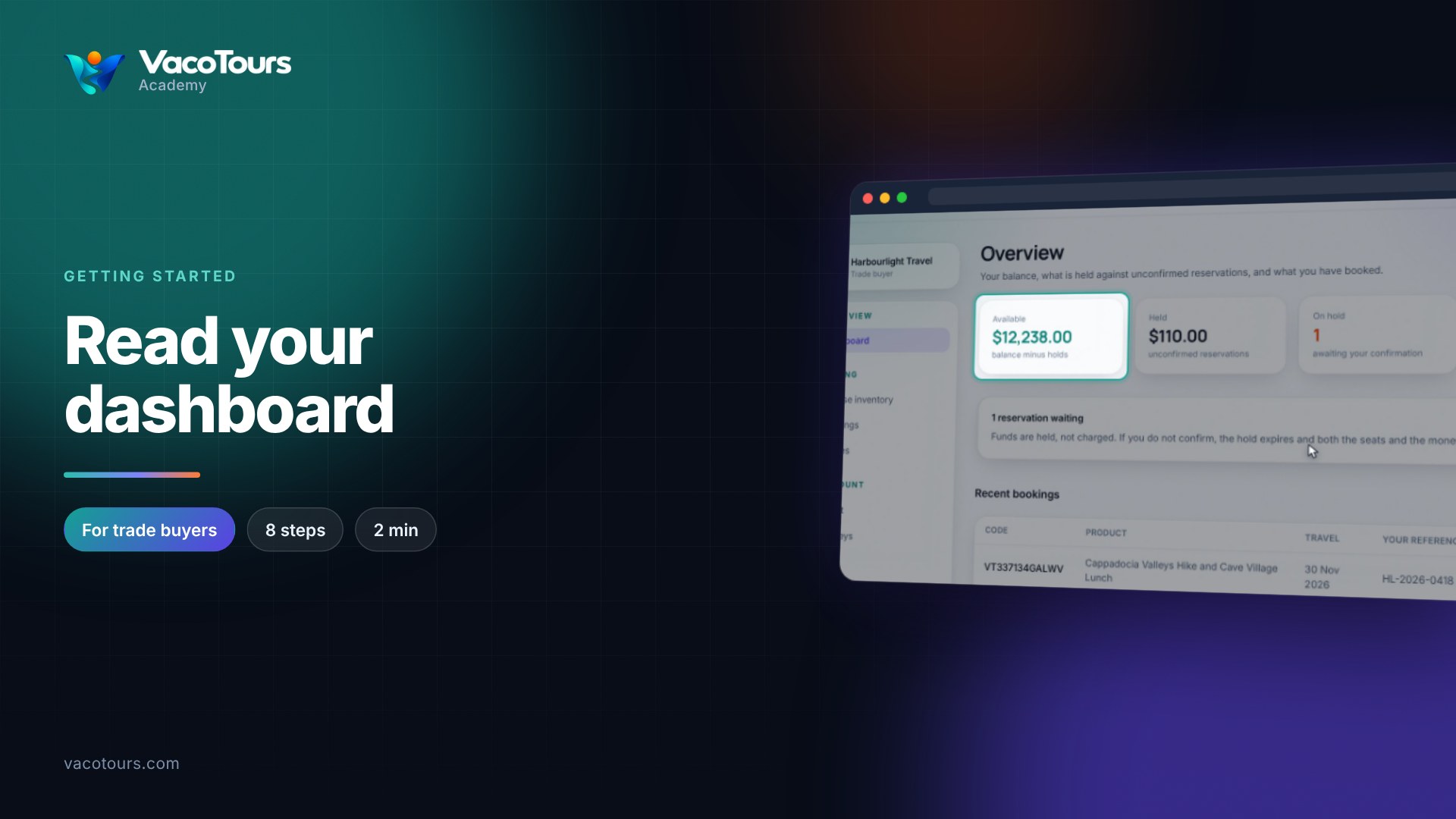
Read your dashboard
Read the four figures on your dashboard, the reminder about reservations on hold, and your recent bookings.

Change the panel's language and currency
Show the panel and its listings in another language, pick a display currency, and know what stays in US dollars.
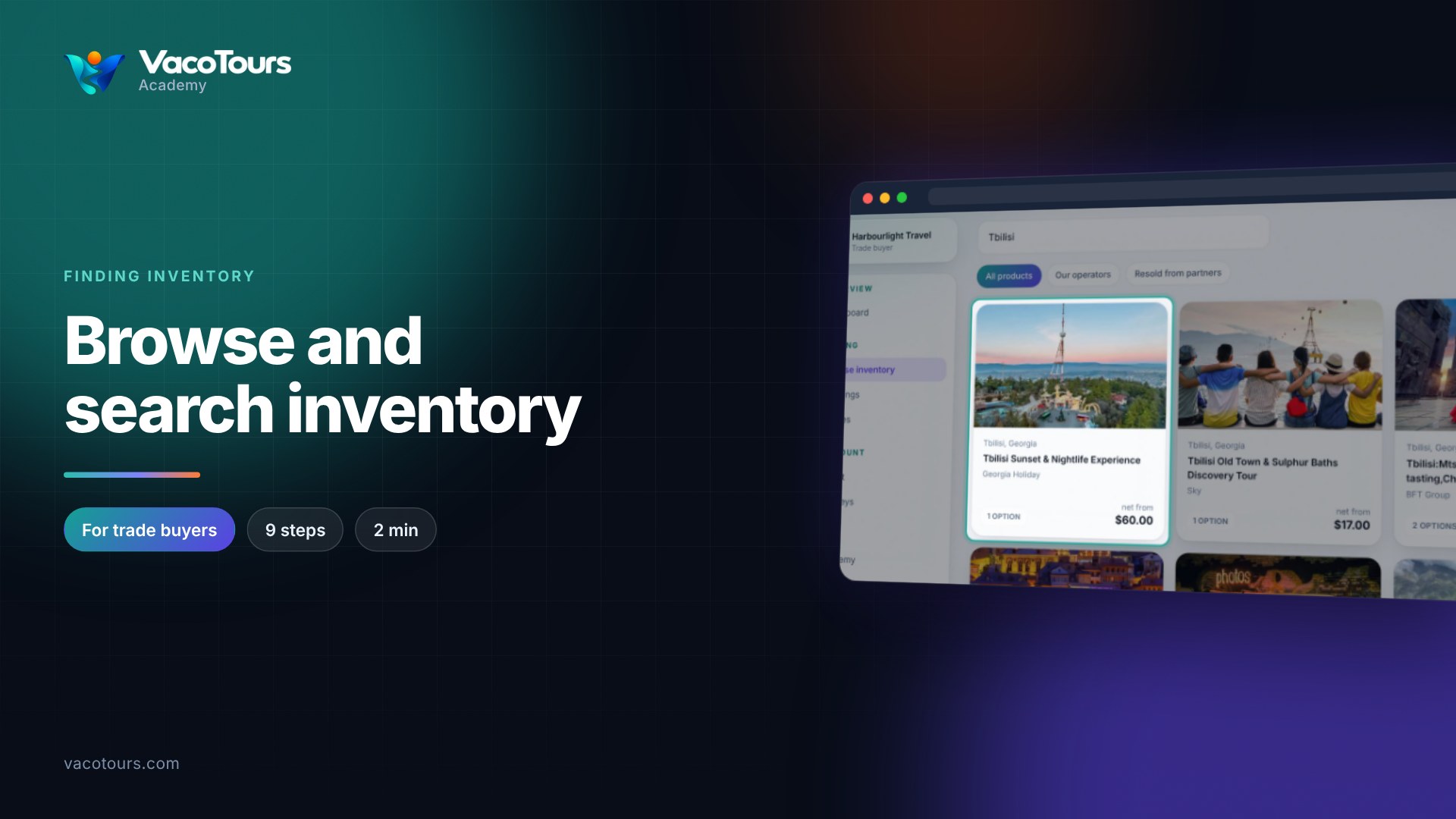
Browse and search inventory
Search the trade inventory, filter it by where products come from, and read what each product card tells you.
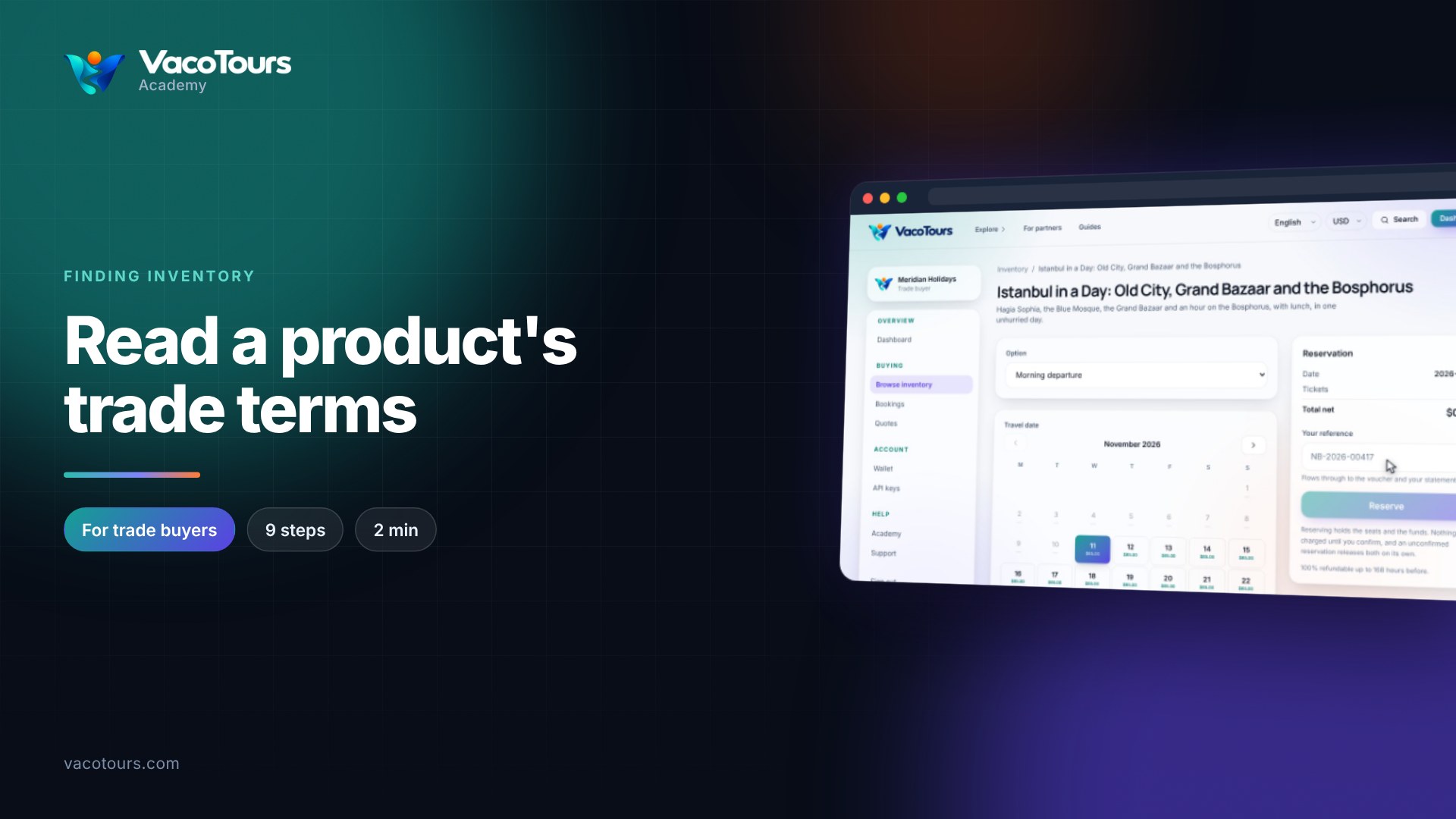
Read a product's trade terms
Open a product and read its trade terms: options, travel dates, departures, net and published prices, and the refund rule.
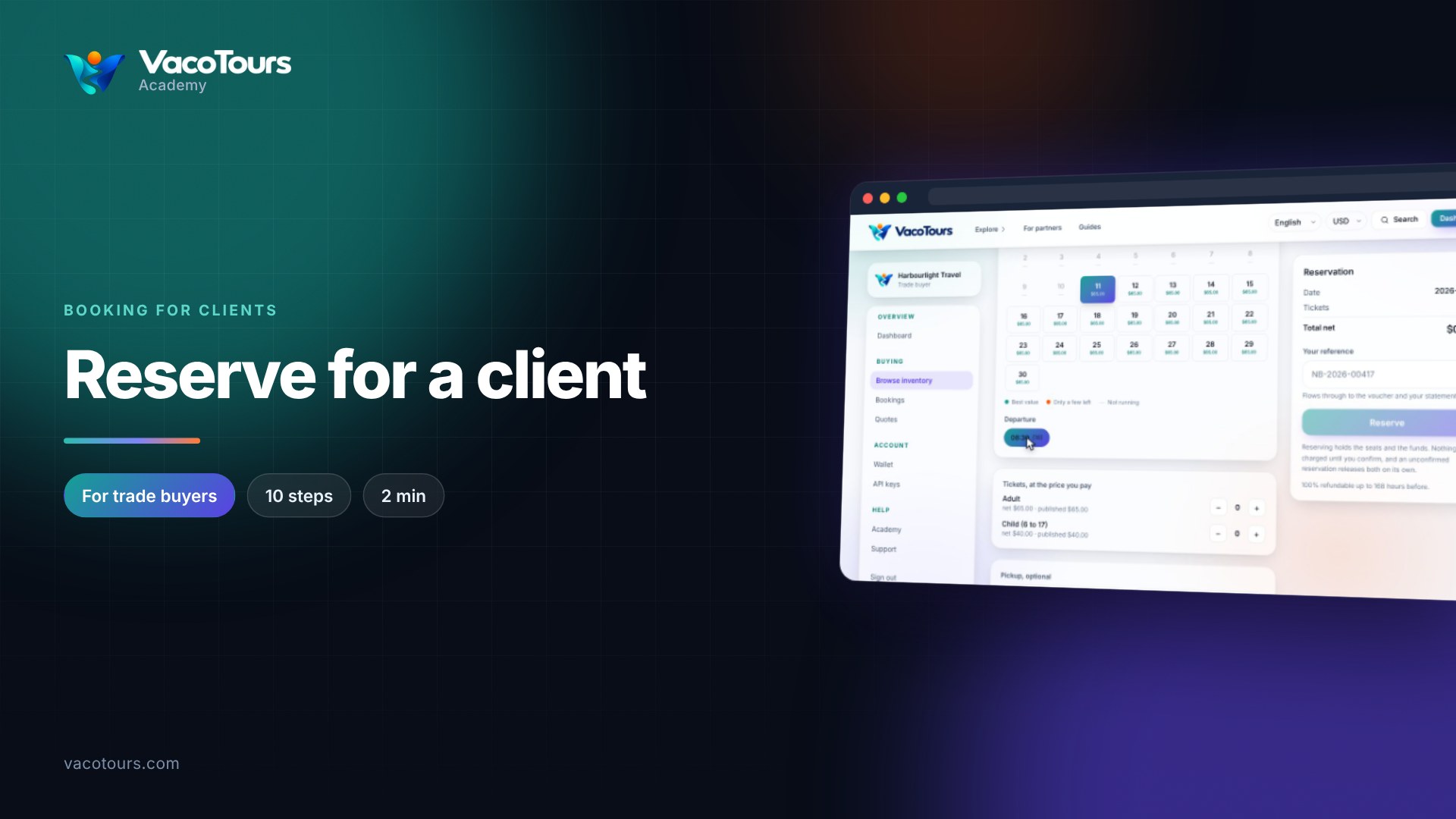
Reserve for a client
Reserve a tour for a client: date, departure, tickets, pickup, the operator's questions, lead traveller and your reference.
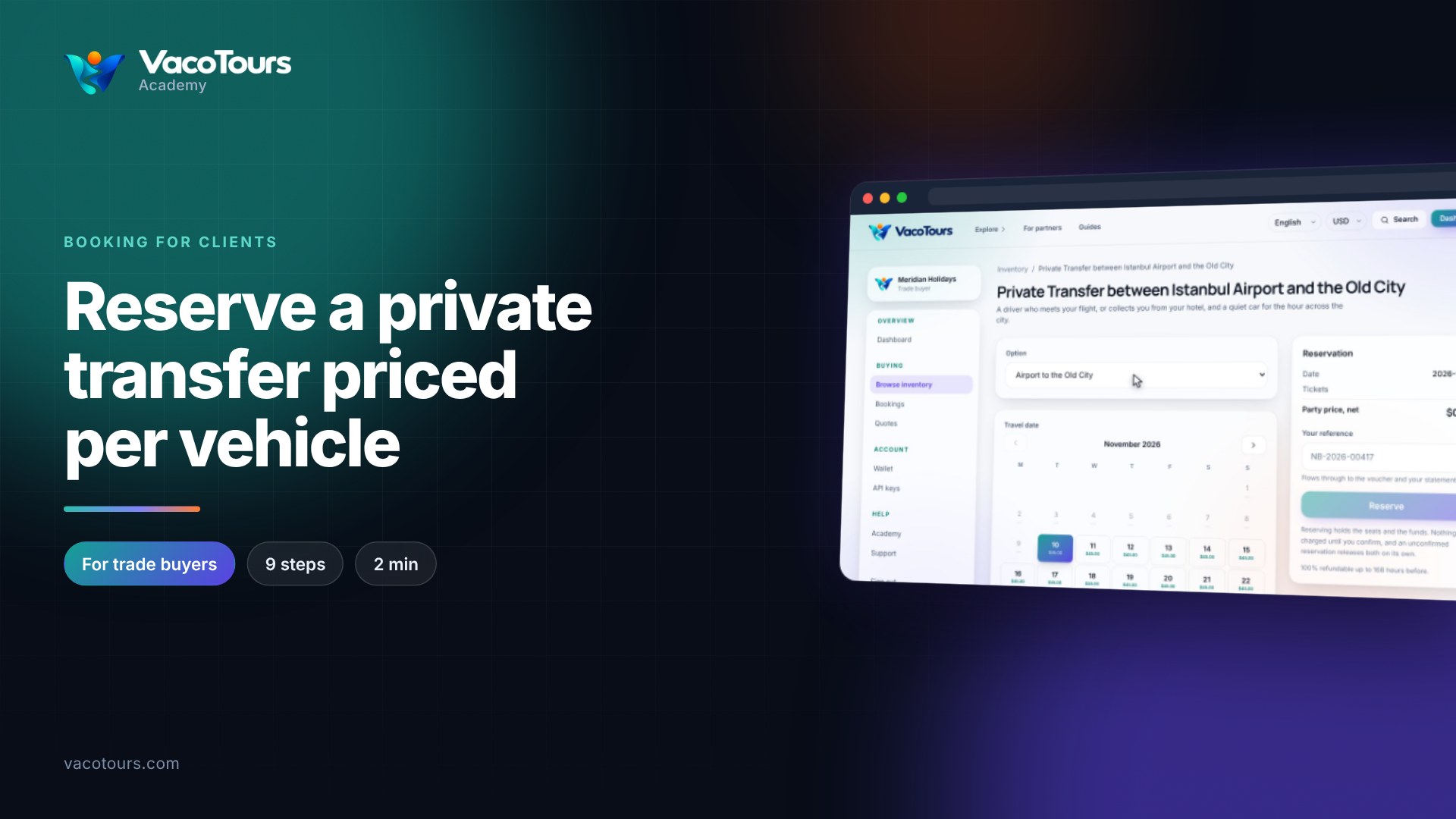
Reserve a private transfer priced per vehicle
Reserve a private transfer priced per vehicle: one party price for the whole car, plus the flight details the driver needs.
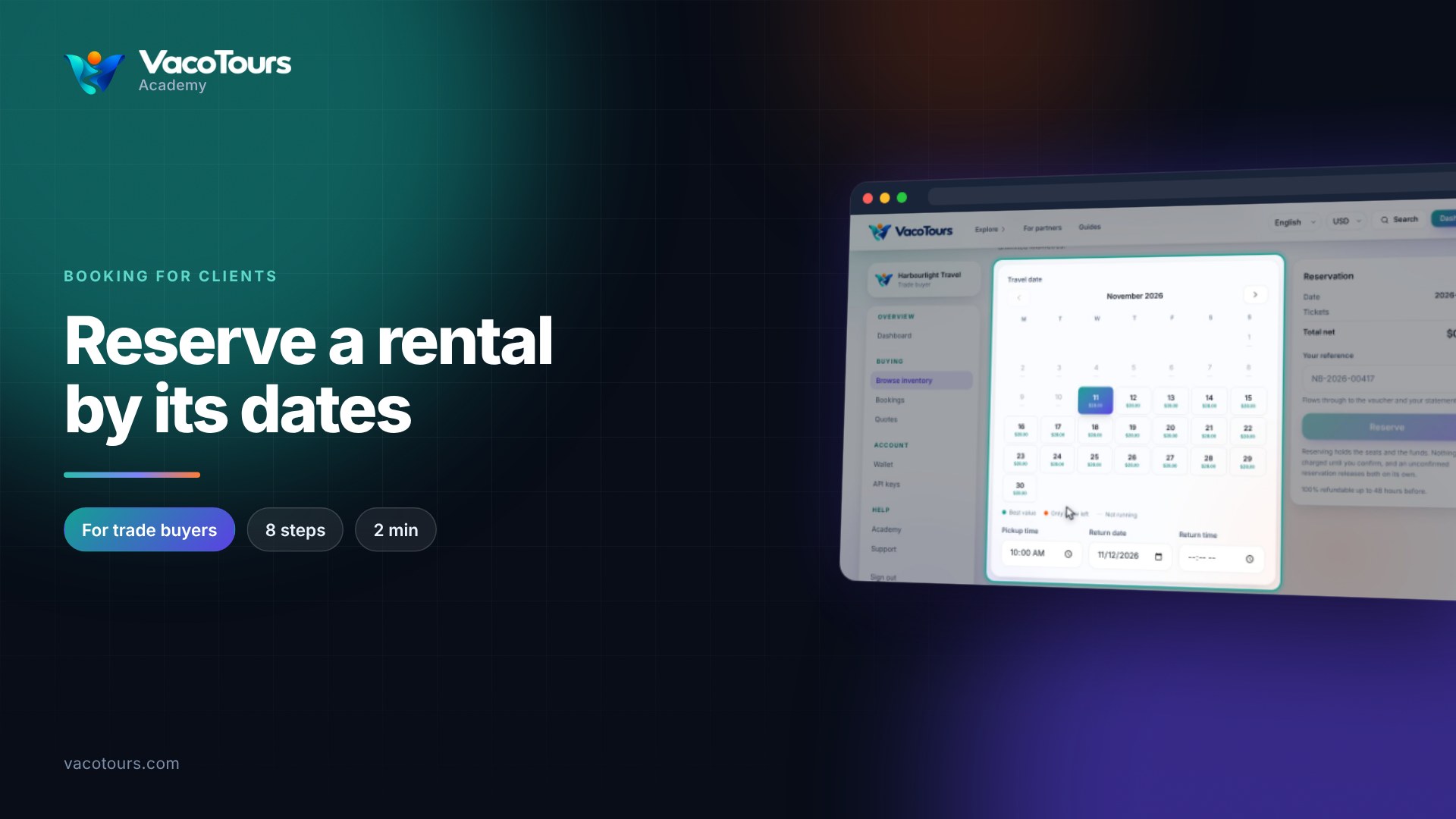
Reserve a rental by its dates
Reserve a rental from a pickup to a return, and see the net price recalculated for the length of hire.
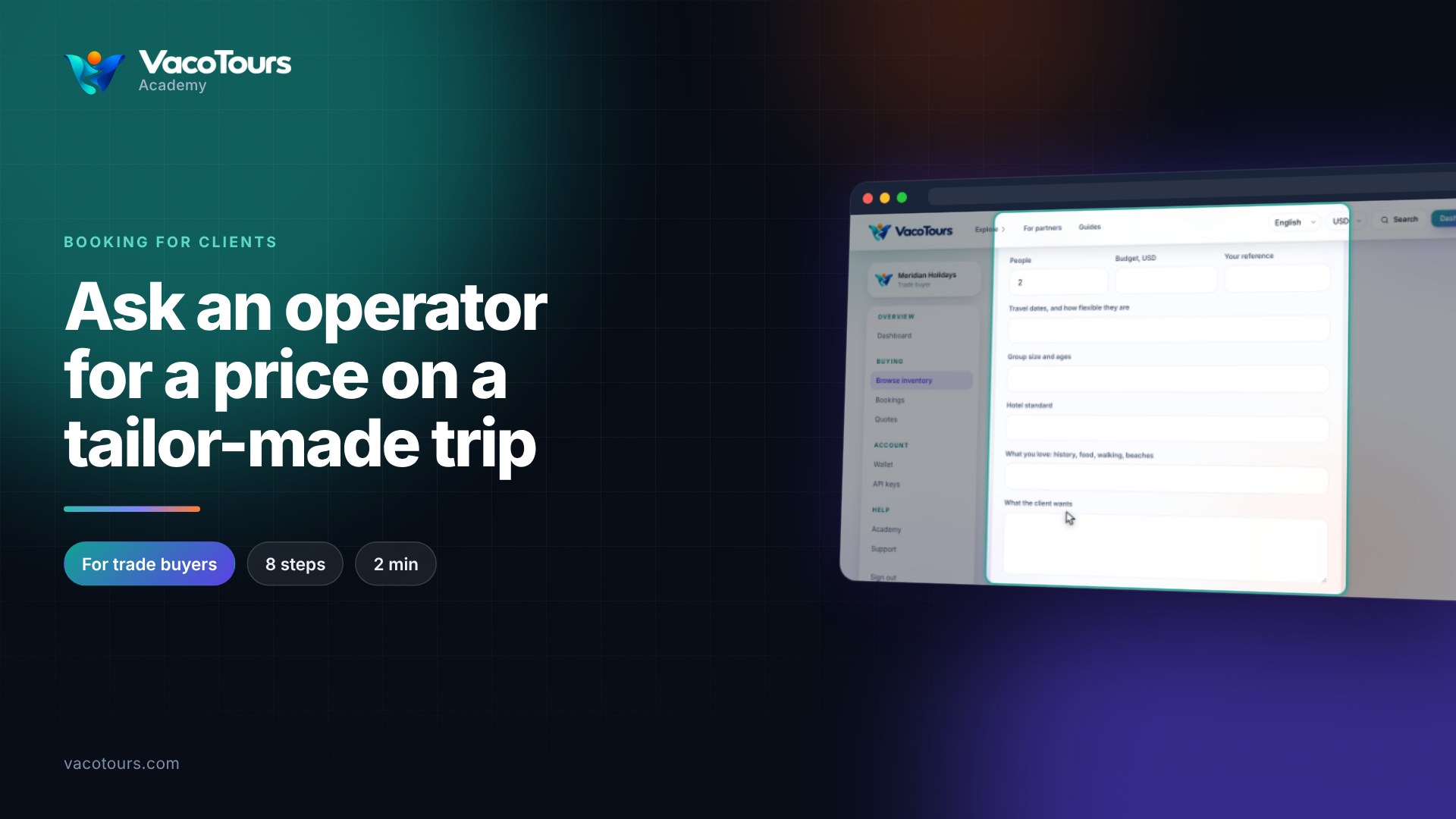
Ask an operator for a price on a tailor-made trip
Ask an operator to price a tailor-made trip for your client: dates, group, budget, wishes, and where the price arrives.
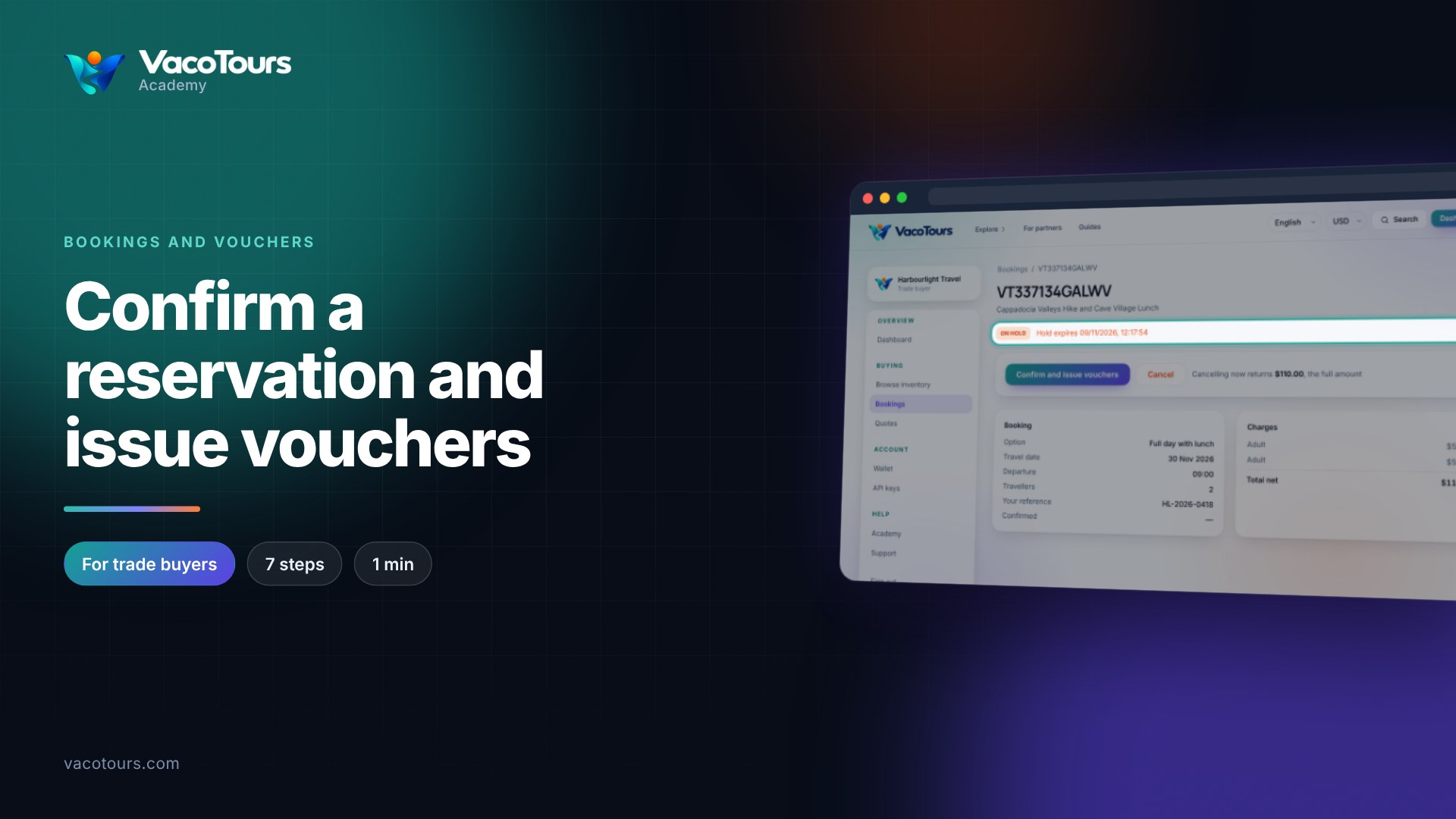
Confirm a reservation and issue vouchers
Open a reservation on hold, check it, and confirm it to capture the held funds and issue the vouchers.
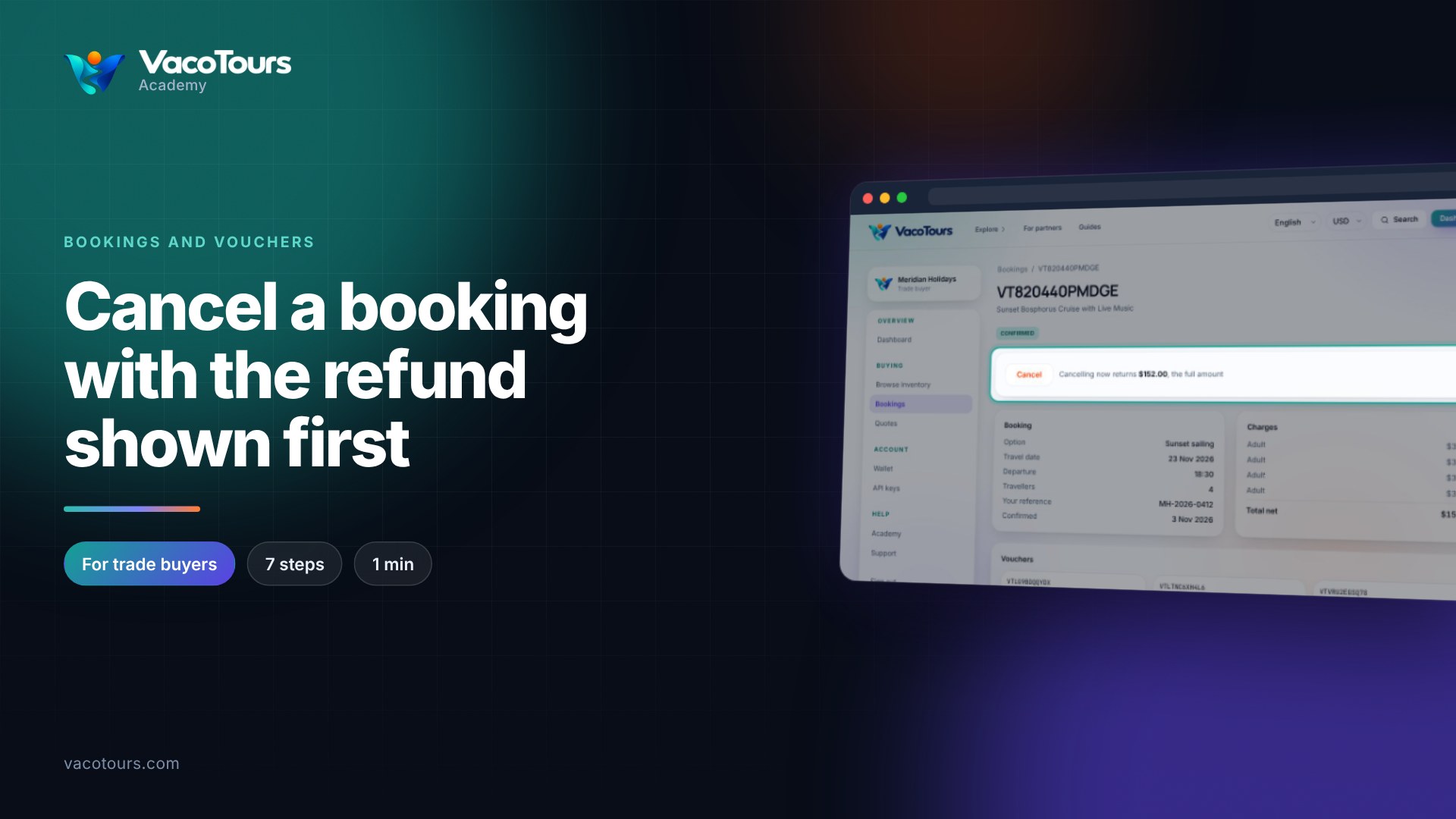
Cancel a booking with the refund shown first
See what cancelling a booking would return before you do it, and read the refund on a booking already cancelled.
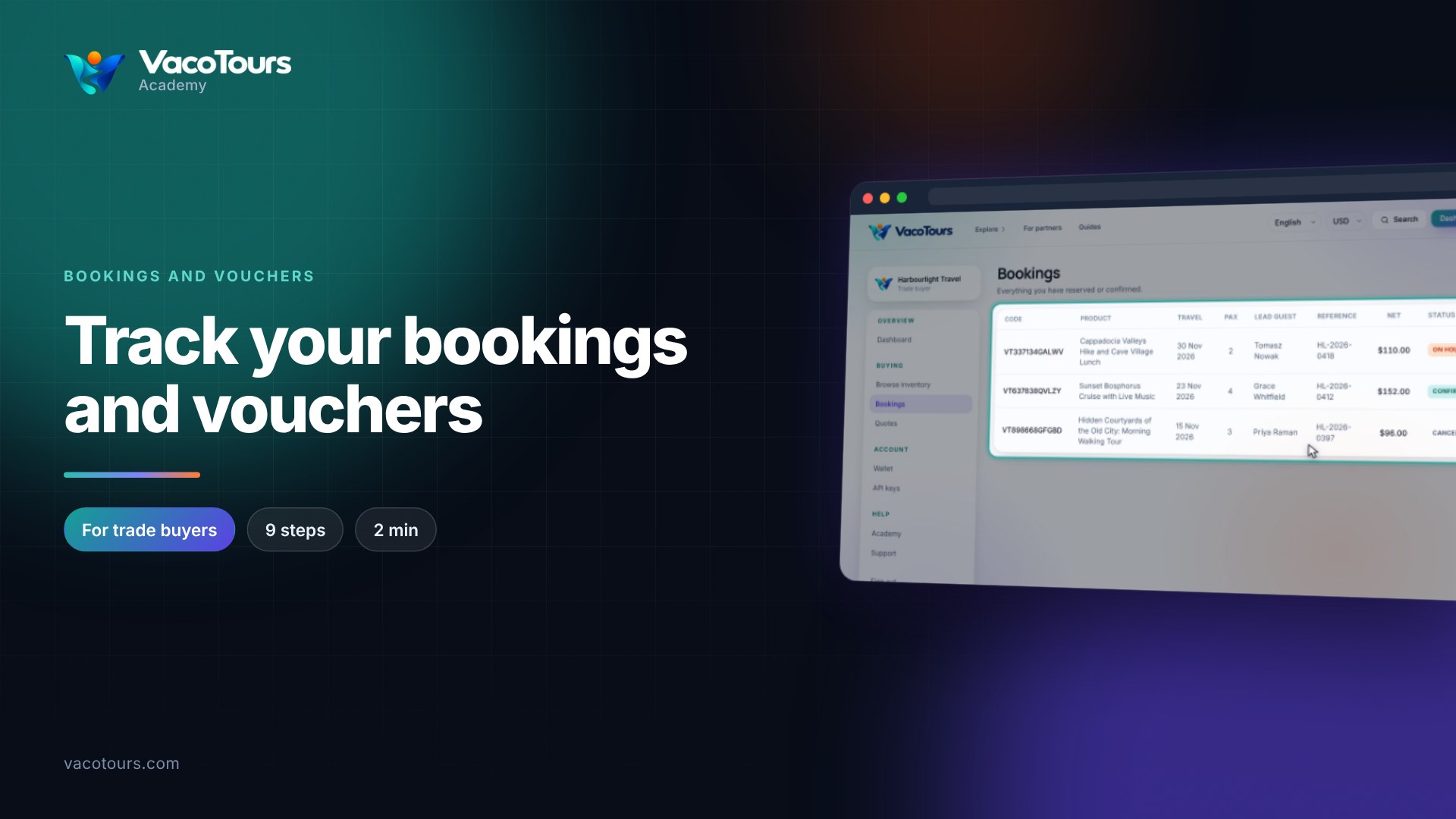
Track your bookings and vouchers
Read your bookings list column by column, then open a booking to see its details, charges and vouchers.
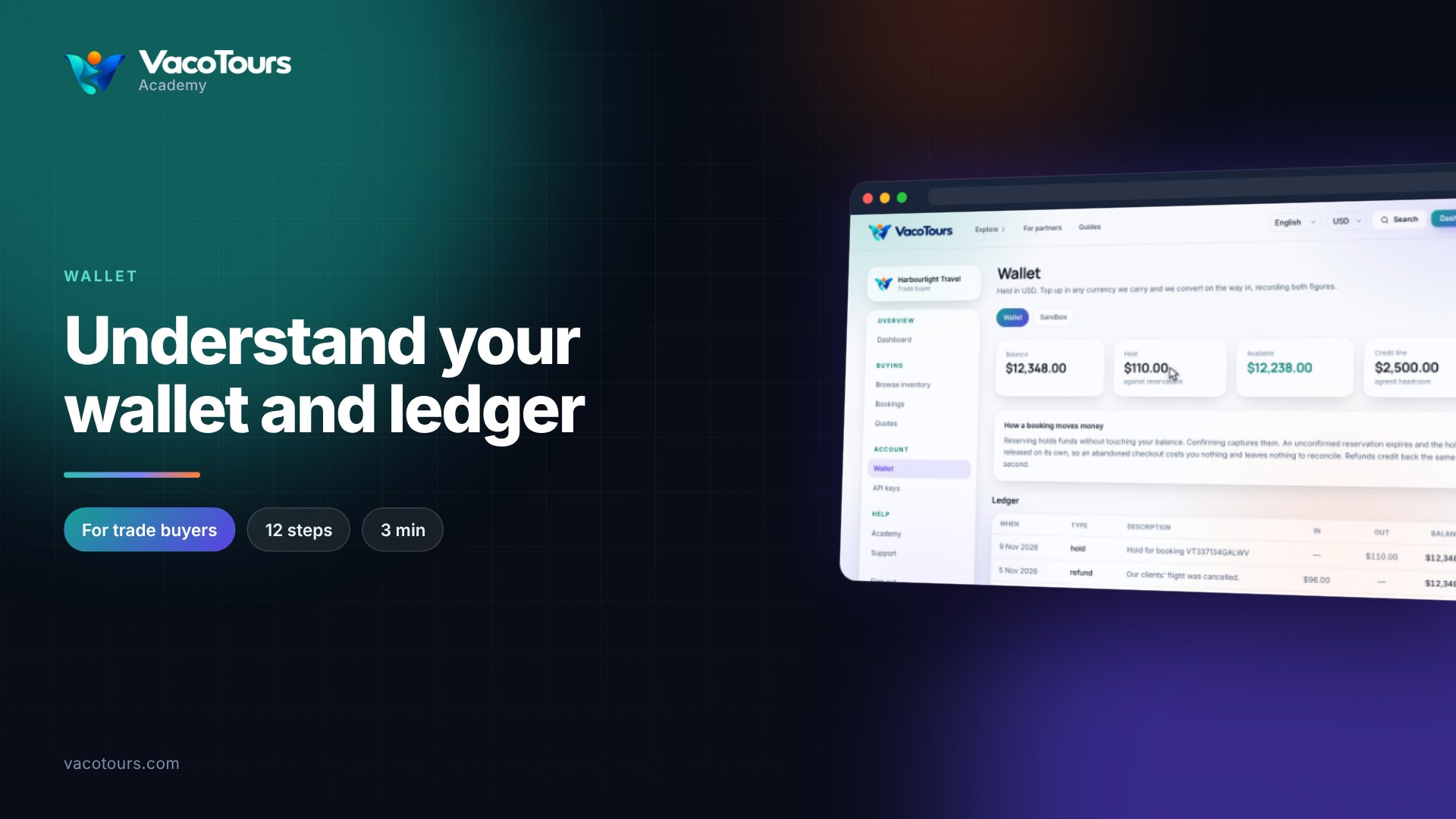
Understand your wallet and ledger
Read your wallet's four figures, see how a booking holds and spends money, and follow every line of the ledger.
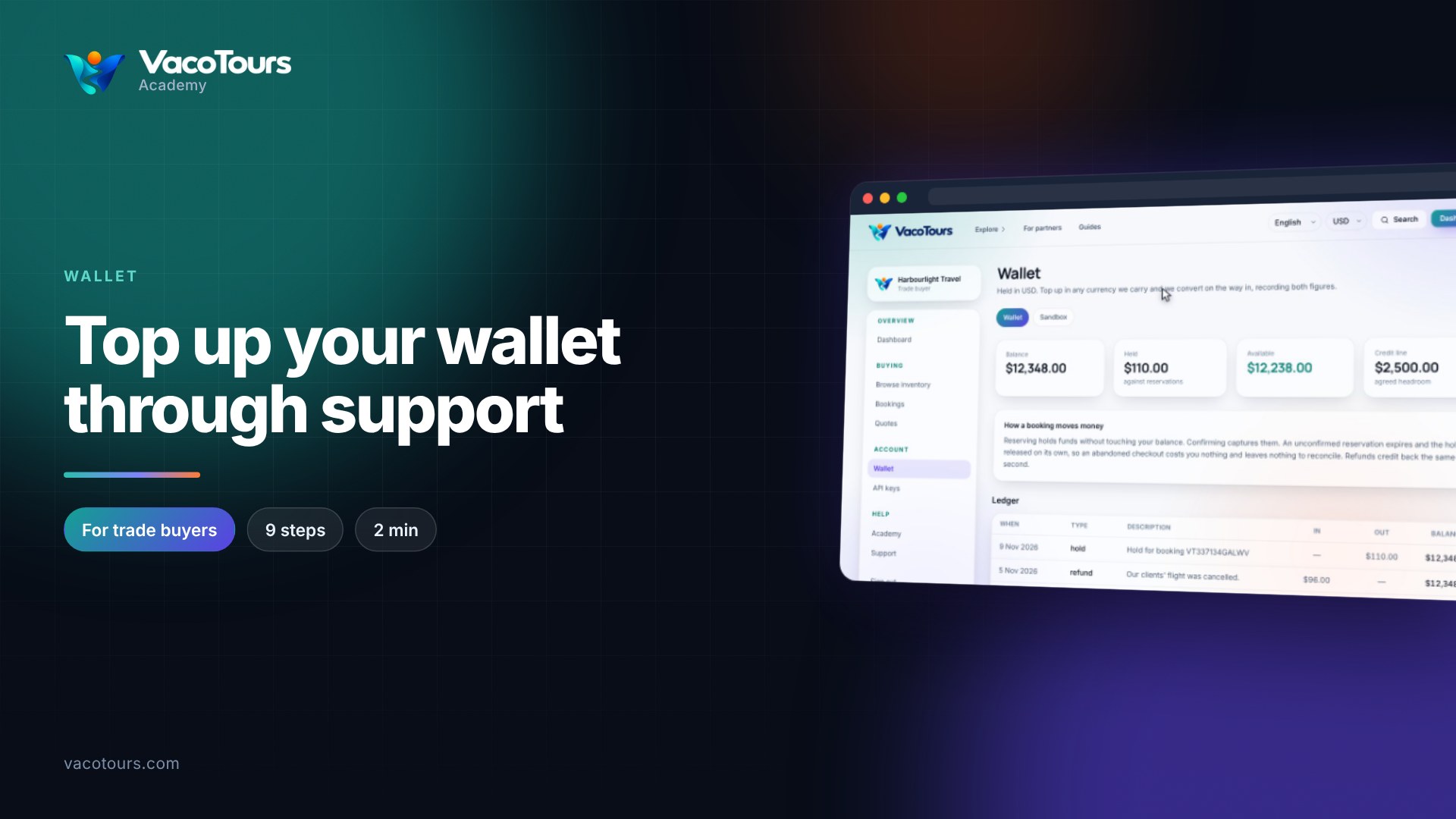
Top up your wallet through support
Top up your wallet: ask our team for bank transfer details with a support ticket, in US dollars or another currency.
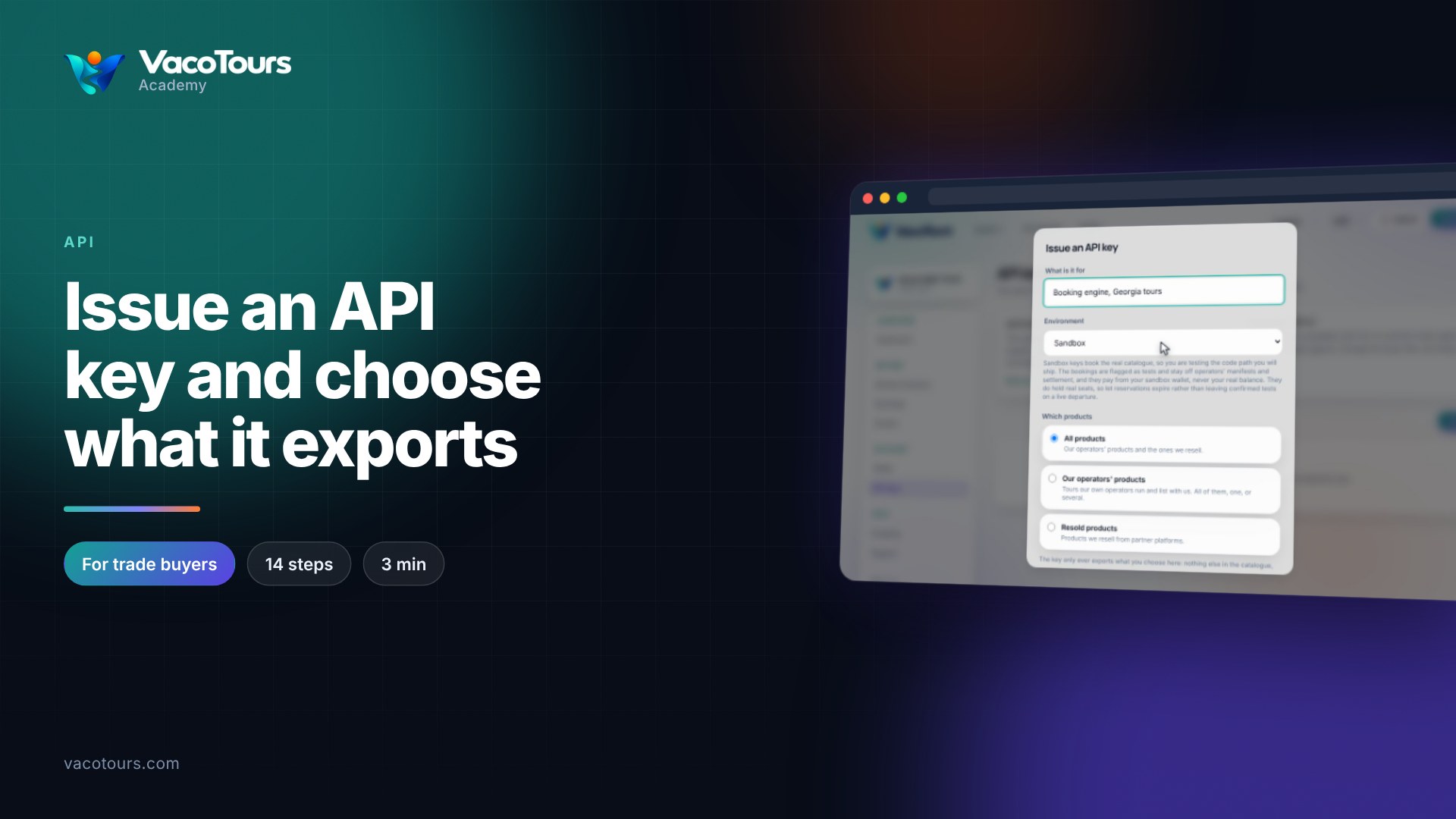
Issue an API key and choose what it exports
Issue an API key, choose which products it exports, change that later, and revoke a key you no longer need.
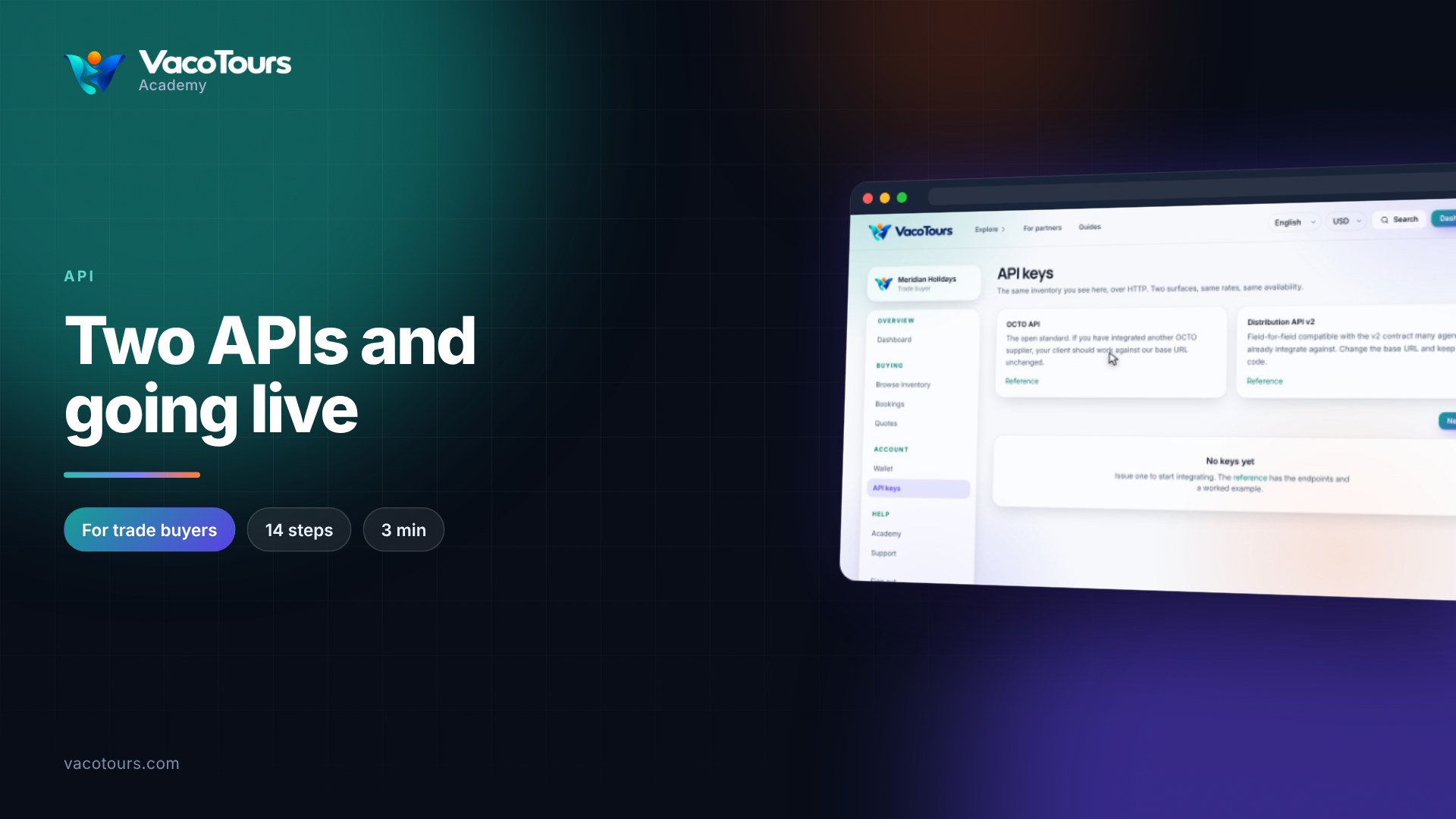
Two APIs and going live
Compare the OCTO API and Distribution API v2, see how a booking is reserved and confirmed, and go live with a production key.
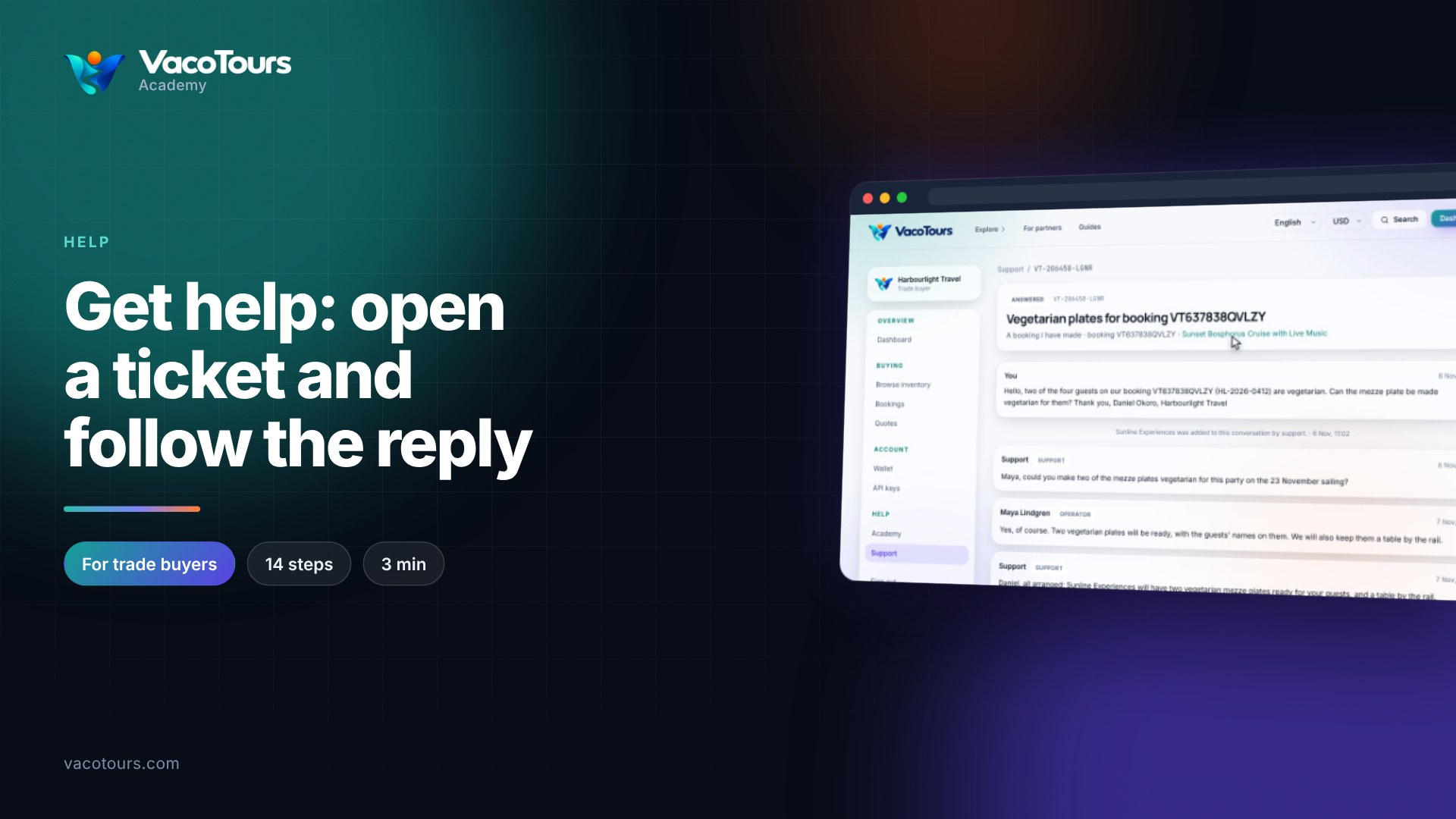
Get help: open a ticket and follow the reply
Follow a support conversation, see who wrote what, reply to it, and open a new ticket about one of your bookings.
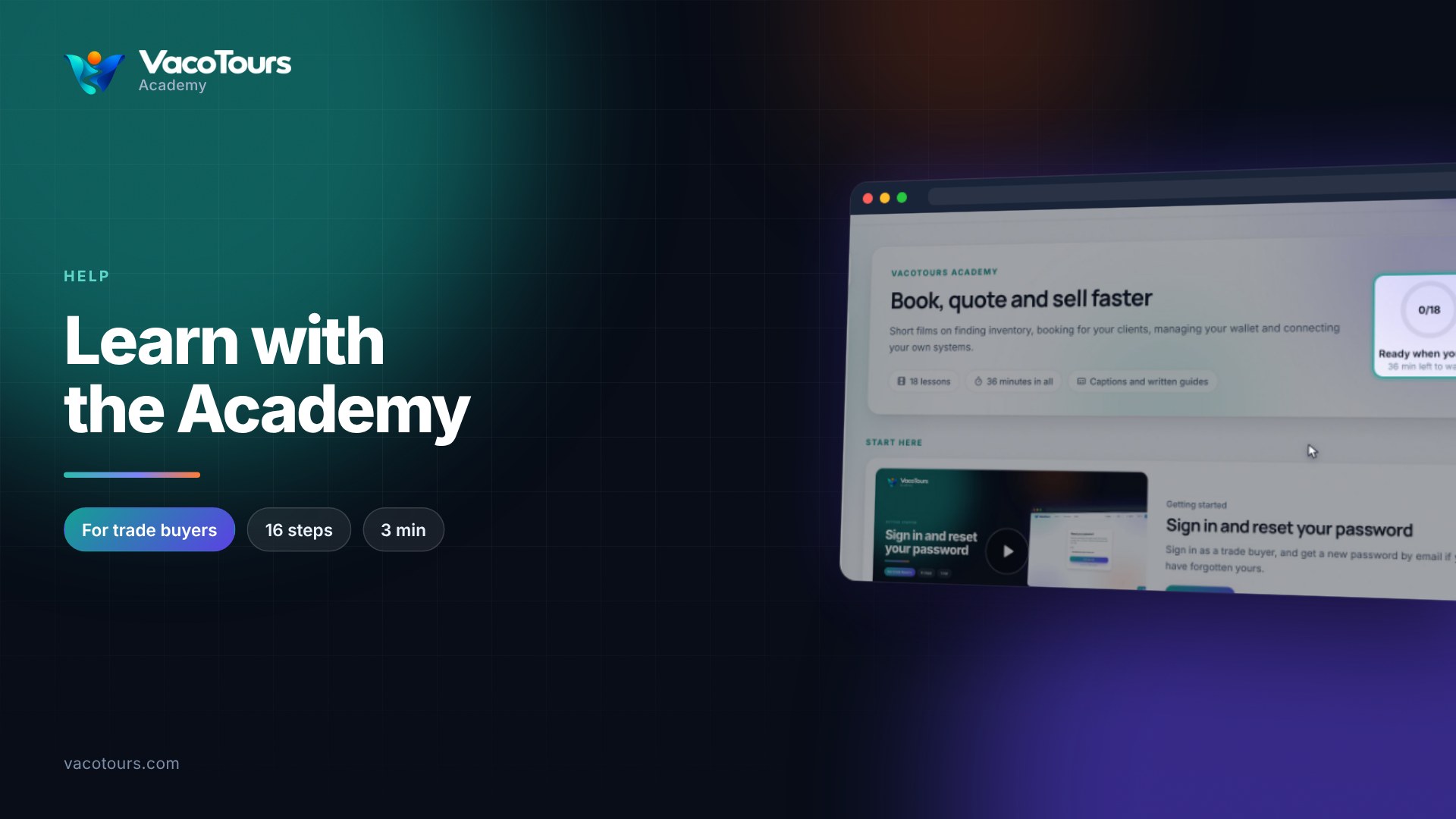
Learn with the Academy
Search or browse the Academy, then watch a lesson with chapters, captions in your language, your own speed and a transcript.