Loading
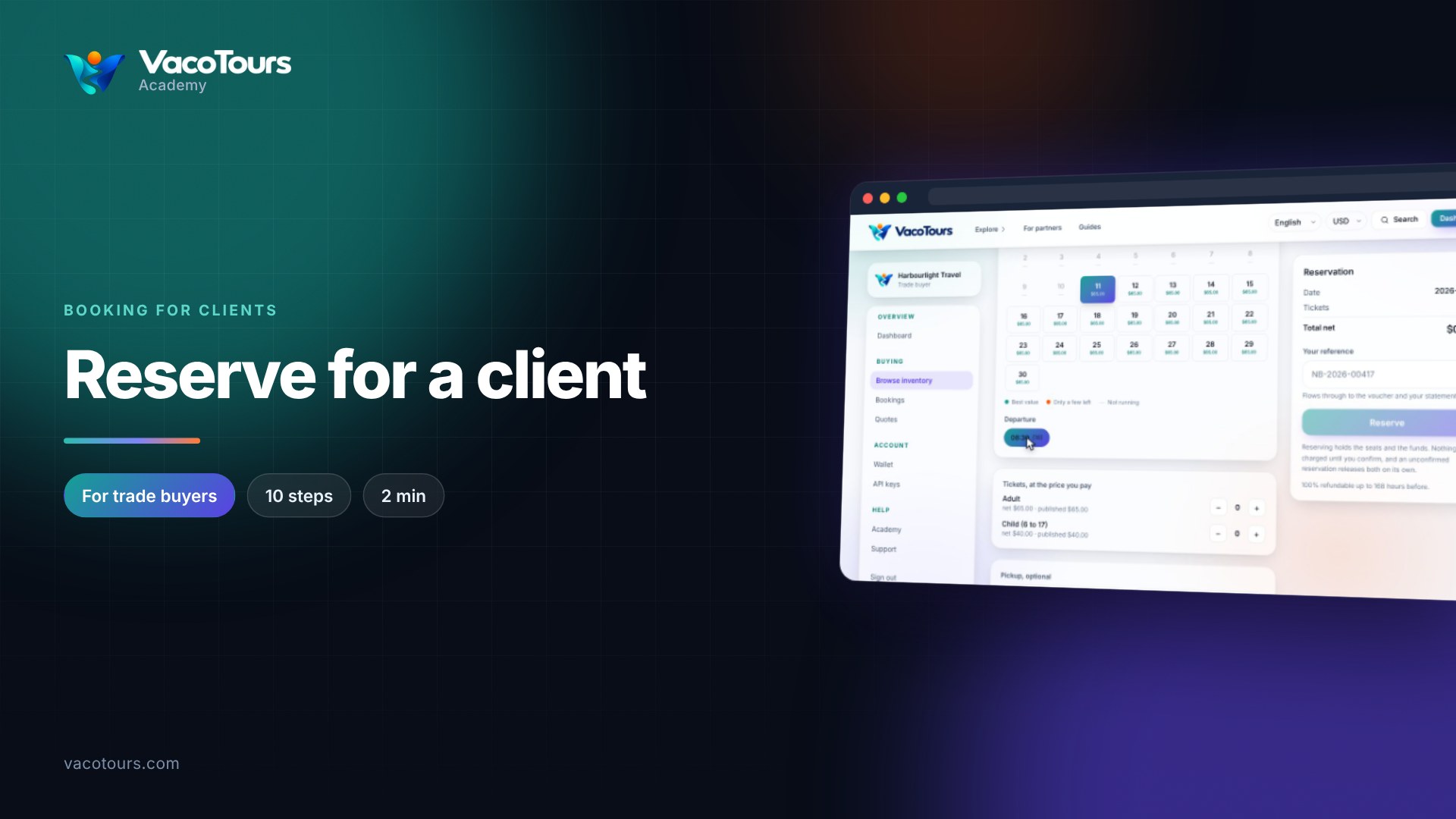
Every product page shows its trade terms before you reserve: the options, the dates that run, the places left, what you pay and the refund rule.
Search Inventory for the product and click its title.
If there is more than one, choose under Option. Dates and prices follow your choice.
Each day under Travel date shows its lowest net price. Best value, Only a few left and Not running explain the days.
Under Departure, the number in brackets is how many places are left.
In Tickets, at the price you pay, net is what you pay and published is what a traveller pays on the public site.
The line under the reservation summary says until when the booking can be refunded in full.
Tip. What you charge your client is yours to decide. Where an operator publishes a parity floor, do not sell below it.
More in Finding inventory