Loading
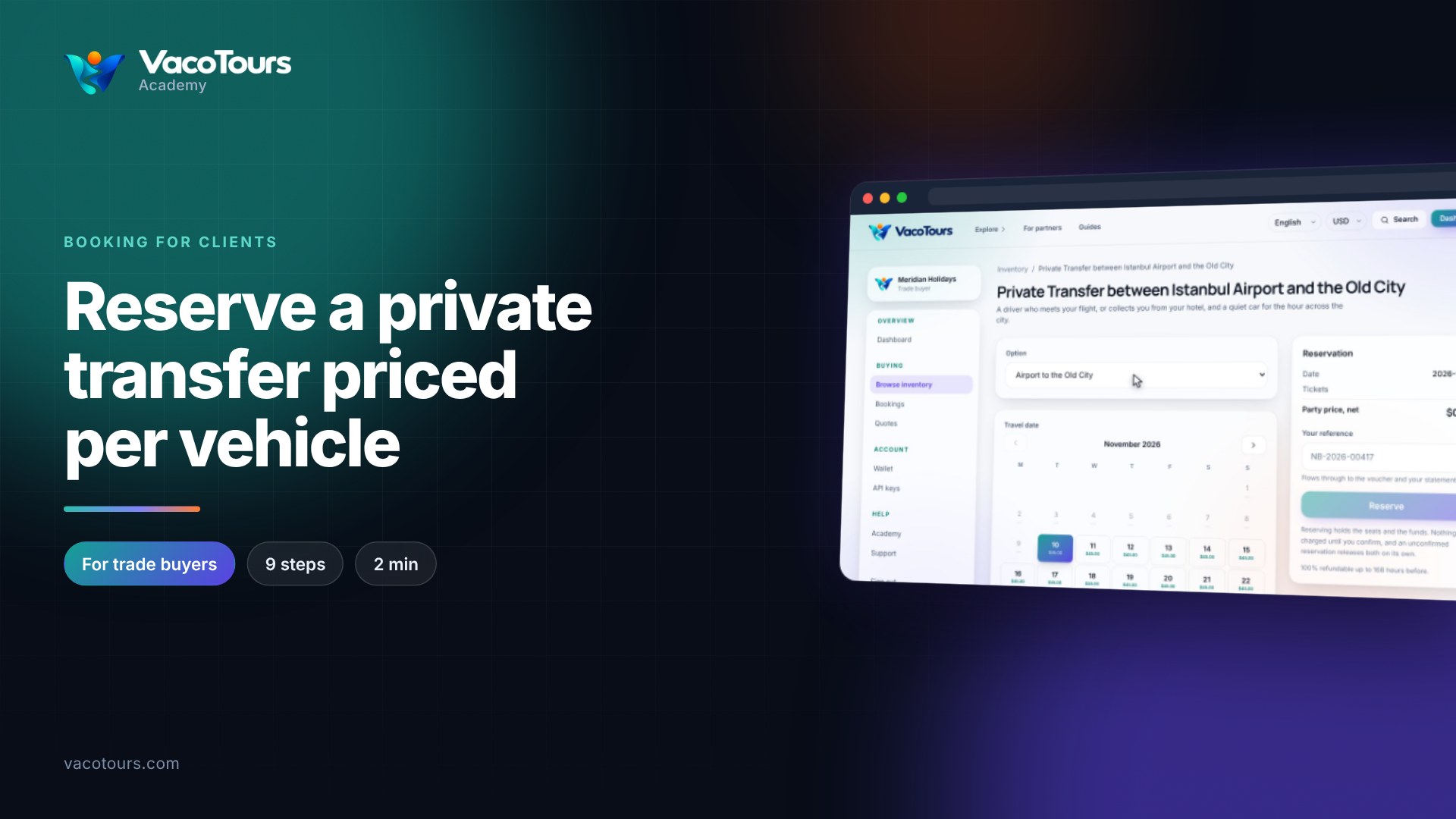
Reserving holds the seats and the funds for your client. Nothing is charged until you confirm, so you can reserve first and confirm when the client is sure.
Search Inventory and click the product's title.
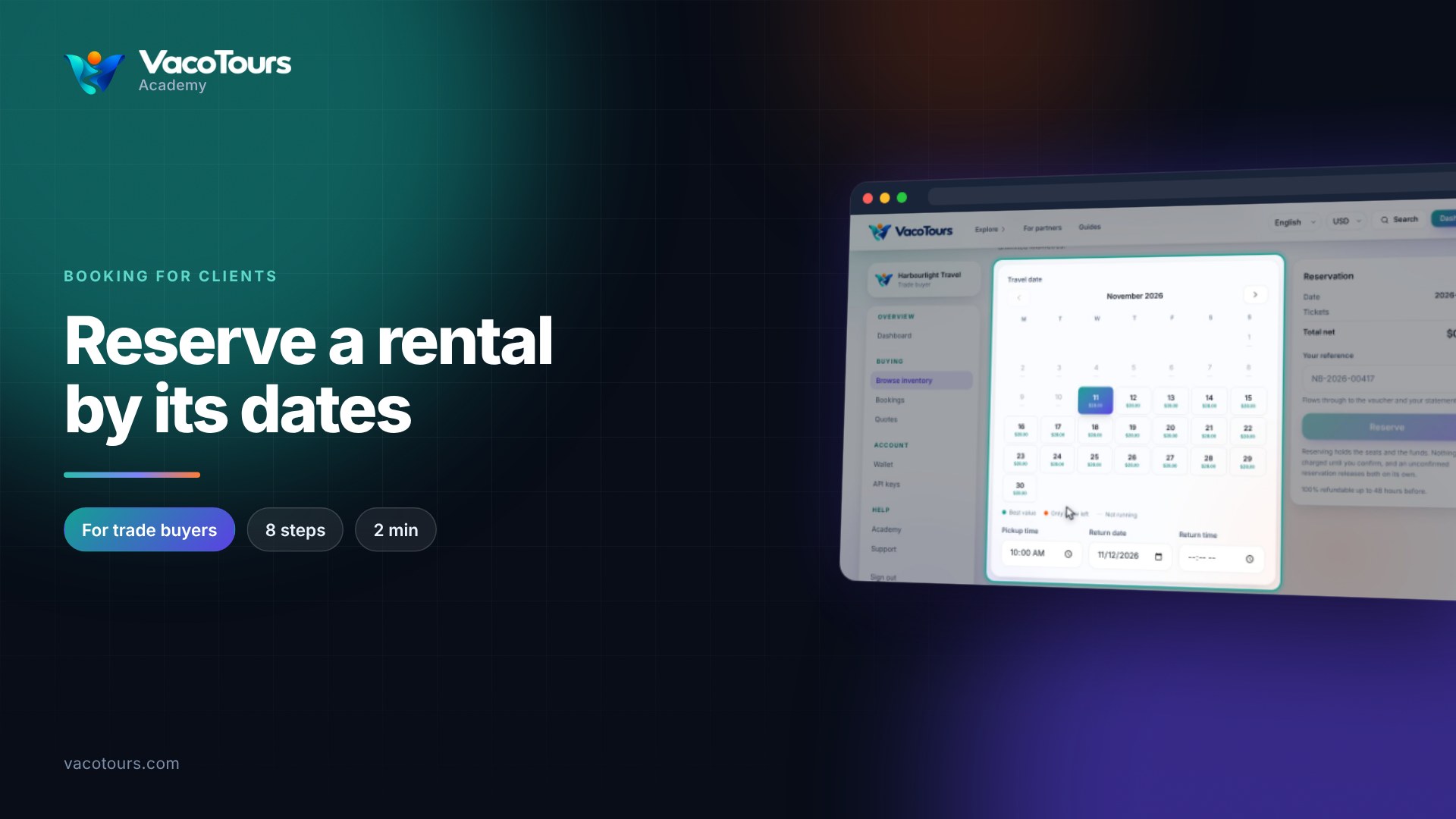
The first day with space is already chosen. Pick another day if needed, then the time under Departure.
Press the plus button beside each ticket type until the numbers are right.
Choose a pickup point or type a hotel, if offered, and answer What the operator needs.
Type the name and email of the person who travels and shows the voucher.
Type your own reference in Your reference. It appears on the voucher and your statement.
Check the summary and press Reserve. The seats and funds are held until you confirm, and released on their own if you do not.
Tip. Reserve while your client decides: it costs nothing until you confirm.