Loading
Every booking page tells you what cancelling would return before you do it. Pressing Cancel only opens a dialog, so you can always back out.
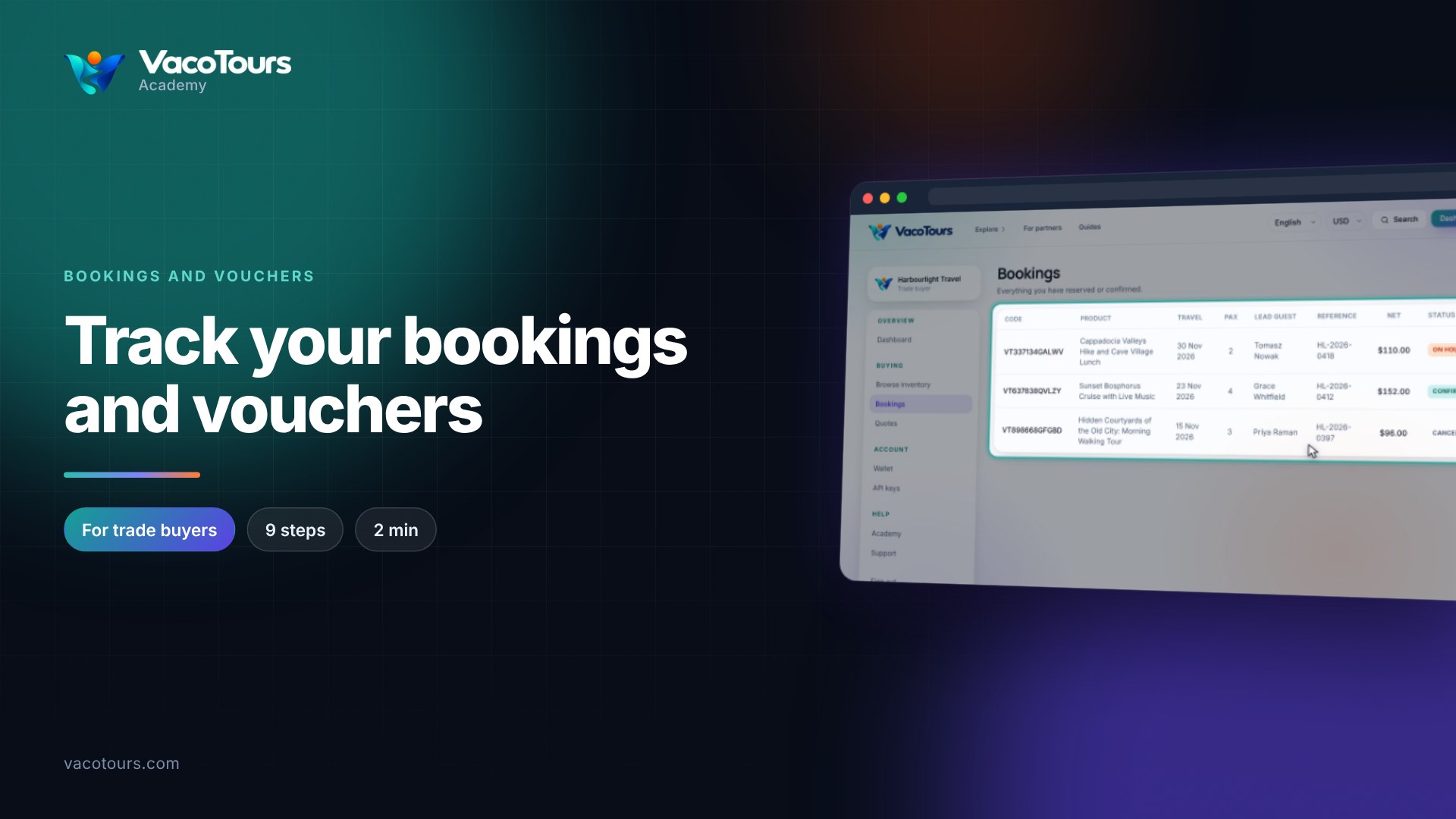
On Bookings, open the booking you want to cancel.
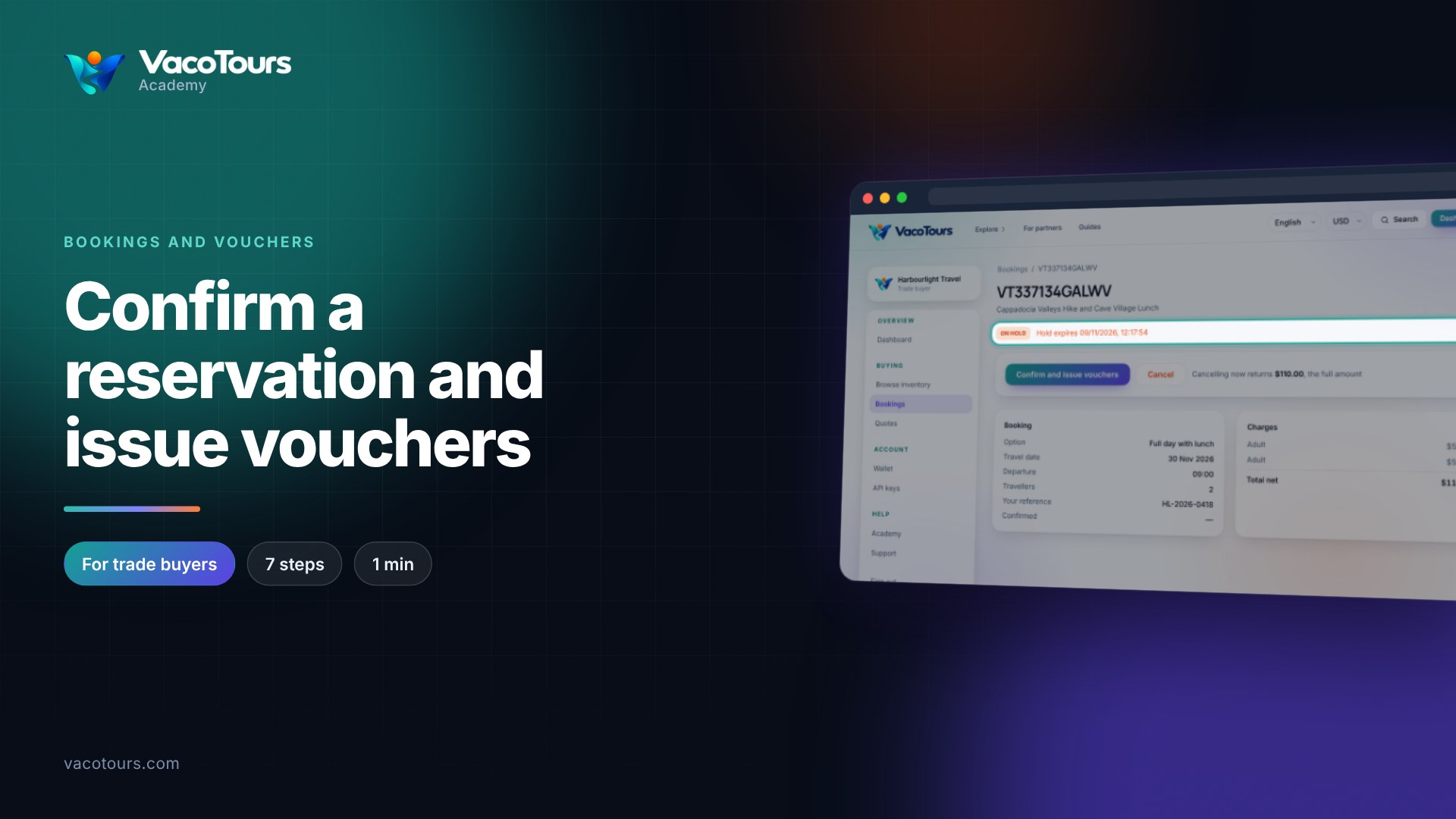
The line beside Cancel says what cancelling now would return.
Press Cancel. The dialog Cancel this booking? shows the amount that would be credited back.
Press Cancel booking to cancel and receive the refund, or Cancel in the dialog to keep the booking.
On a cancelled booking, the Refunded line in Charges shows what came back to your wallet.
Careful. Cancelling cannot be undone. Read the refund line first: the closer the trip, the less may come back.
More in Bookings and vouchers