Loading
Video guides
Quick films on finding experiences, booking, managing your trips and using your points.
Start here
Getting started
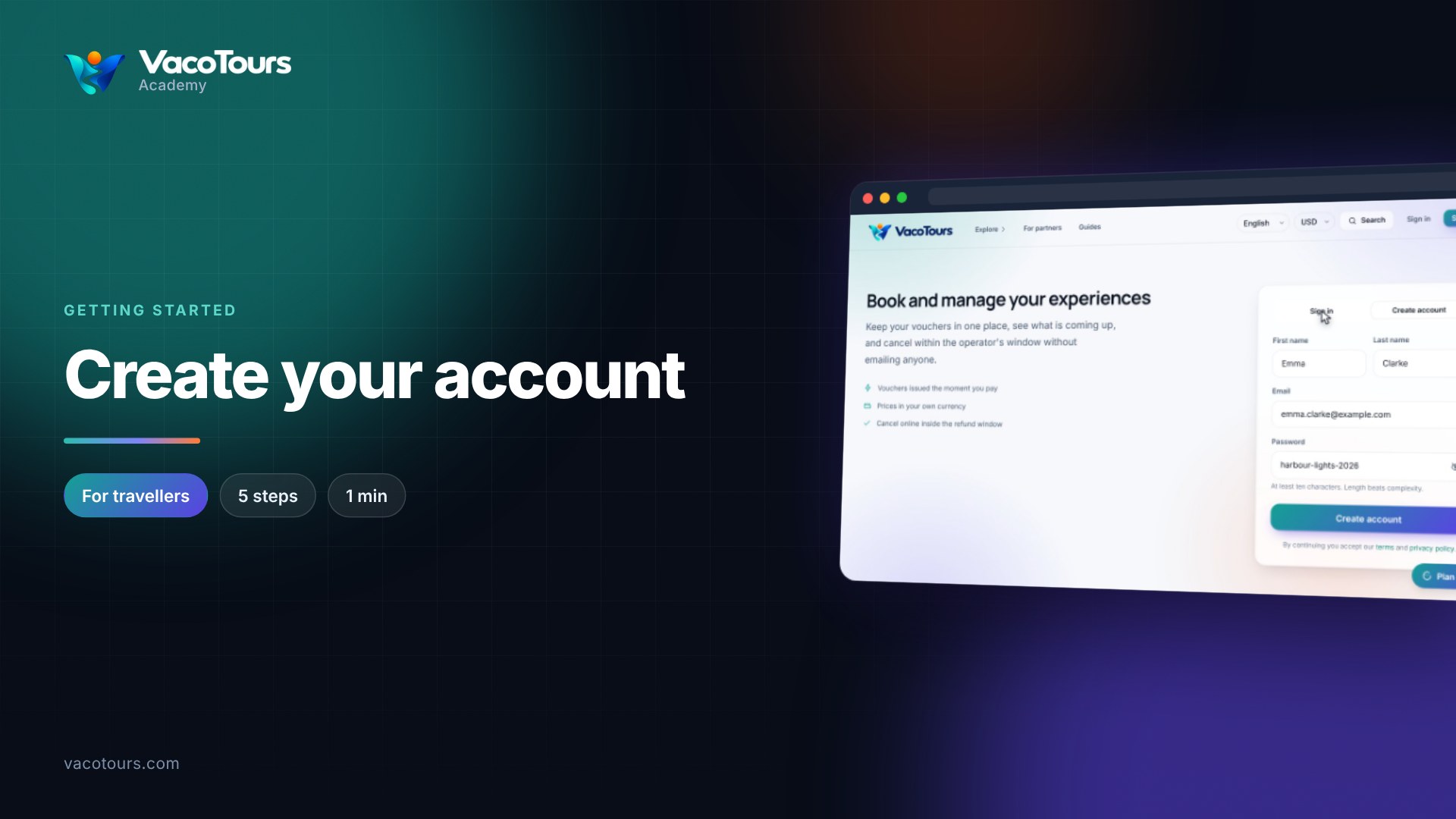
Create your account
Create your VacoTours account in a minute, so your vouchers, bookings and refunds live in one place.
Watch now1 min · 5 chapters
Create your account
Create your VacoTours account in a minute, so your vouchers, bookings and refunds live in one place.
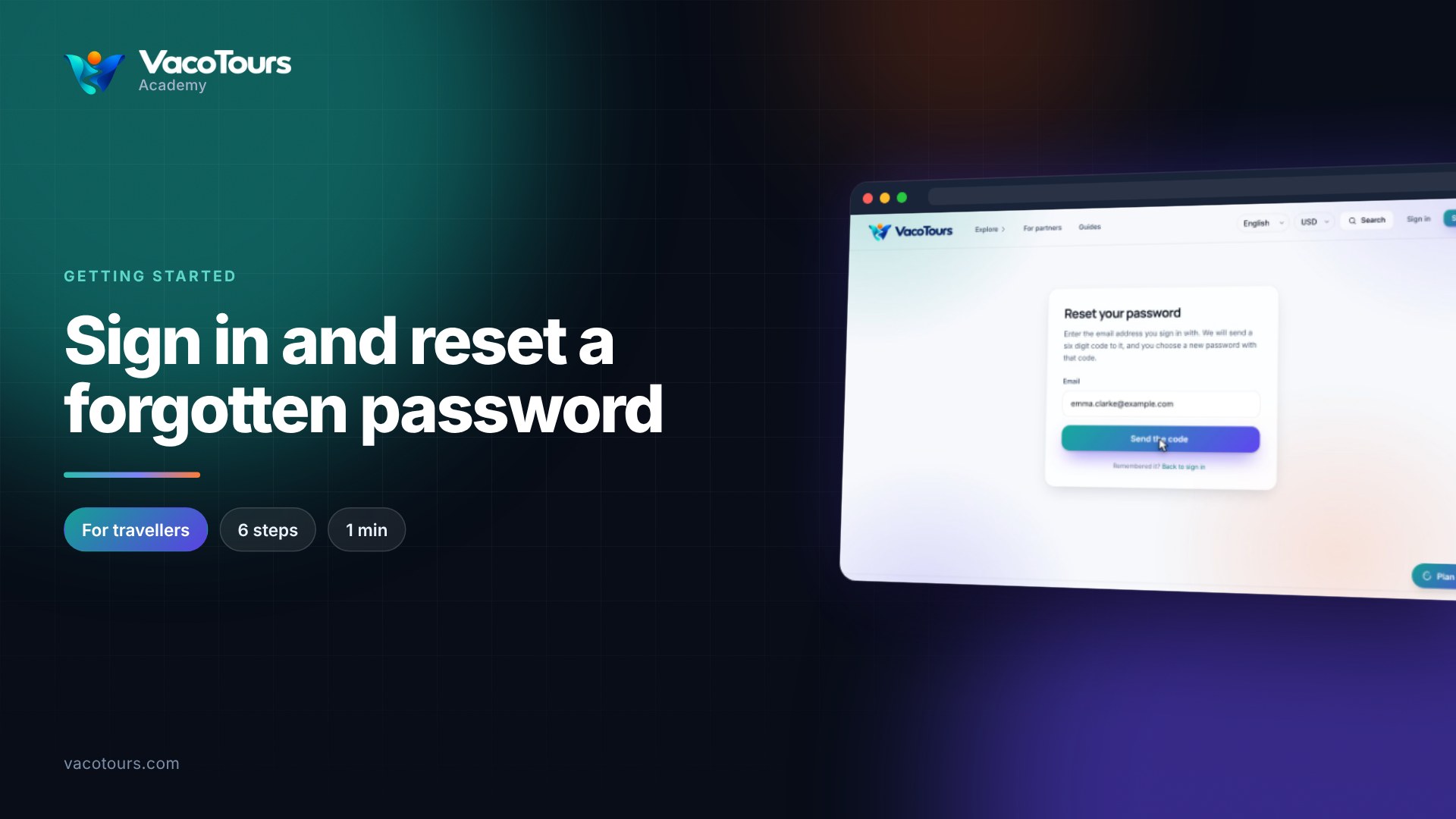
Sign in and reset a forgotten password
Sign in as a traveller, and get a new password by email if you have forgotten yours.
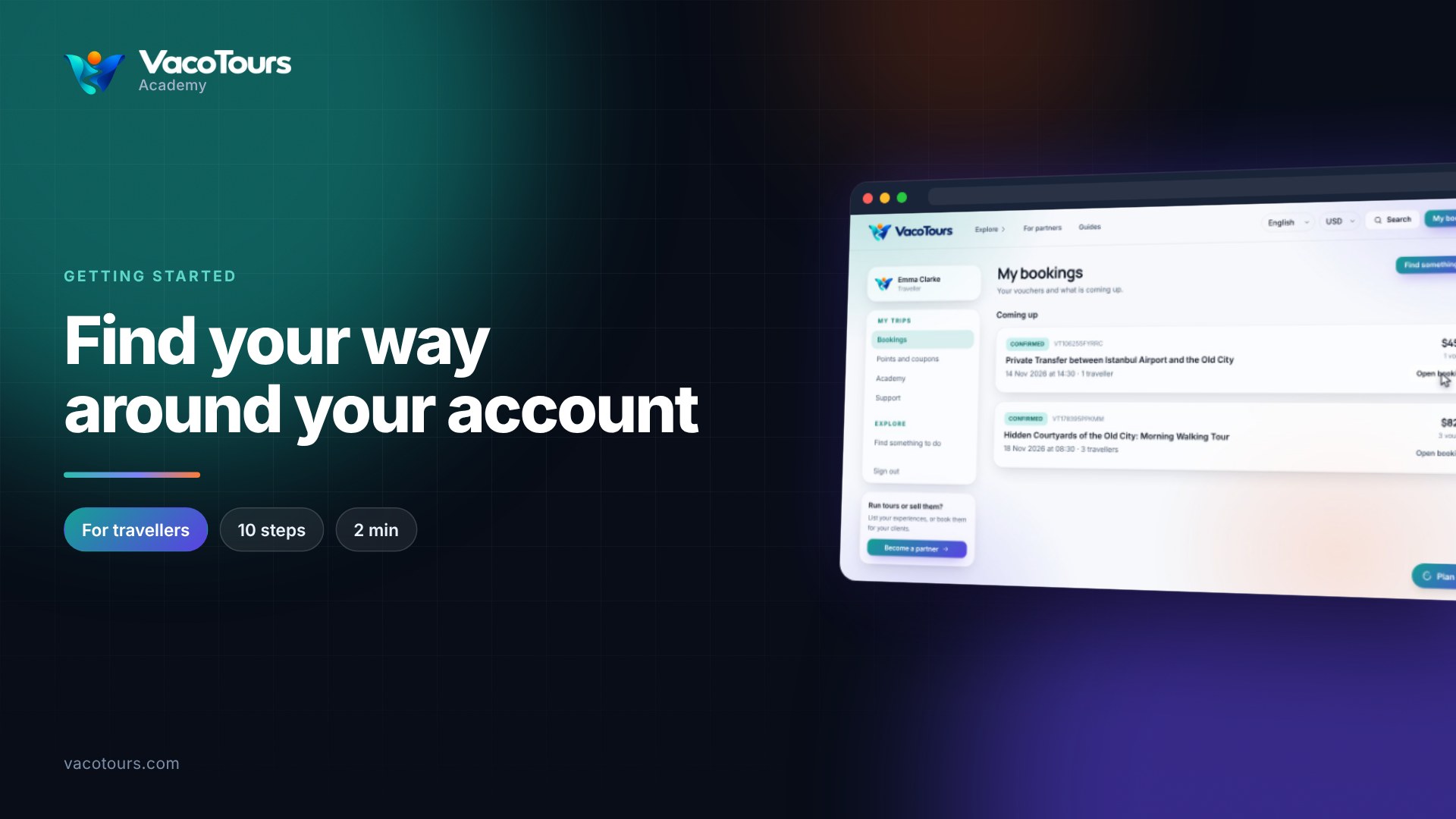
Find your way around your account
A quick walk around your VacoTours account: your trips, points and coupons, lessons, support, and the way back from anywhere.
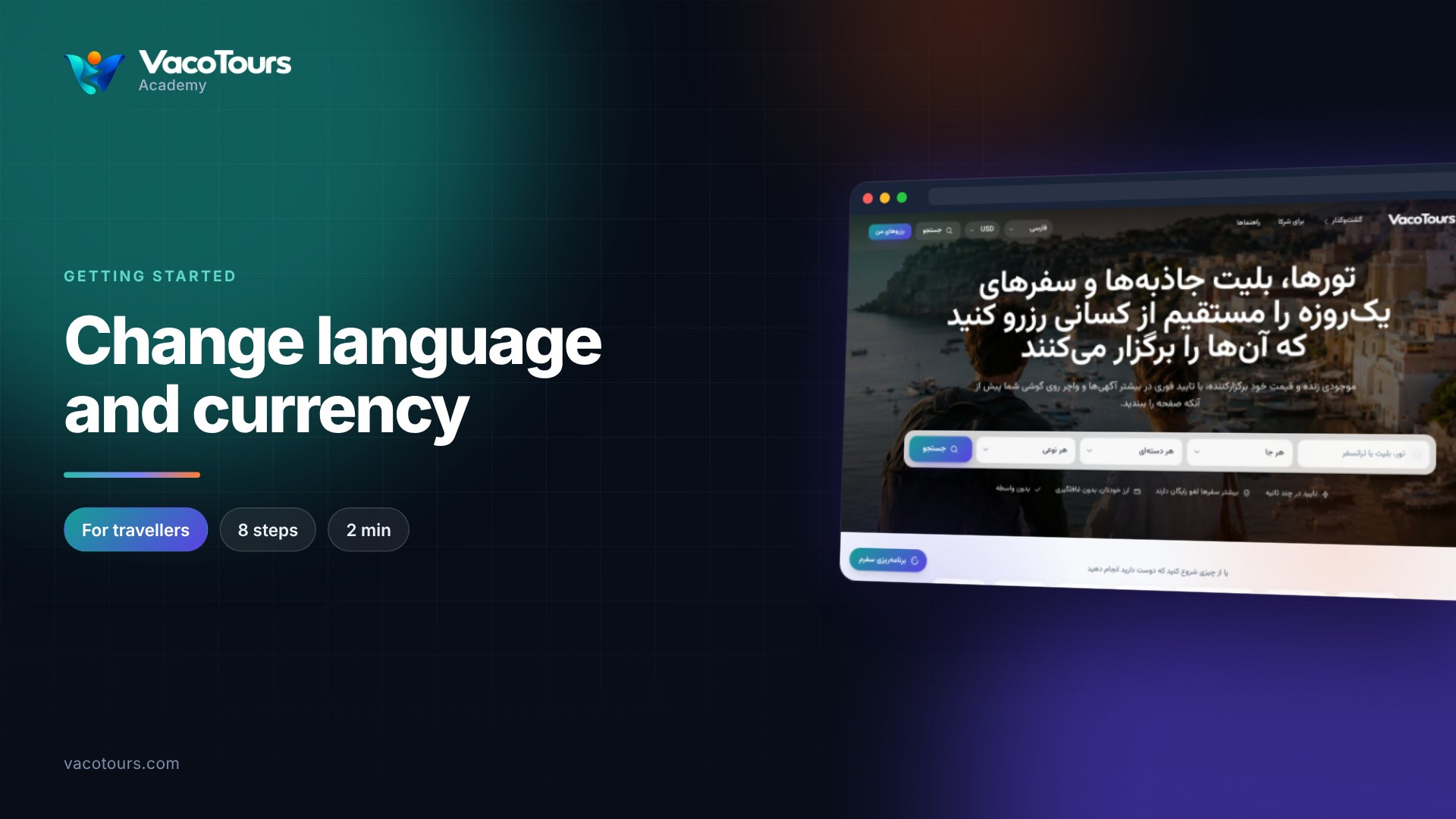
Change language and currency
Show VacoTours in your own language and see every price in your own currency, from the two pickers at the top of the page.
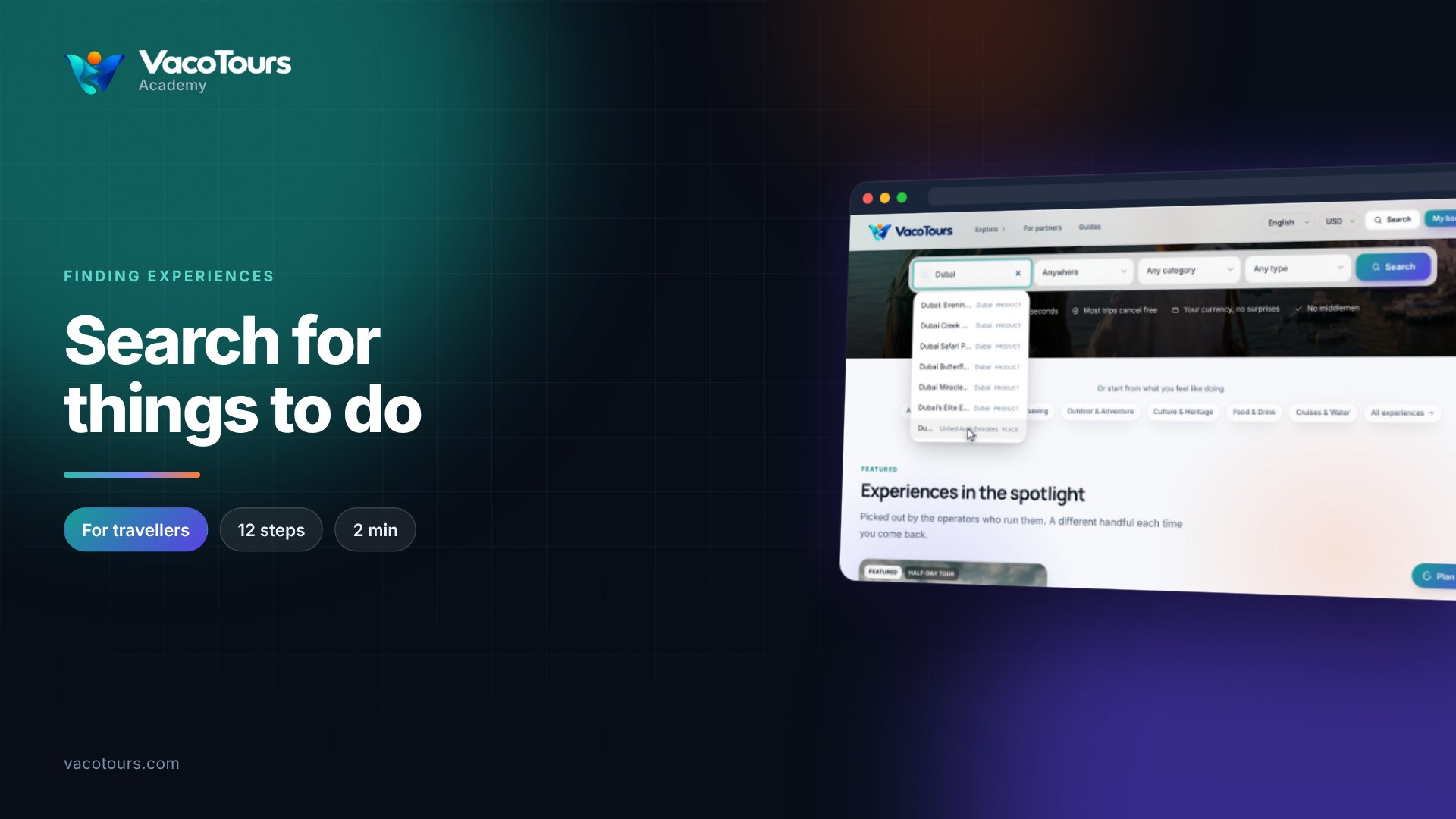
Search for things to do
Find things to do by name, by place or by kind of experience, from the search on the VacoTours home page.
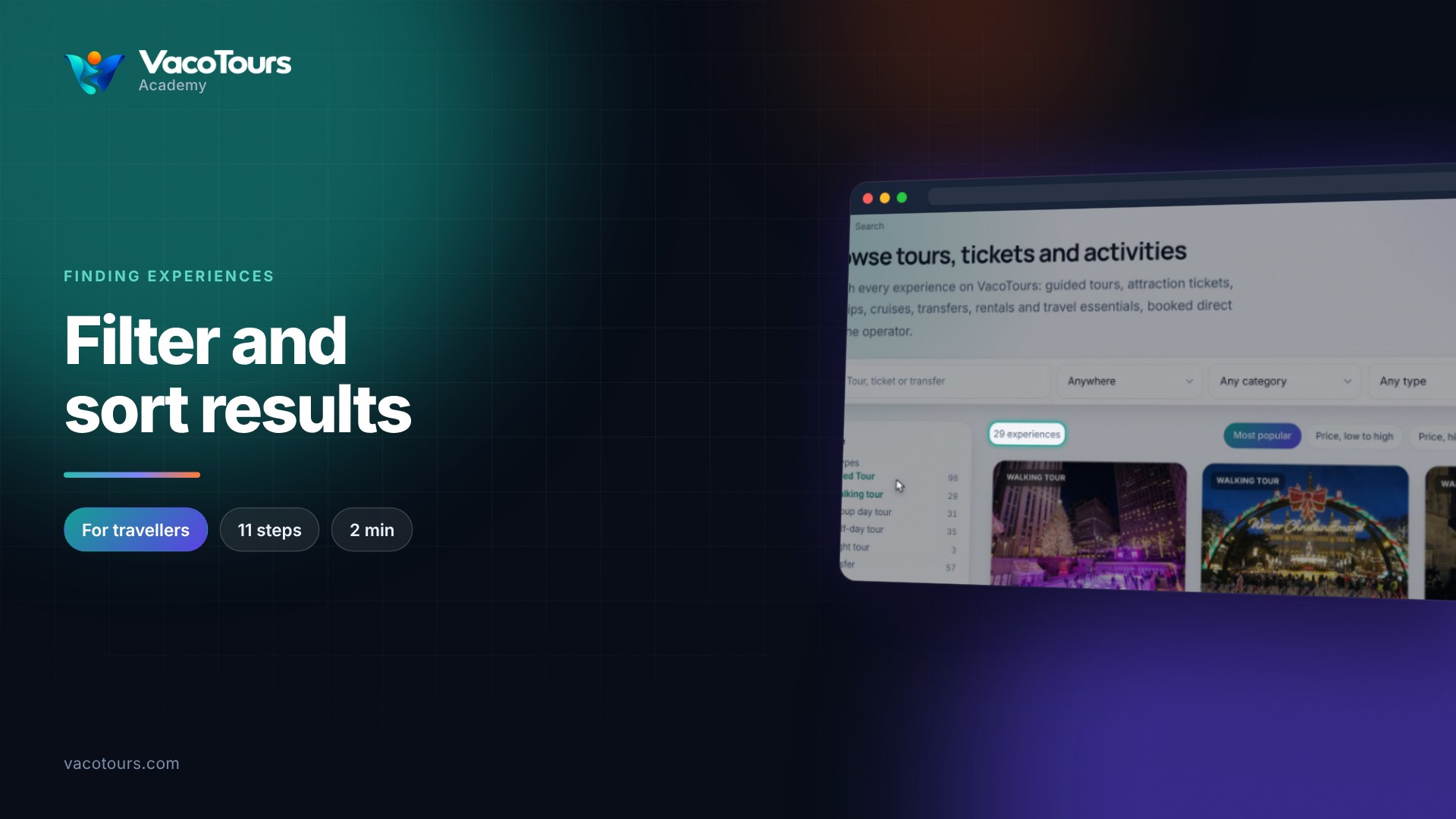
Filter and sort results
Narrow your results by type, category and destination, sort them, and read what each badge on a result card means.
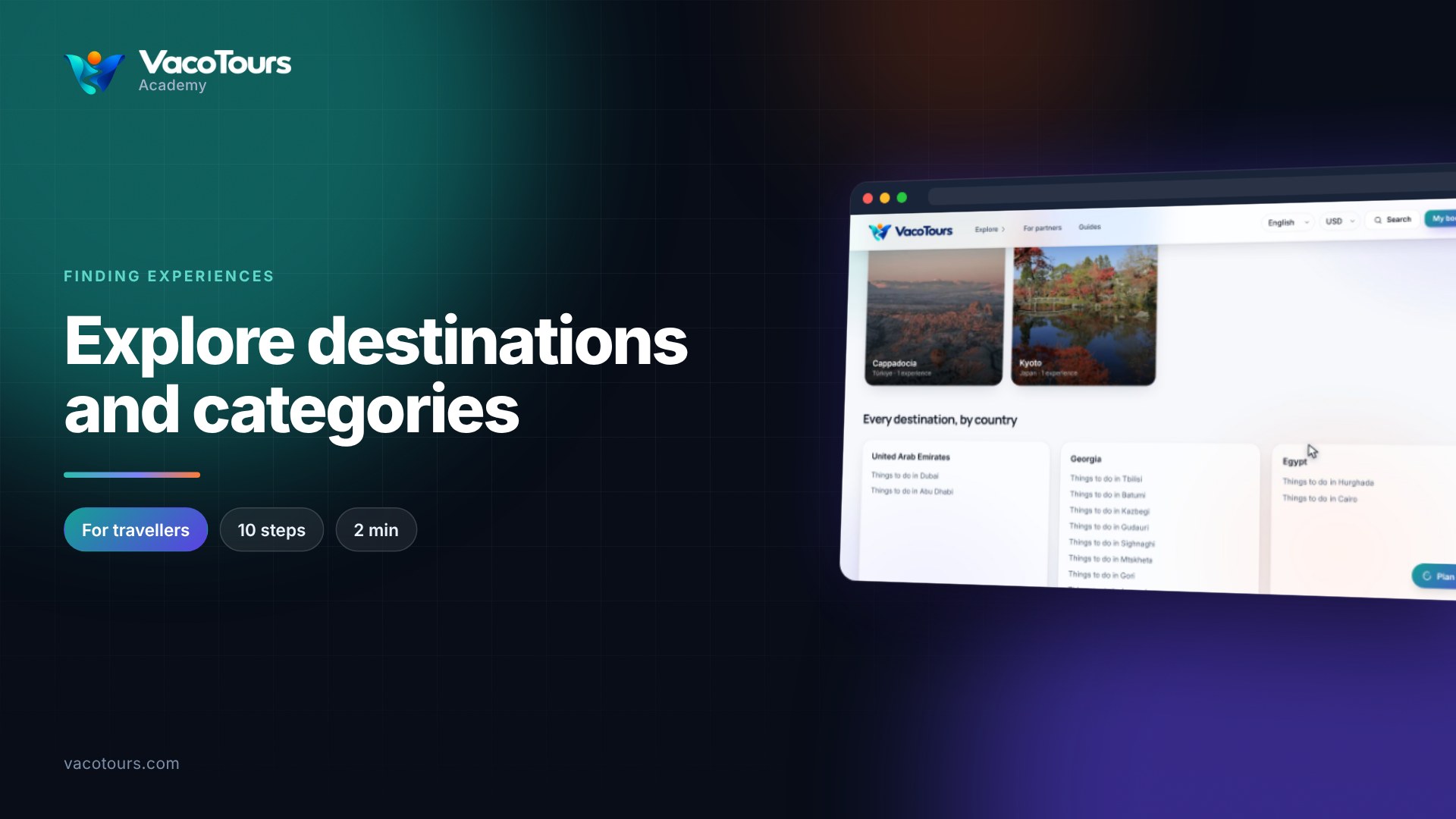
Explore destinations and categories
Browse by place or by kind of experience: the Destinations and Categories pages, and how to open what each lists.
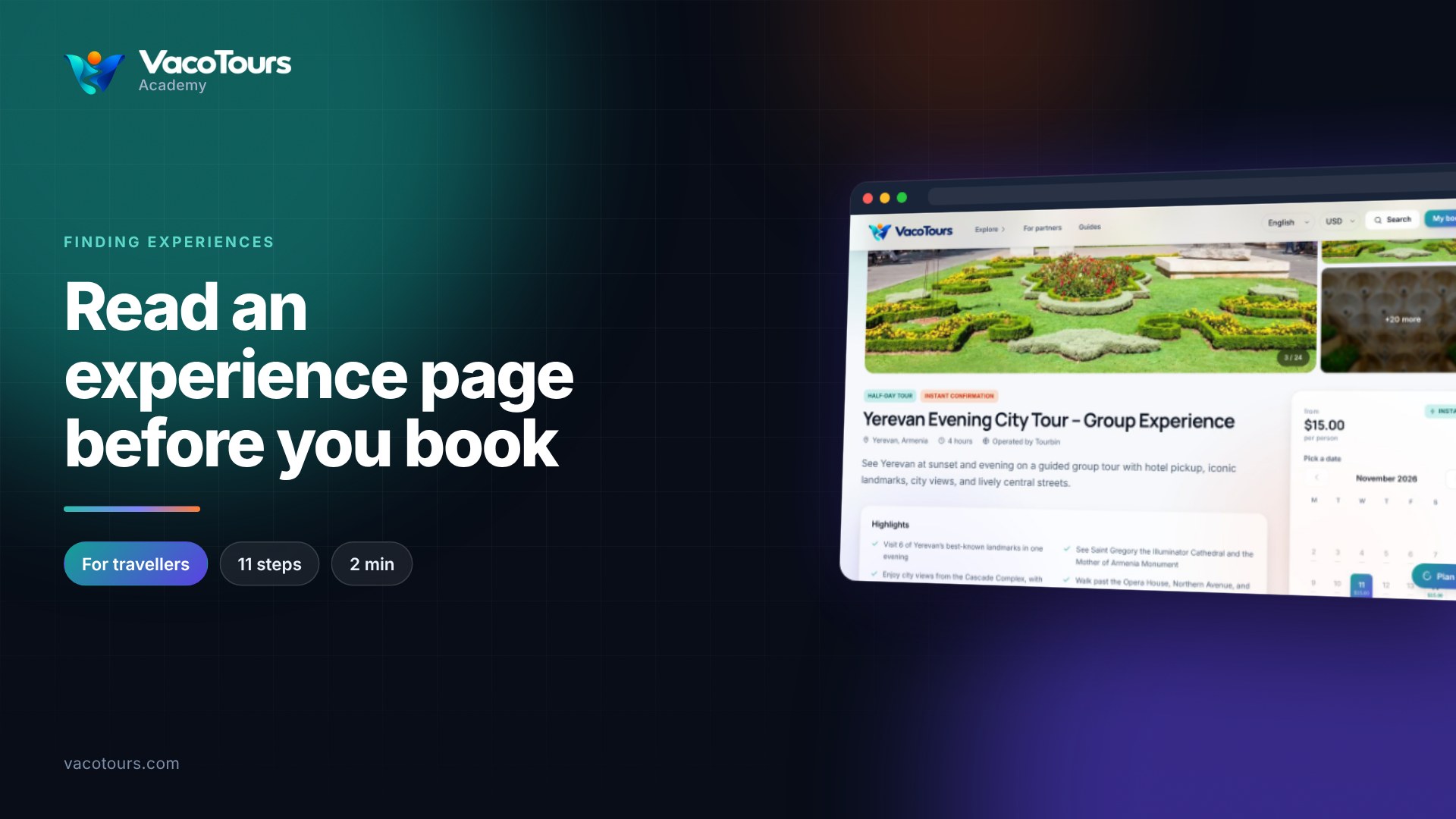
Read an experience page before you book
Read an experience page before you book: the photos, what is included, the stops, the cancellation terms and where to meet.
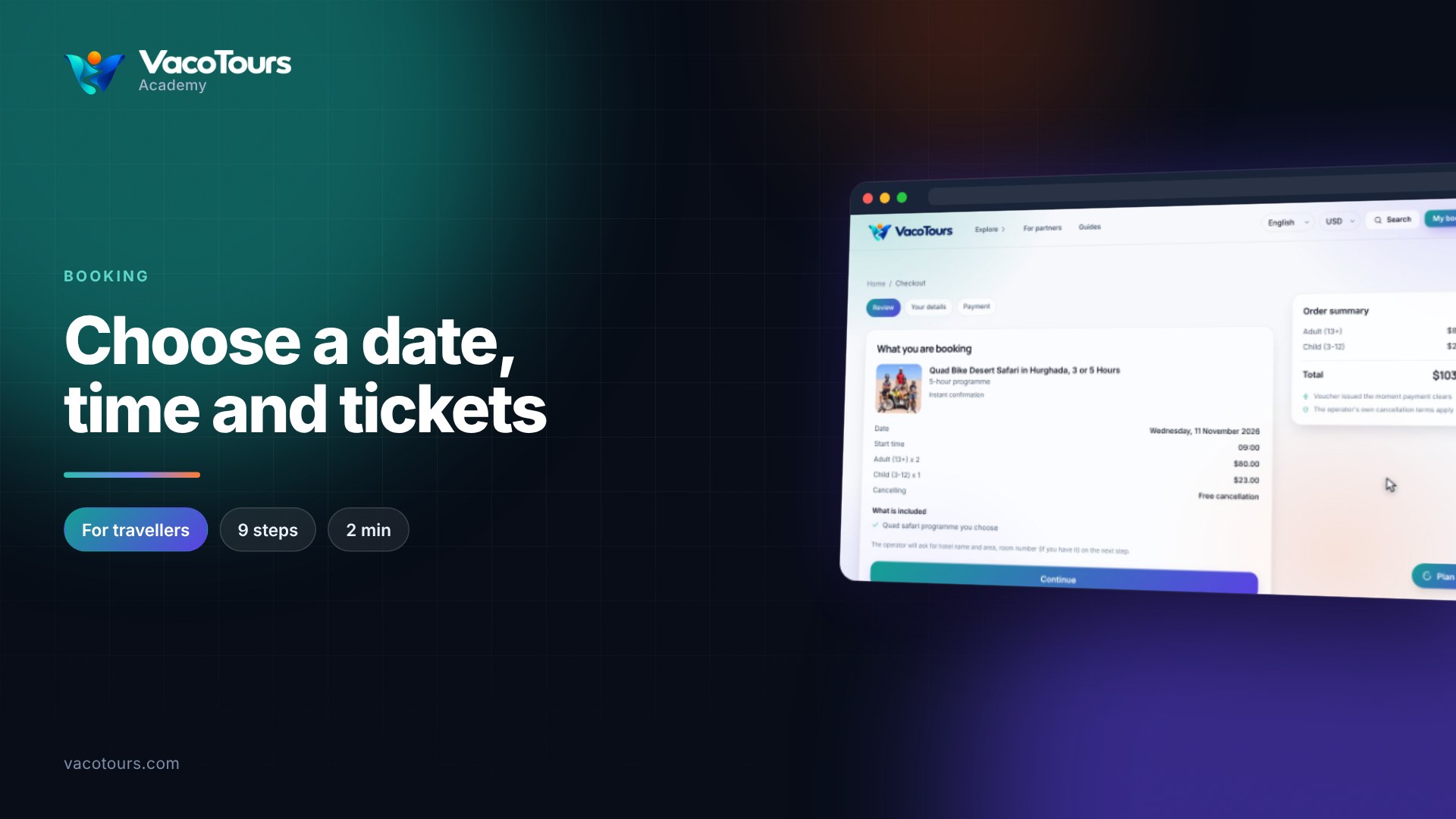
Choose a date, time and tickets
Use the booking panel to choose an option, a date, a start time and tickets, then go on to the checkout.
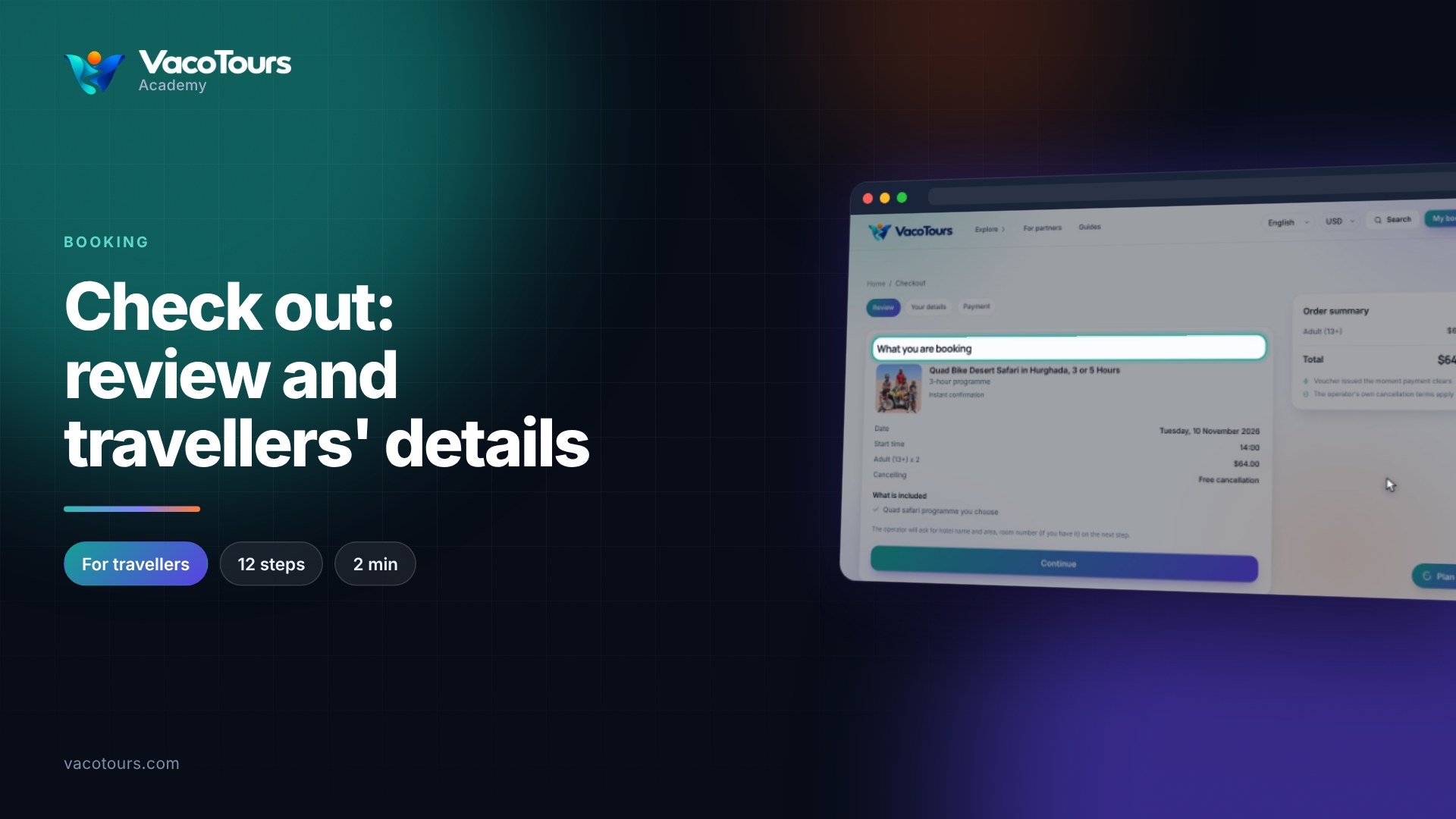
Check out: review and travellers' details
Check out step by step: review what you are booking, then enter the travellers' details and the operator's questions.
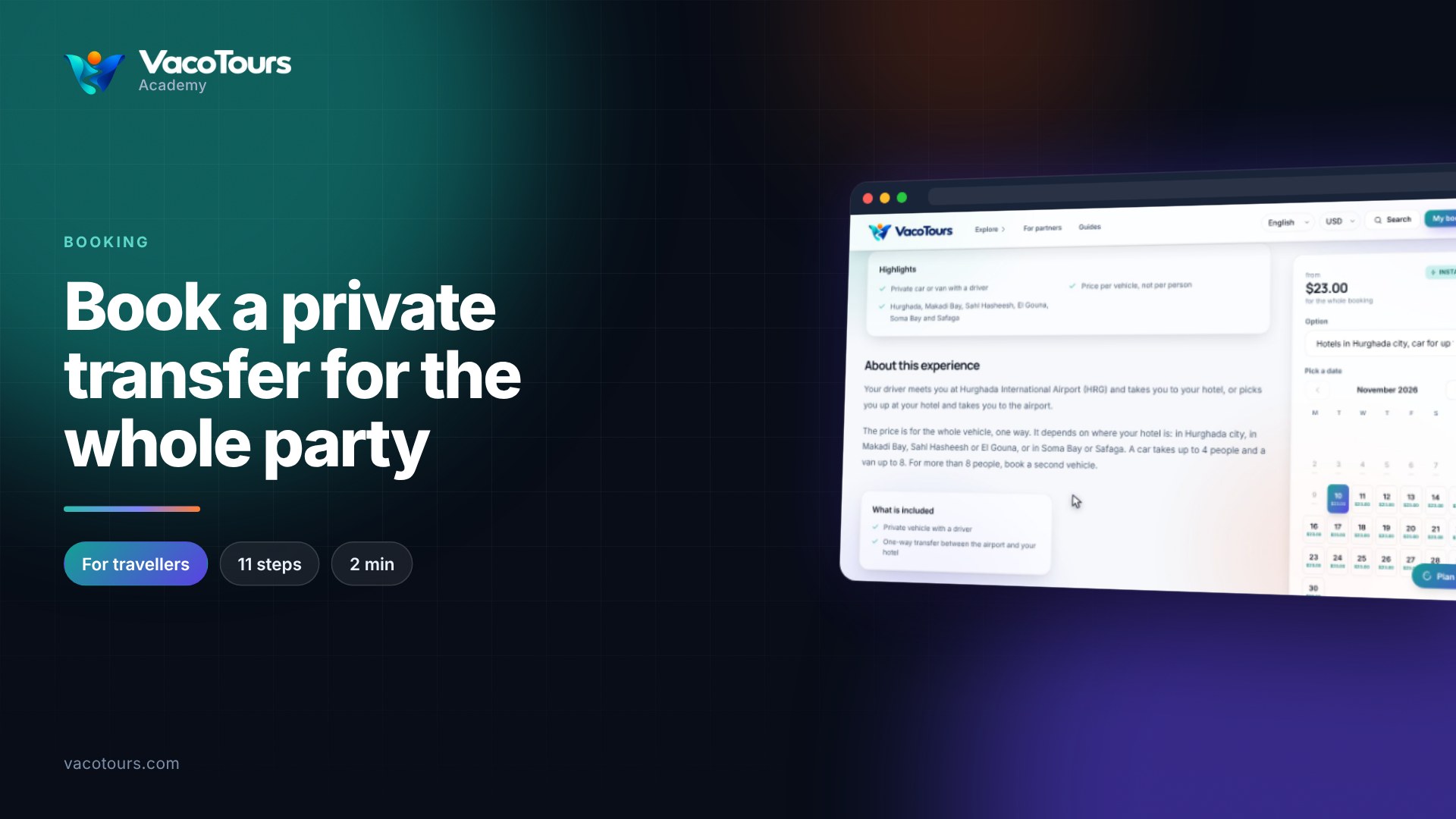
Book a private transfer for the whole party
Book a private airport transfer priced for the whole vehicle, and give the driver your flight, hotel and number of passengers.
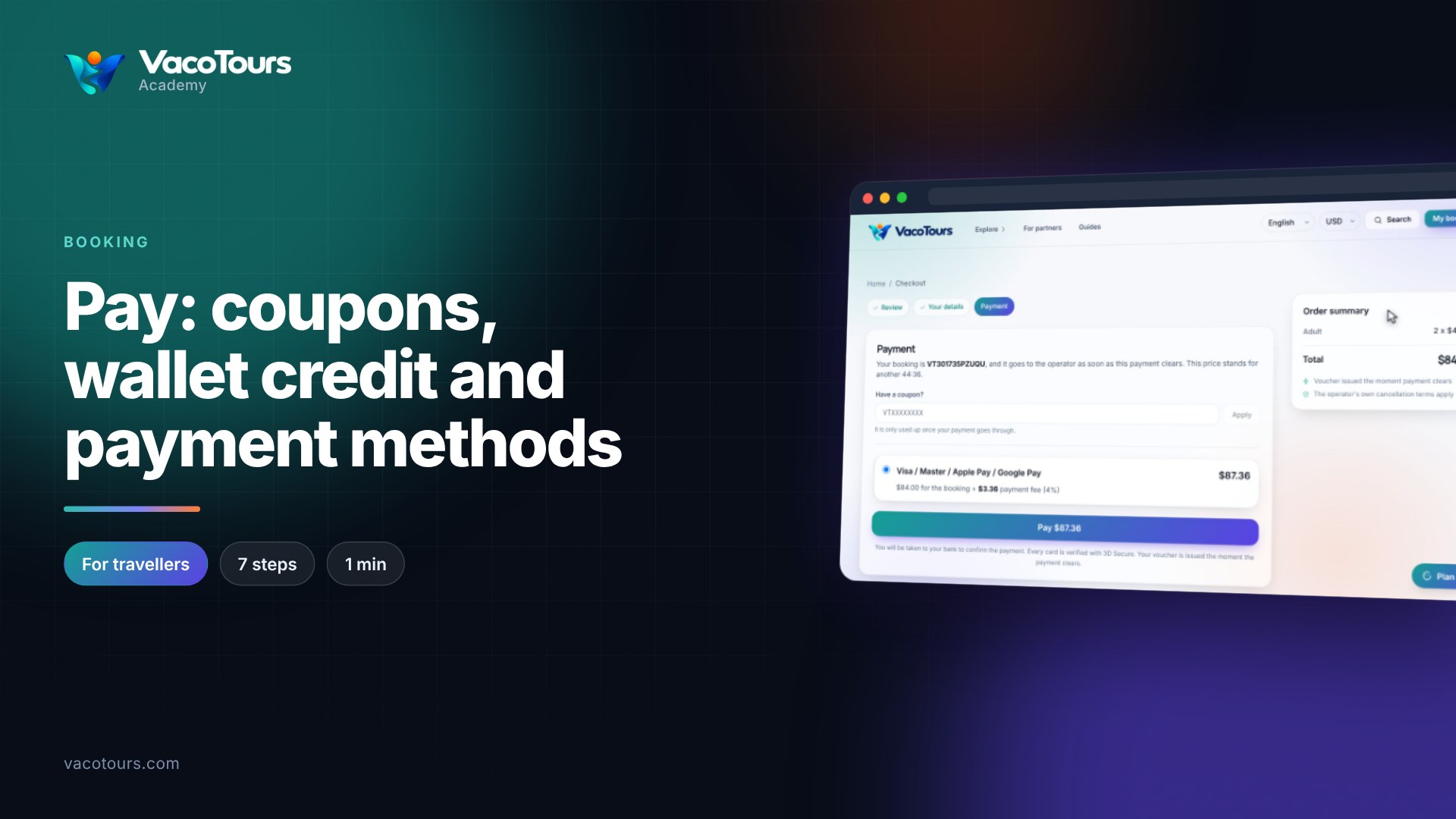
Pay: coupons, wallet credit and payment methods
Pay for a booking: add a coupon, see wallet credit and fees, choose how to pay, and confirm with your bank.
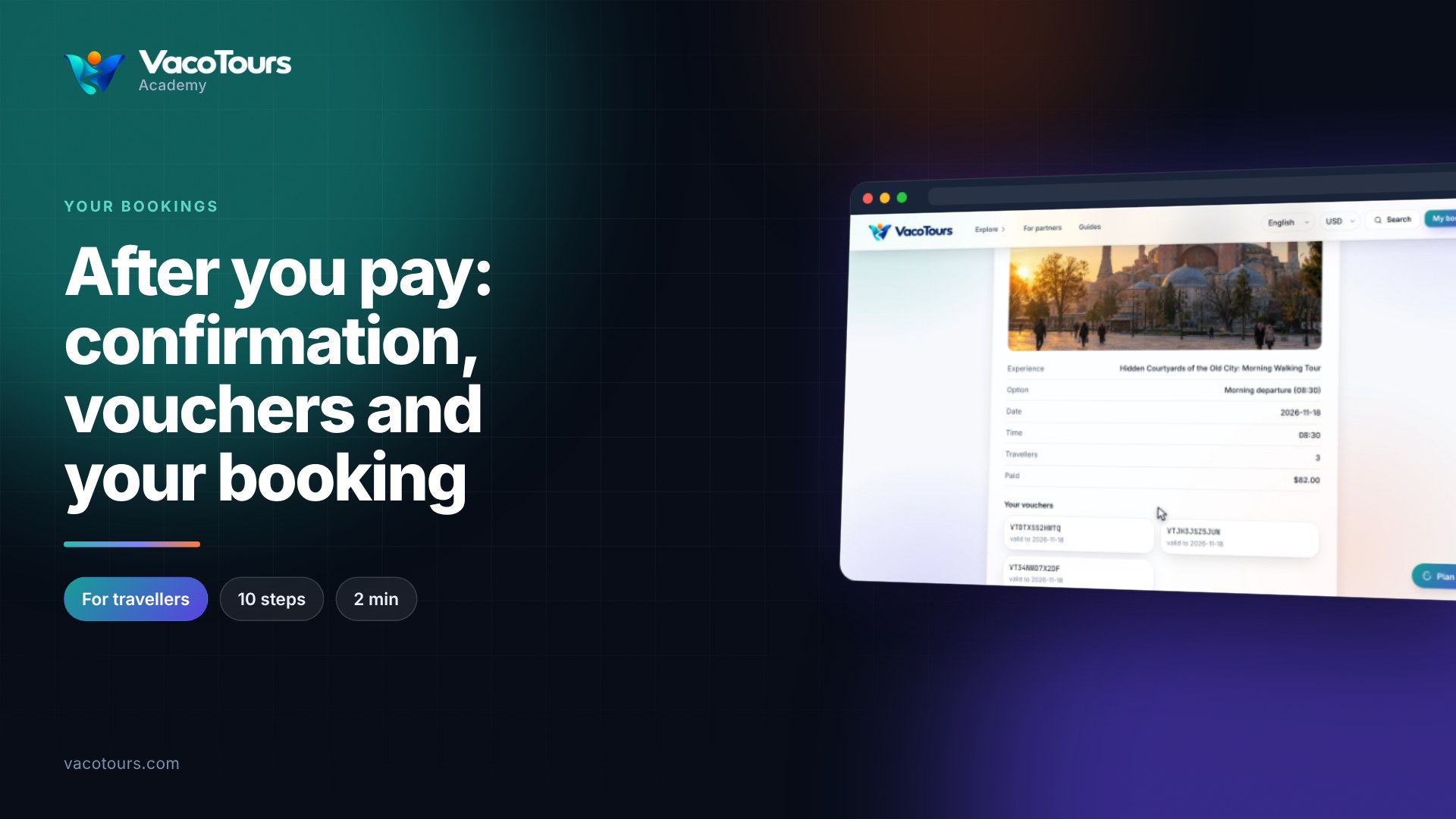
After you pay: confirmation, vouchers and your booking
What happens after you pay: the confirmation, your vouchers, and the booking page in your account with its refund terms.
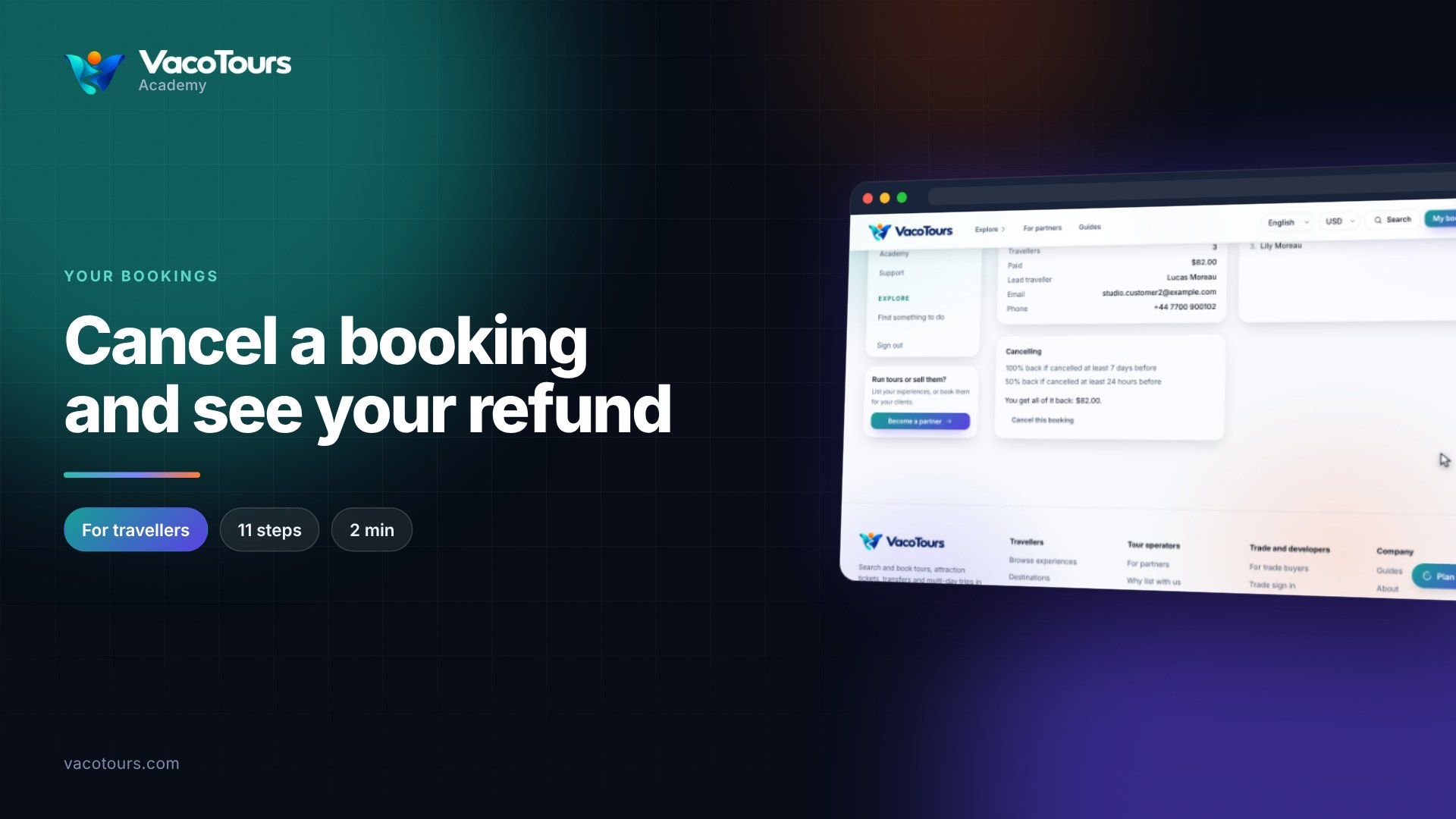
Cancel a booking and see your refund
See what cancelling a booking gives back before you do it, then cancel it or keep it, all from your account.
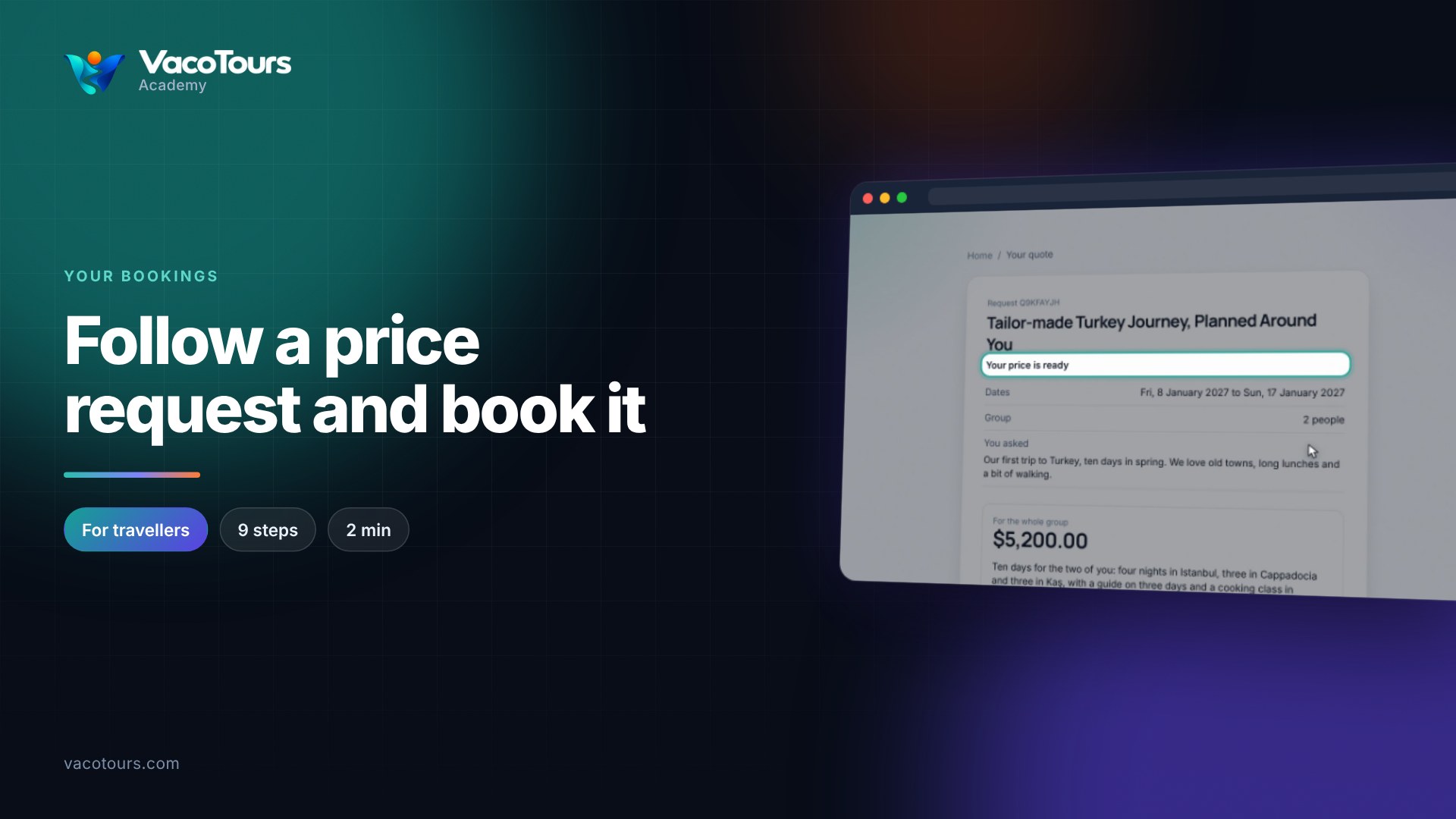
Follow a price request and book it
Read the price an operator sends for your request, see how long it stands, and book it or withdraw it.
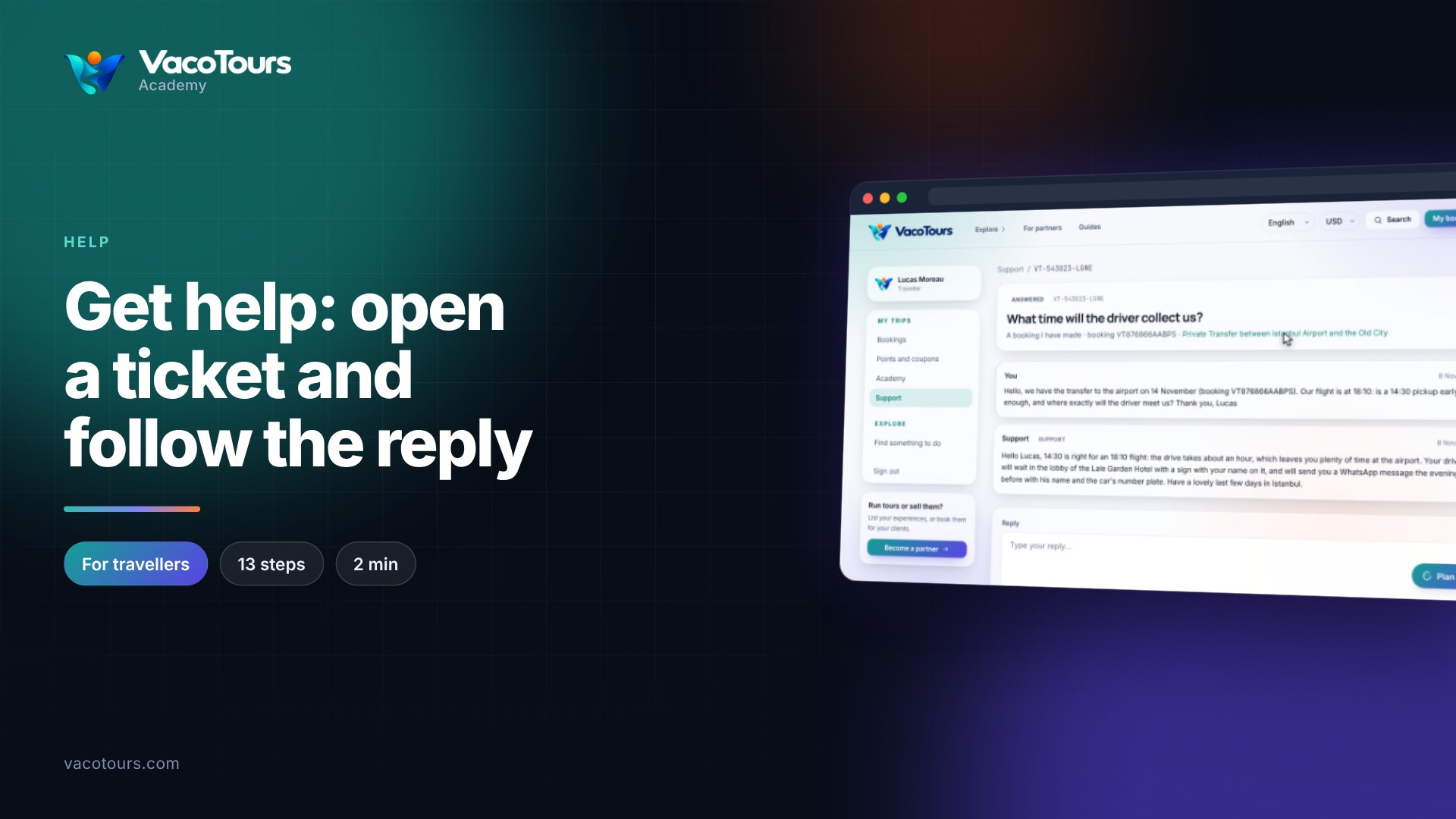
Get help: open a ticket and follow the reply
Read a support conversation and reply to it, then open a new ticket about a specific booking.
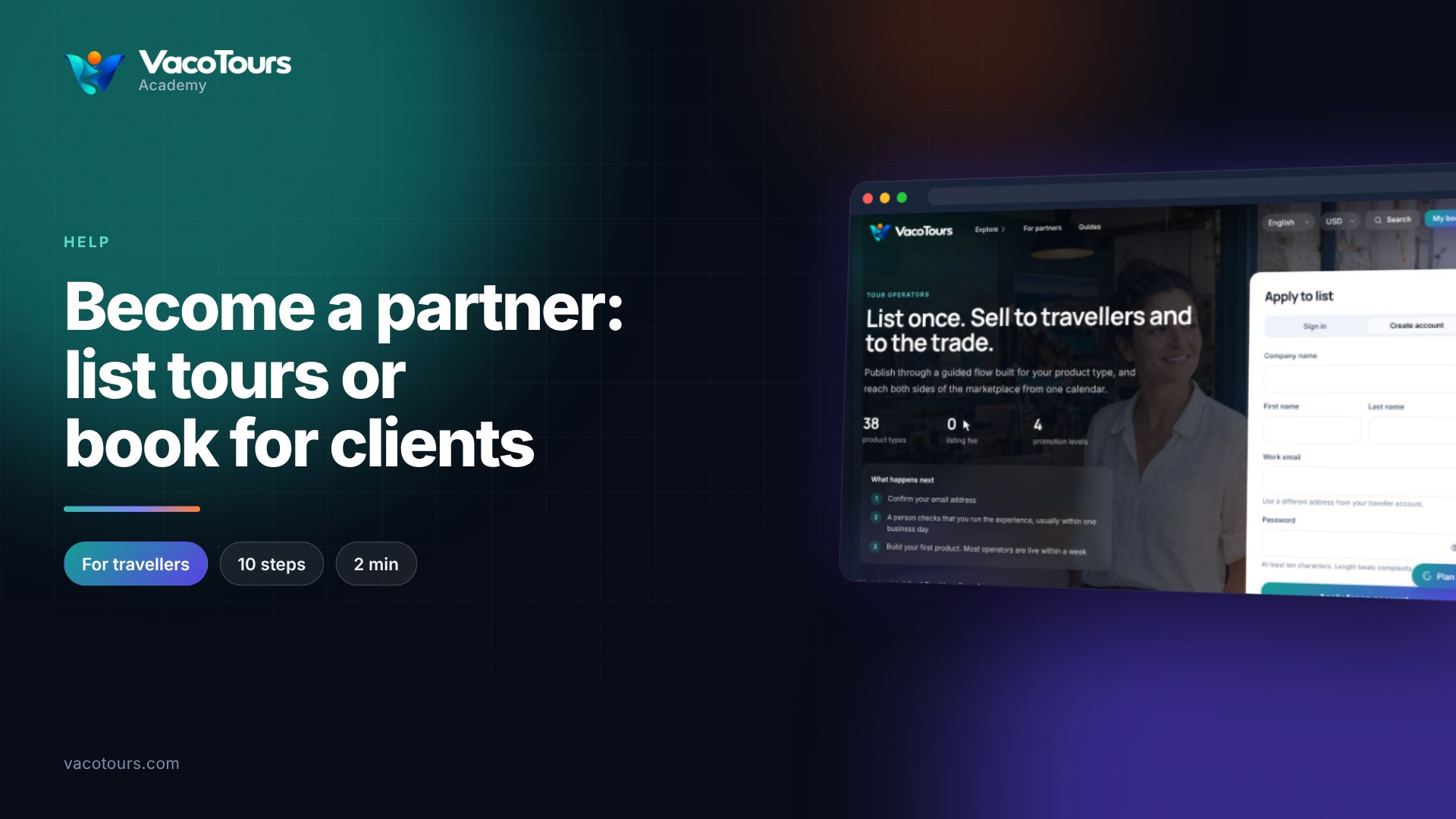
Become a partner: list tours or book for clients
Run tours or book them for clients? Find the partner page, pick your door and apply for an operator account.
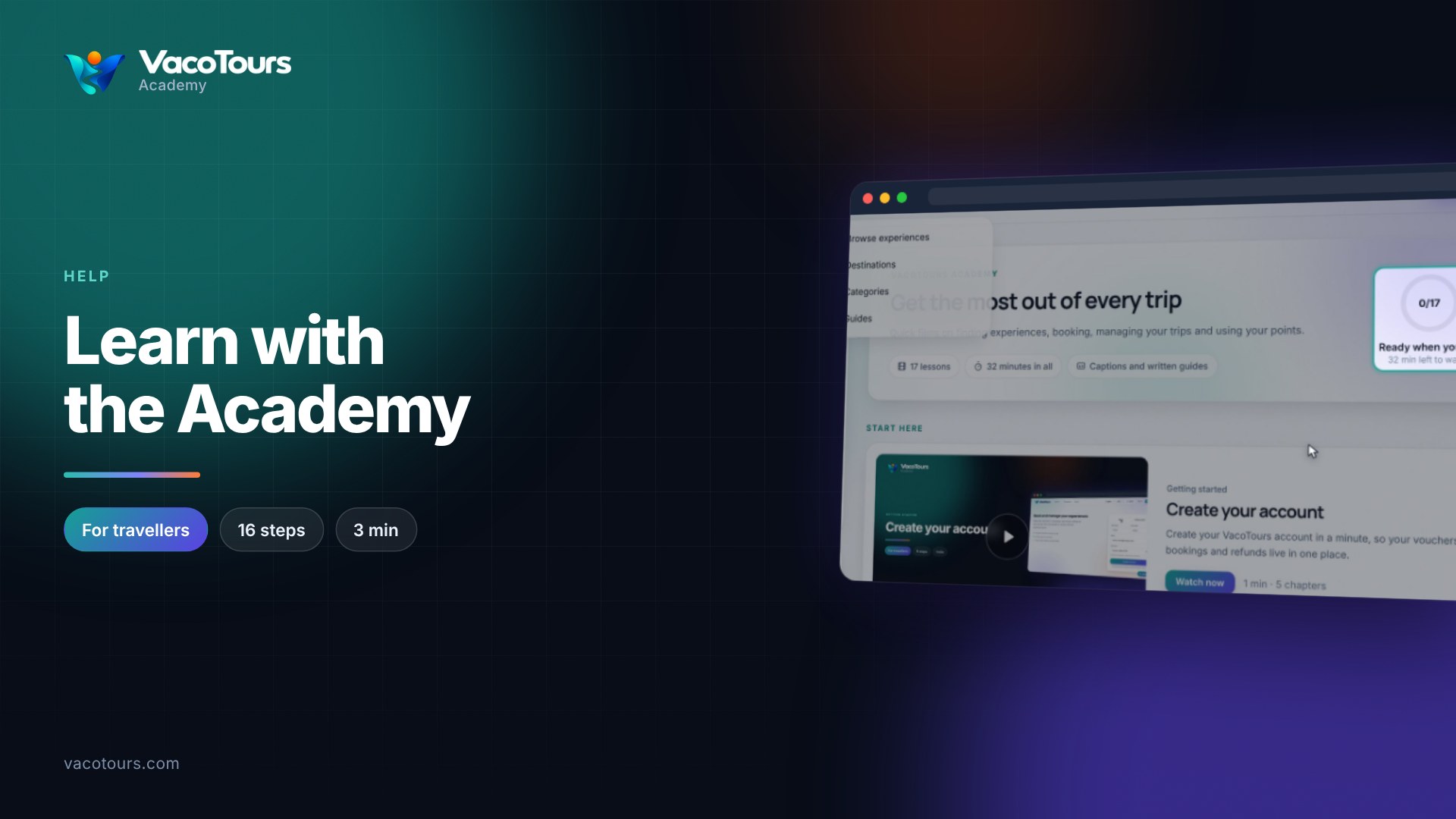
Learn with the Academy
Find a lesson in the Academy and watch it your way: chapters, captions in your language, your own speed and a transcript.