Loading
The booking panel beside every experience is where you choose what to book. The button at the bottom always says what is still missing.
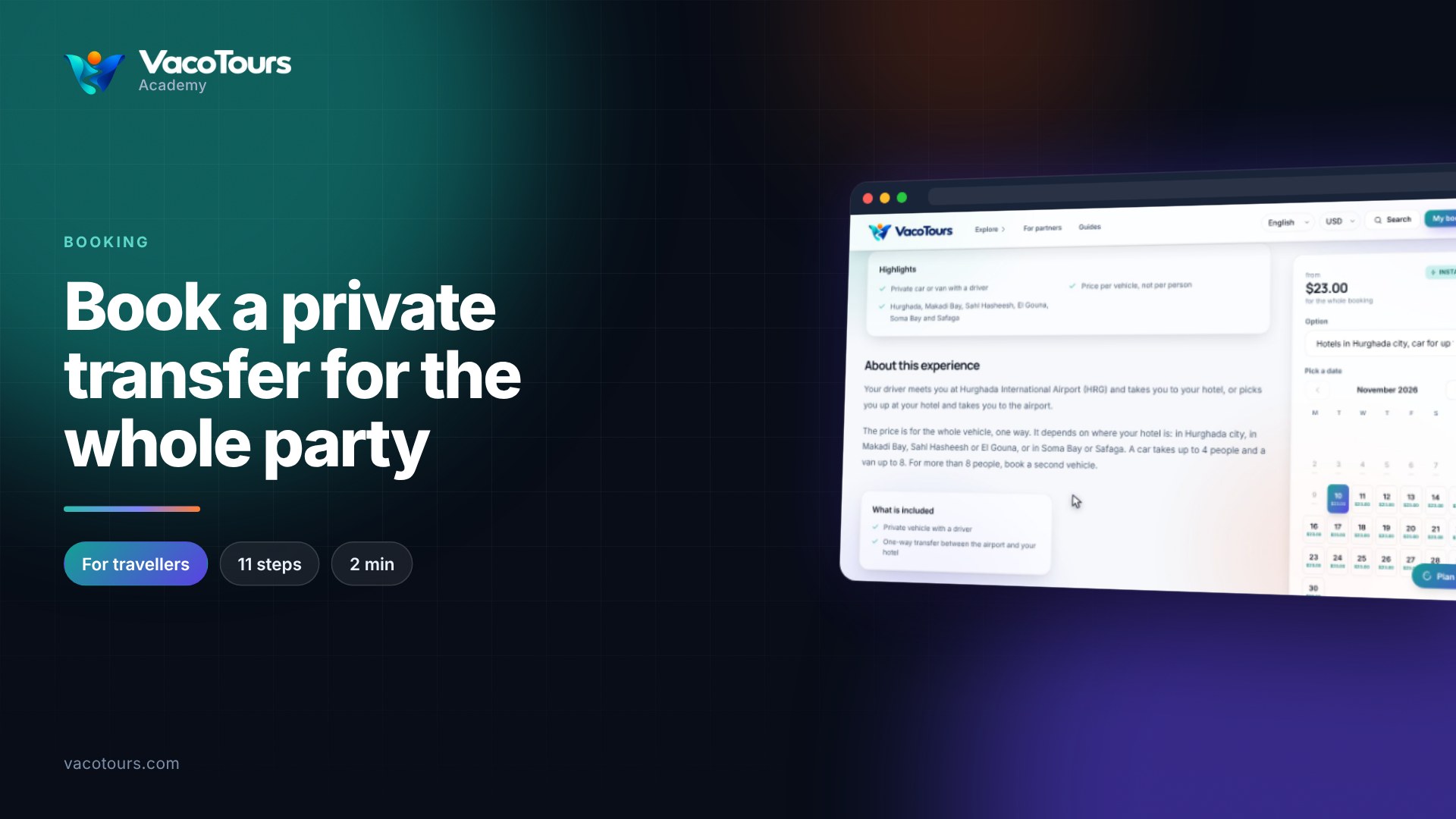
If the experience has more than one version, choose it under Option. The calendar shows that option's prices.
Each day shows its starting price. Best value marks the cheapest days, Only a few left warns that places are running out, and Not running means no departure.
The first available date is chosen for you; press another day to change it. Then choose a Start time.
Use the plus and minus buttons for each kind of ticket. The total updates as you go.
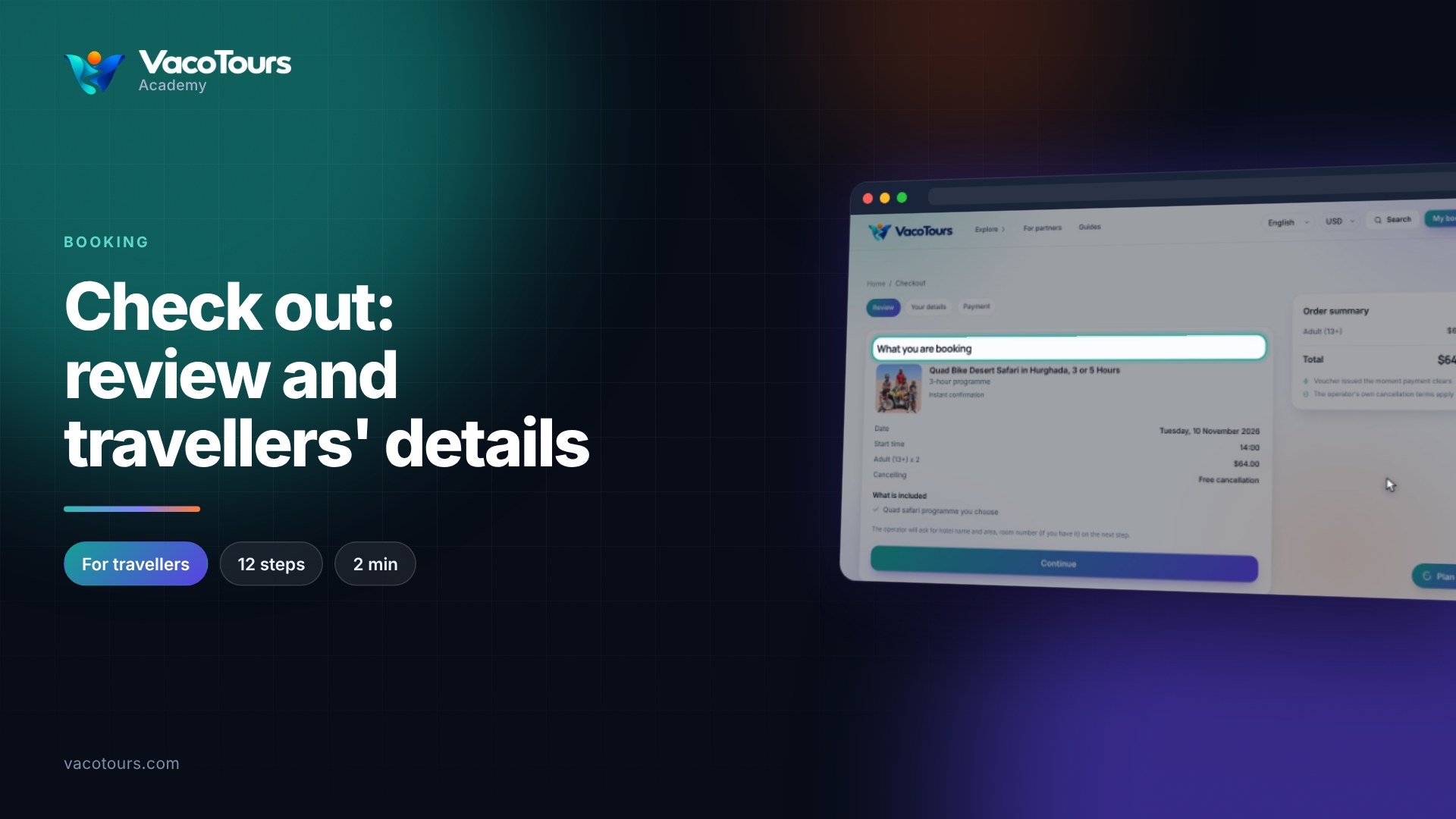
When the button reads Continue to checkout, press it. Nothing is charged yet.
Tip. On a smaller screen, scroll down the page to see the start times, tickets and the button at the bottom of the panel.