Loading
The filters on the left of the results page narrow what you see, and the buttons above the cards change the order.
Under Type, choose a family such as Guided Tour, then one of its types such as Walking tour.
Under Category, choose what the experience is about. Press Show more to see the whole list.
Under Destination, choose a country; its cities open underneath. Choose one. The line above the cards always says how many experiences match.
Press Price, low to high for the cheapest first, or Best rated for the highest scored.
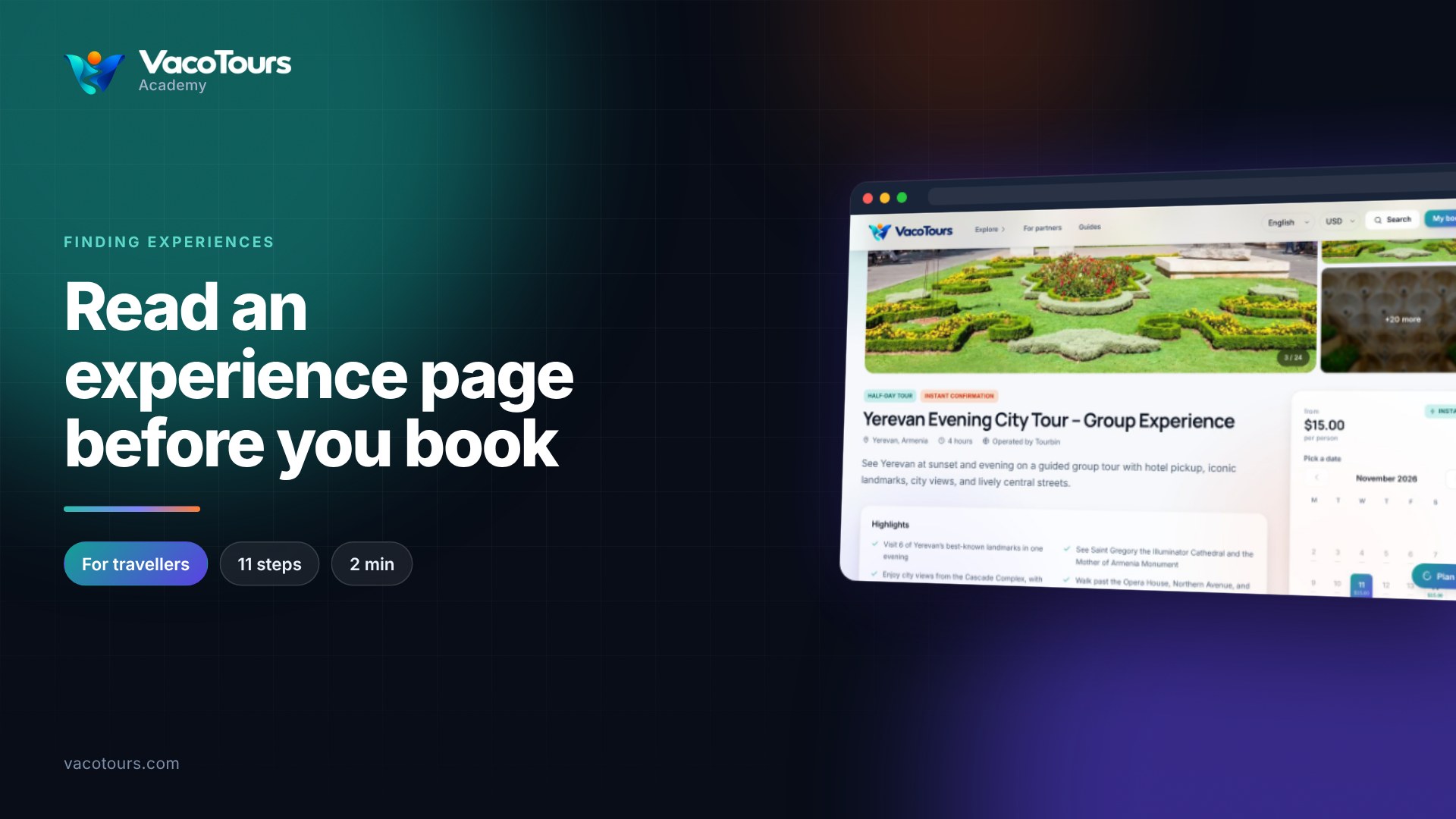
The label on the photo is the type. Instant means confirmed straight away, Free cancellation means you can cancel for a refund within the operator's terms, and the price says per person or total.
Press All types, All categories or Anywhere to loosen one filter, or Search at the top of the page to start again.
Tip. The Destination filter sits at the bottom of the filter column. If you cannot see it, scroll down towards the end of the results.