Loading
Two pages help you browse without a search: Destinations lists every place you can book, and Categories lists every kind of experience.
Open Explore in the header and choose Destinations. The tiles show the main cities, with the number of experiences in each.
Under Every destination, by country, every city is listed under its country.
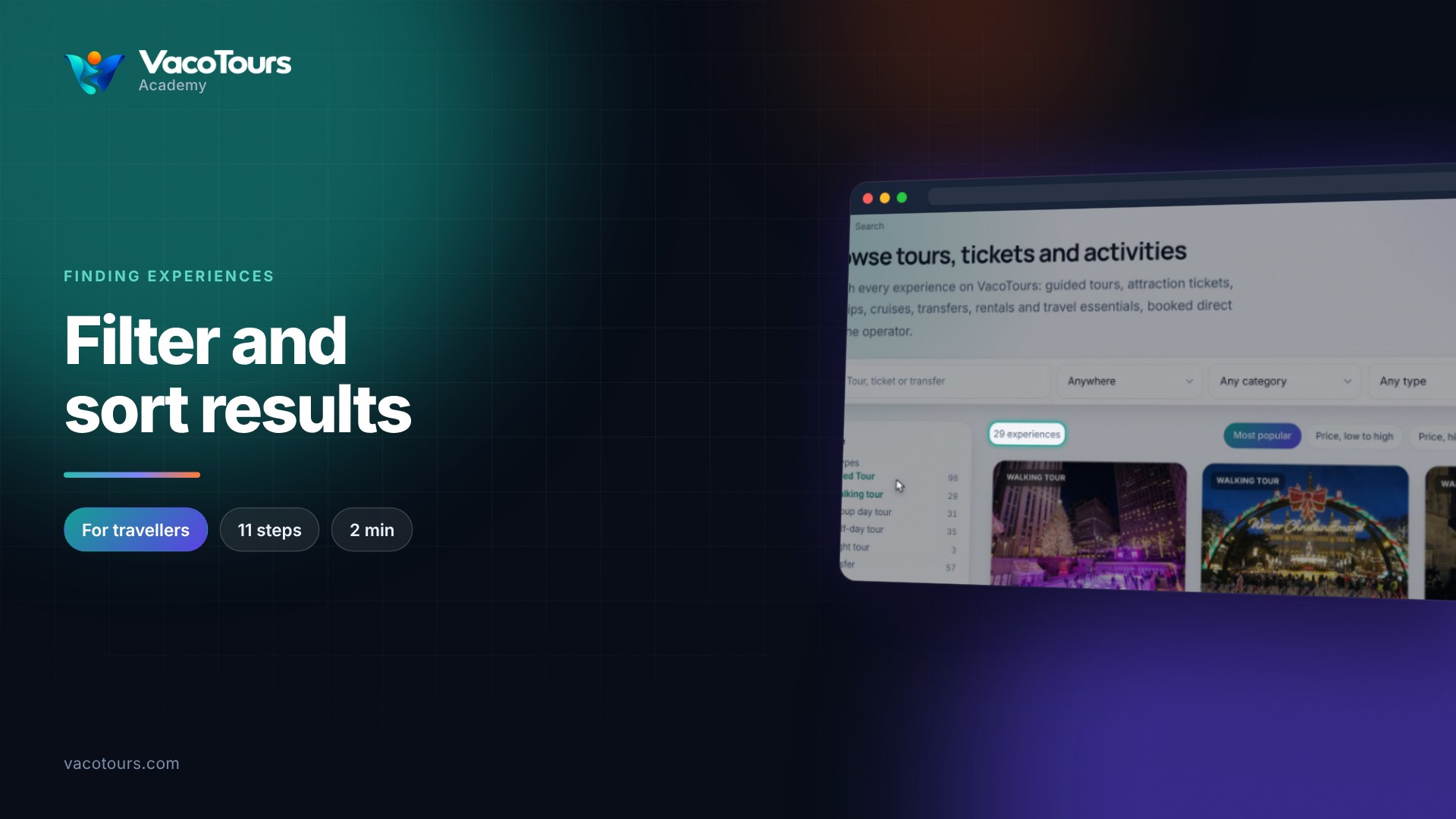
Press a city tile or Things to do in a city. The results page opens on that city, with filters and sorting.
Open Explore and choose Categories. Experiences are grouped by theme, with narrower categories inside each.
Under Product types we support, choose what you want to buy, such as Attraction ticket, to see every match in every destination.
Tip. A category is what an experience is about; a product type is what you actually buy. Use both in the search filters to narrow your results.