Loading
VacoTours can show you the panel and the marketplace in another language and currency. This is handy for checking how travellers and partners in other markets see your products.
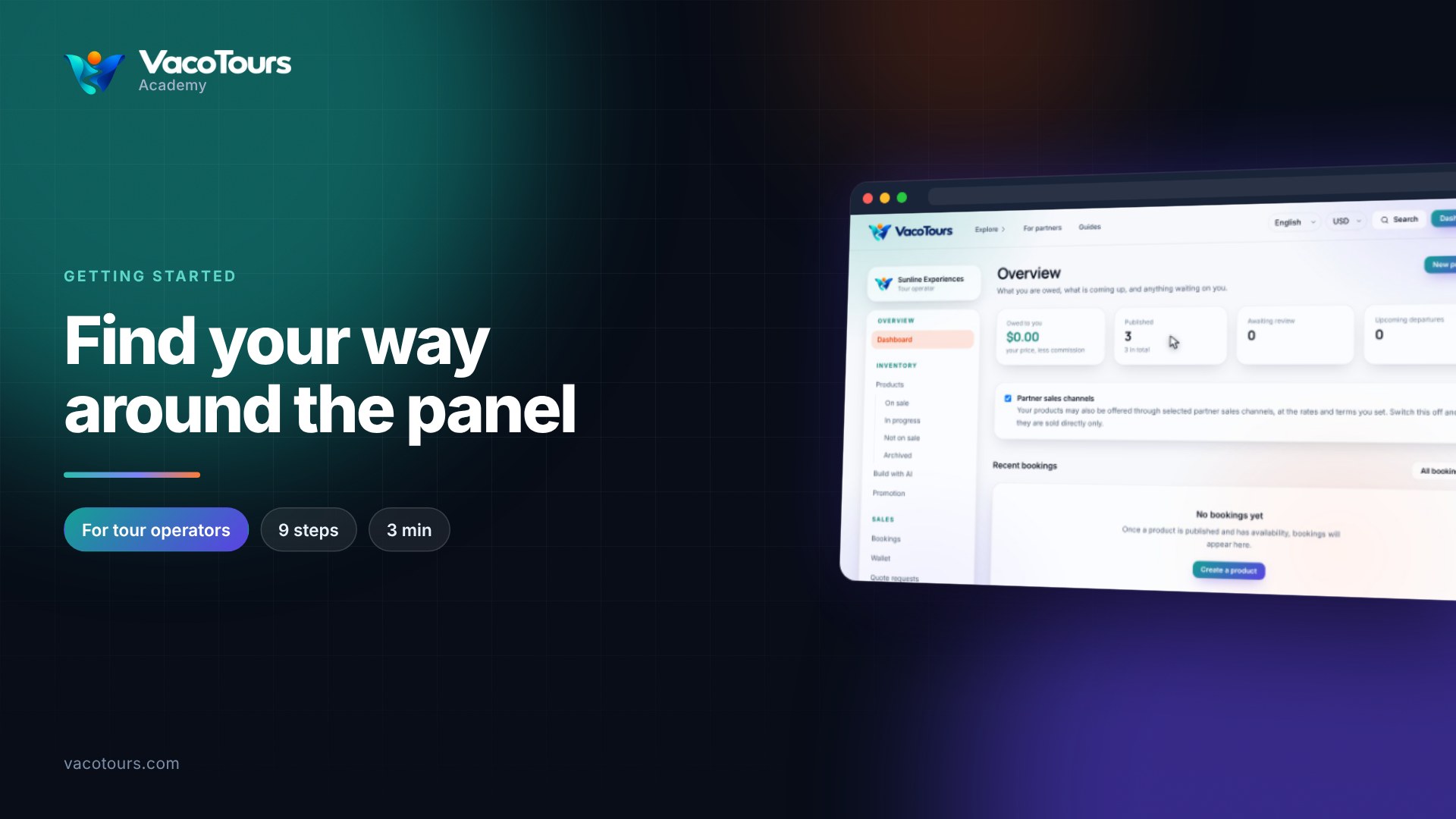
These choices are display preferences only. They never change the prices you have set. You start on your supplier Overview, the first page you see after signing in.
Look at the top right of the header. Show listings in sets the language for menus, pages and listings. Right beside it, Show prices in sets the currency used to display prices. Both appear at the top right of every page.
Open Show listings in and choose Russian. The page reloads, and the menu, headings and labels in your panel now read in Russian.
Open the marketplace search from the header. Product titles and descriptions on each card show in Russian wherever a translation exists. This is what a Russian-speaking traveller would see.
Open Show listings in again and choose English. Everything switches back.
Scroll down until the prices on each card are visible. They are currently in US dollars. Open Show prices in and choose EUR.
The page reloads at the top. Scroll back down to the cards. Every price is now converted and shown in euros, using the current exchange rate.
Click Dashboard to go back to your panel. Even with euros selected, Owed to you and your product prices stay in the currency you set them in. Nothing you priced has changed.
Open Show prices in and choose USD again. Both selectors are now back where you started.
Tip. Change language and currency whenever you like to see the site as your travellers and partners do. Translations appear only where one exists, so some titles or descriptions may stay in their original language.
Careful. Do not use these selectors to change what you charge. Converted amounts are for display only, and editing your prices is done from Products.