Loading
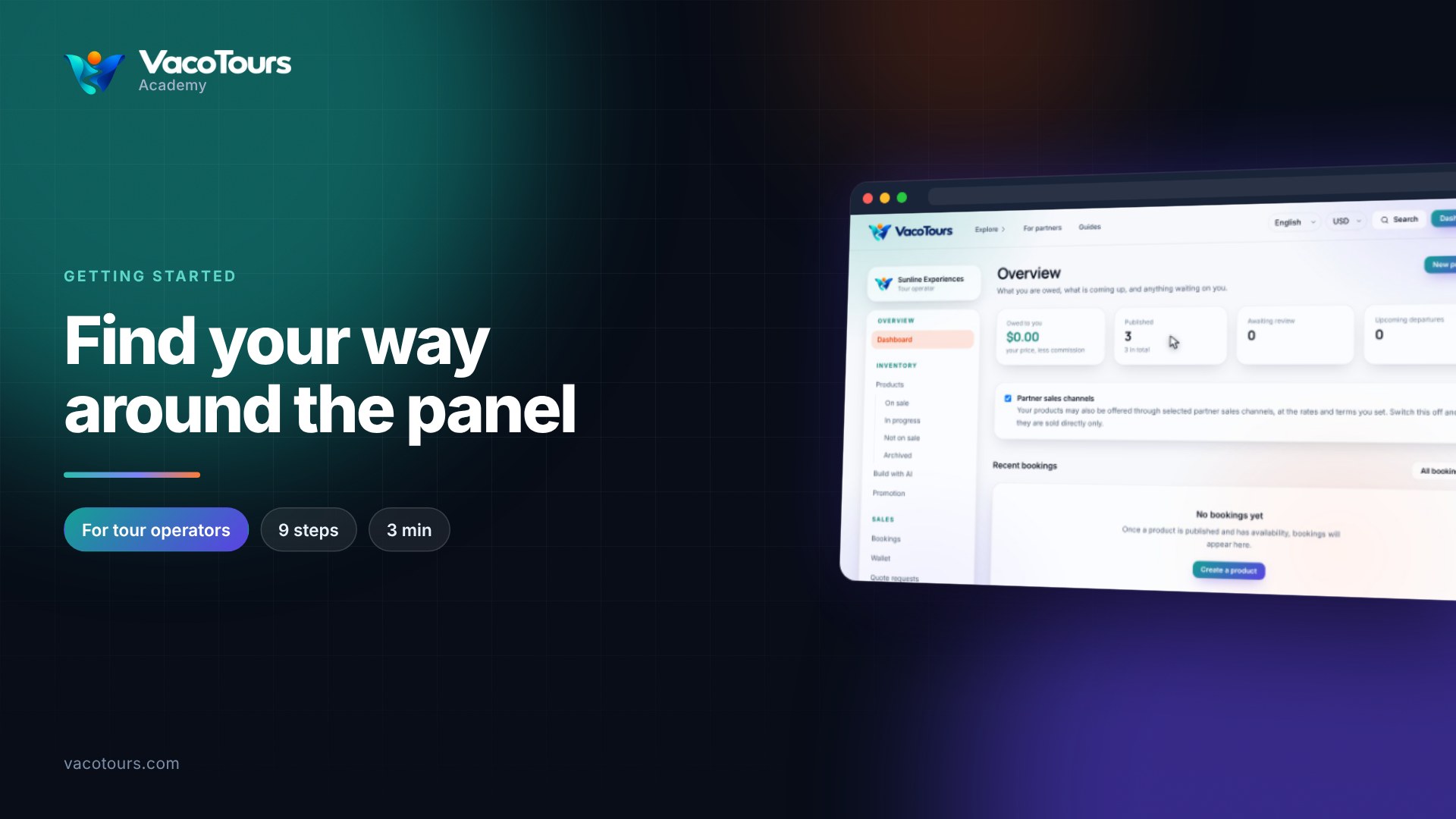
Your dashboard is the first page of the operator panel. It shows what you are owed, what is coming up, and anything waiting on you.
Owed to you adds up your confirmed and completed bookings at your price, less the commission. It is what comes to you, not what the traveller paid.
Published counts the products on sale now, with your total underneath. Awaiting review counts products the VacoTours team is still checking.
Upcoming departures counts confirmed bookings whose travel date is still to come.
While Partner sales channels is ticked, selected partner channels may also sell your products at the rates and terms you set. Untick it to sell directly only.
Each row shows the Code, Product, Travel date, Pax, what You receive after commission, and the Status.
Press All bookings to see every booking, with the lead guest and a details page for each.
Tip. To add a tour, ticket or activity, press New product at the top right of the dashboard.