Loading
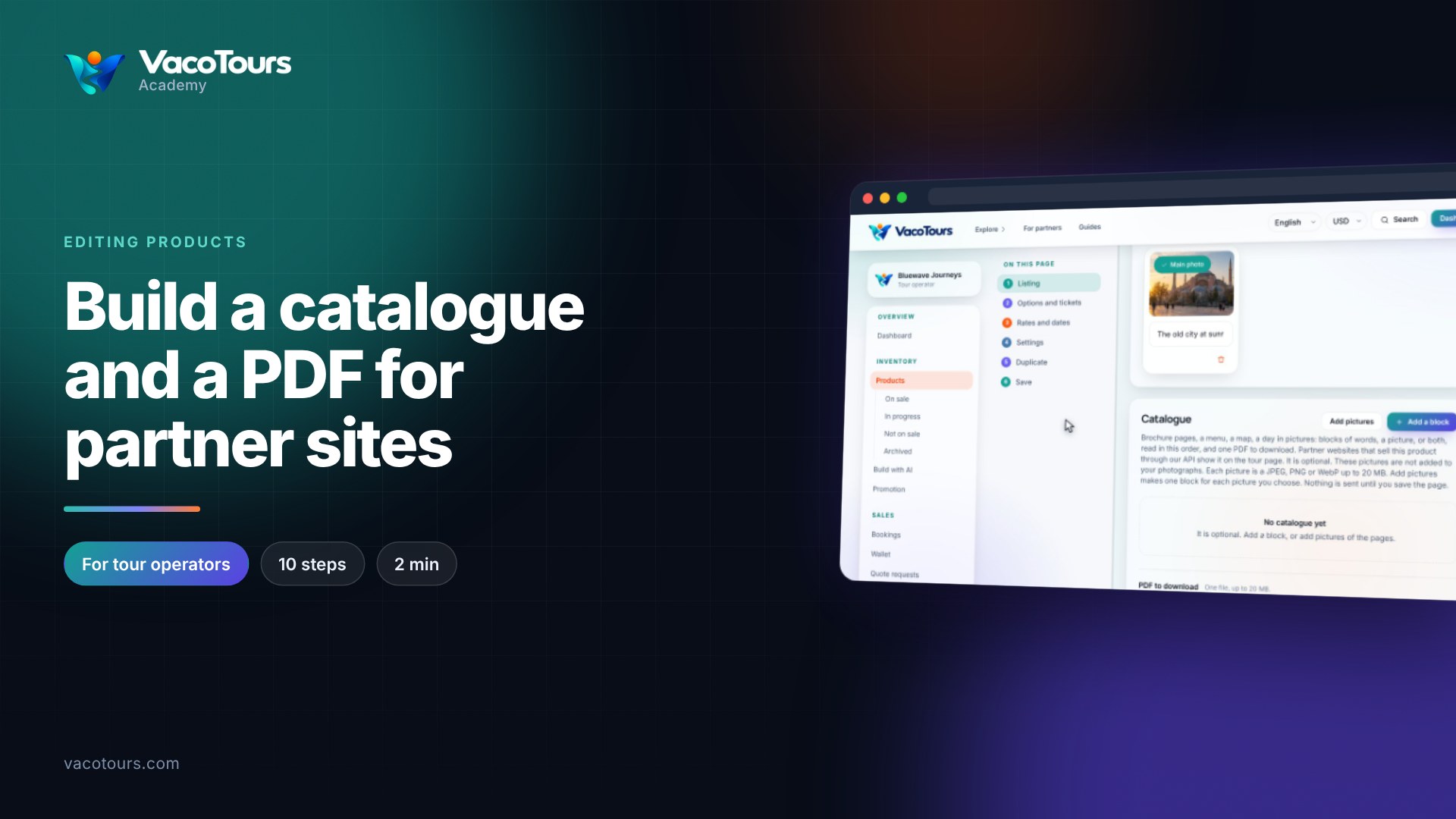
A product's photographs are managed under Photographs on its page. The Main photo is the one travellers see on cards and in search results.
Under Products, open the product and scroll to Photographs.
Press Add photographs and choose JPEG, PNG, WebP or AVIF files of up to 20 MB each. Each new one is marked Will be added.
Press Save. Nothing is sent until the page is saved.
Type a short description into Describe this photograph. It is read to travellers who use a screen reader.
Press a photograph's bin to mark it Will be removed. Press Keep it after all to undo.
Press Make it the main one under the picture you want on cards and in search results, then press Save.
Tip. Bright, real pictures of your own trip sell best. Avoid text, logos and heavy filters on the main photo.