Loading
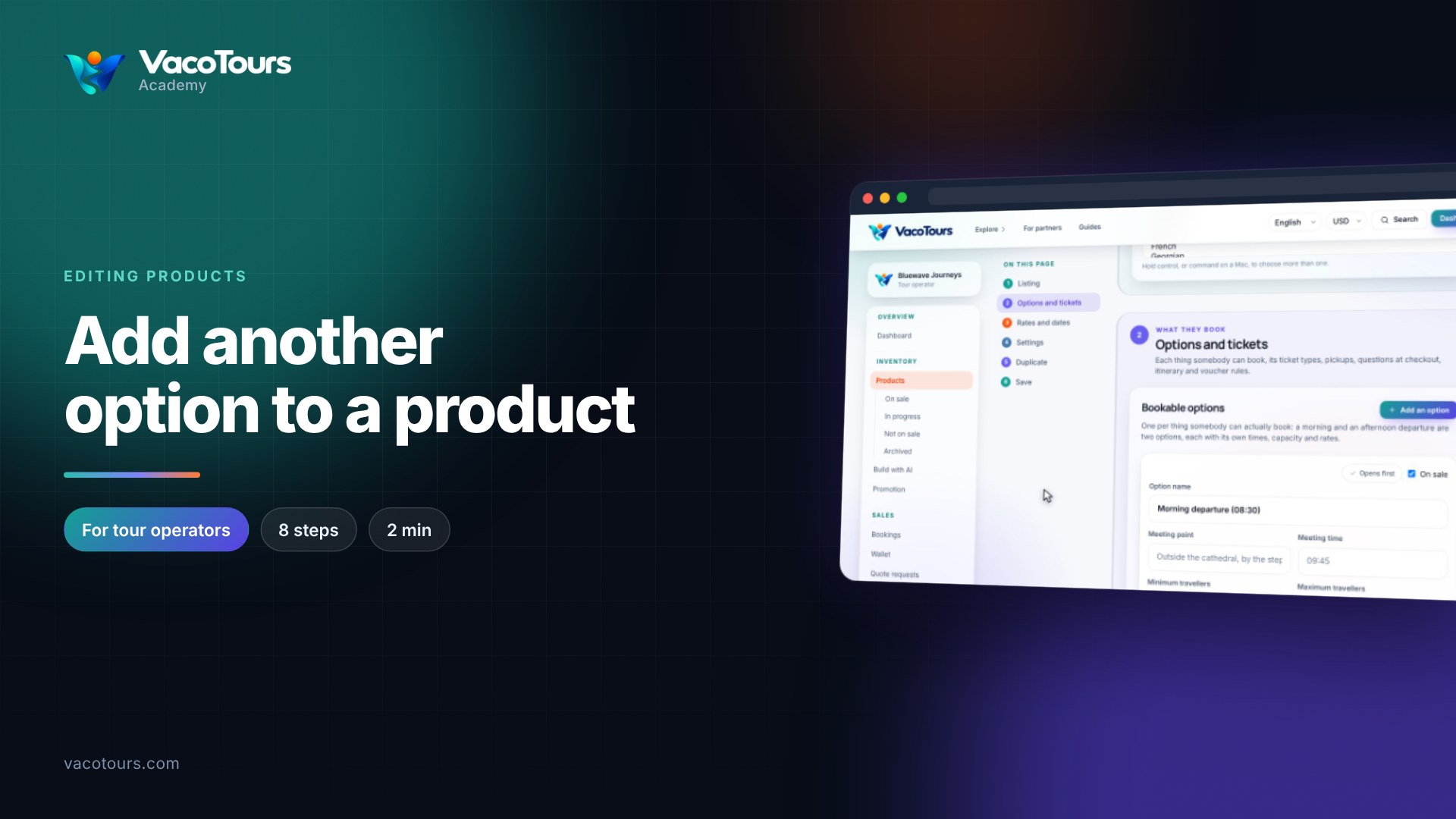
An option is one thing a traveller can book within a product, such as a morning or an afternoon departure. Each has its own times, capacity, ticket types and rates, under Options and tickets on the product's page.
Open the product and press Options and tickets in the page map.
Option name is what travellers choose between. Meeting point and Meeting time say where and when to be. Minimum travellers and Maximum travellers limit one booking; empty means no limit.
Untick On sale to pause one option. Opens first marks the option chosen when the page opens; Open on this one moves it to another option.
per departure is how many of that ticket each departure has. at least is the smallest number sold in one booking.
Press Add a ticket type, choose the Kind, write What travellers see, set Youngest and Oldest, and press Add ticket type.
Press Save, then set the new ticket's price under Rates and dates.
Tip. An option needs at least one ticket type, so add the new one before removing an old one.