Loading
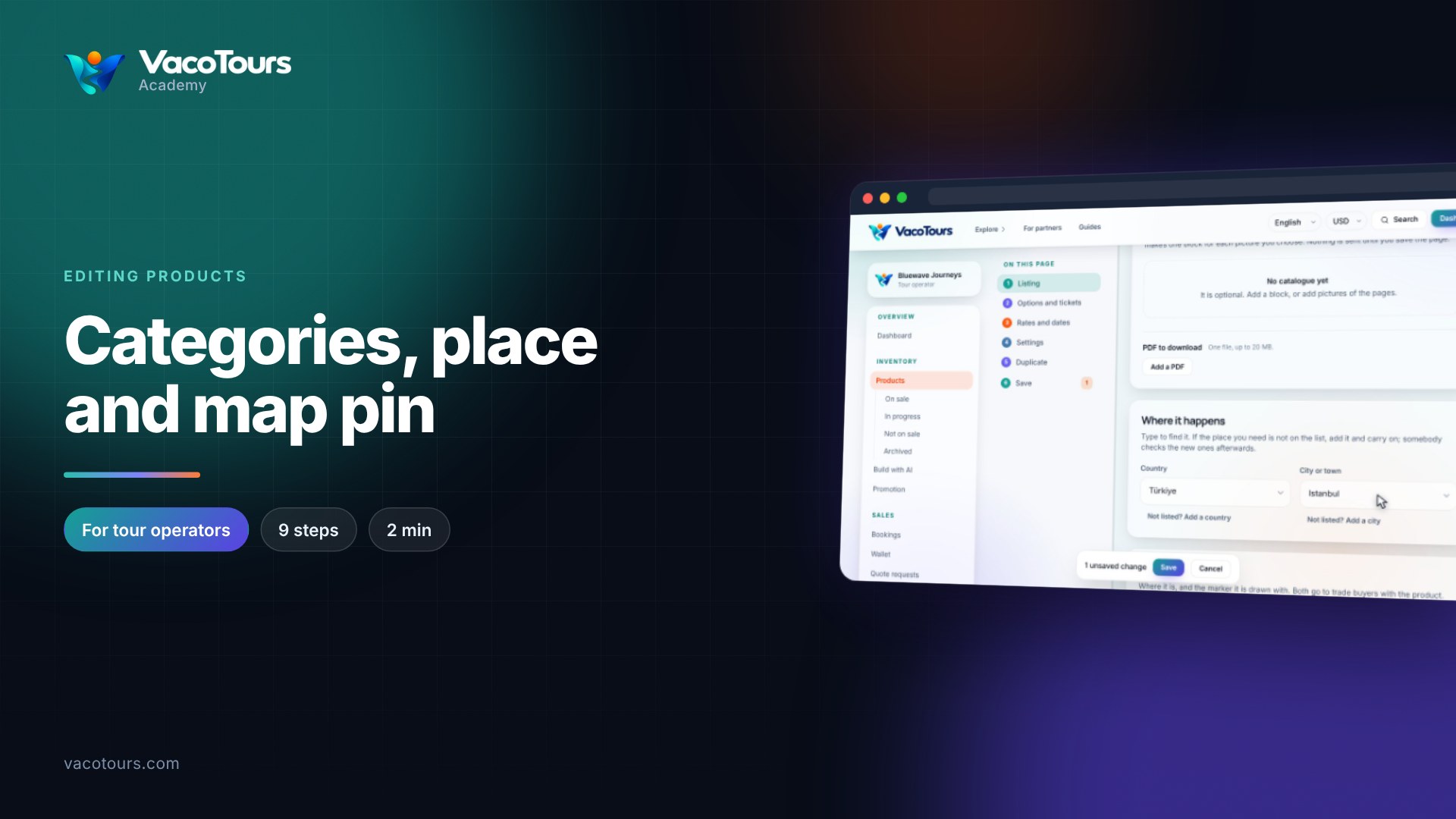
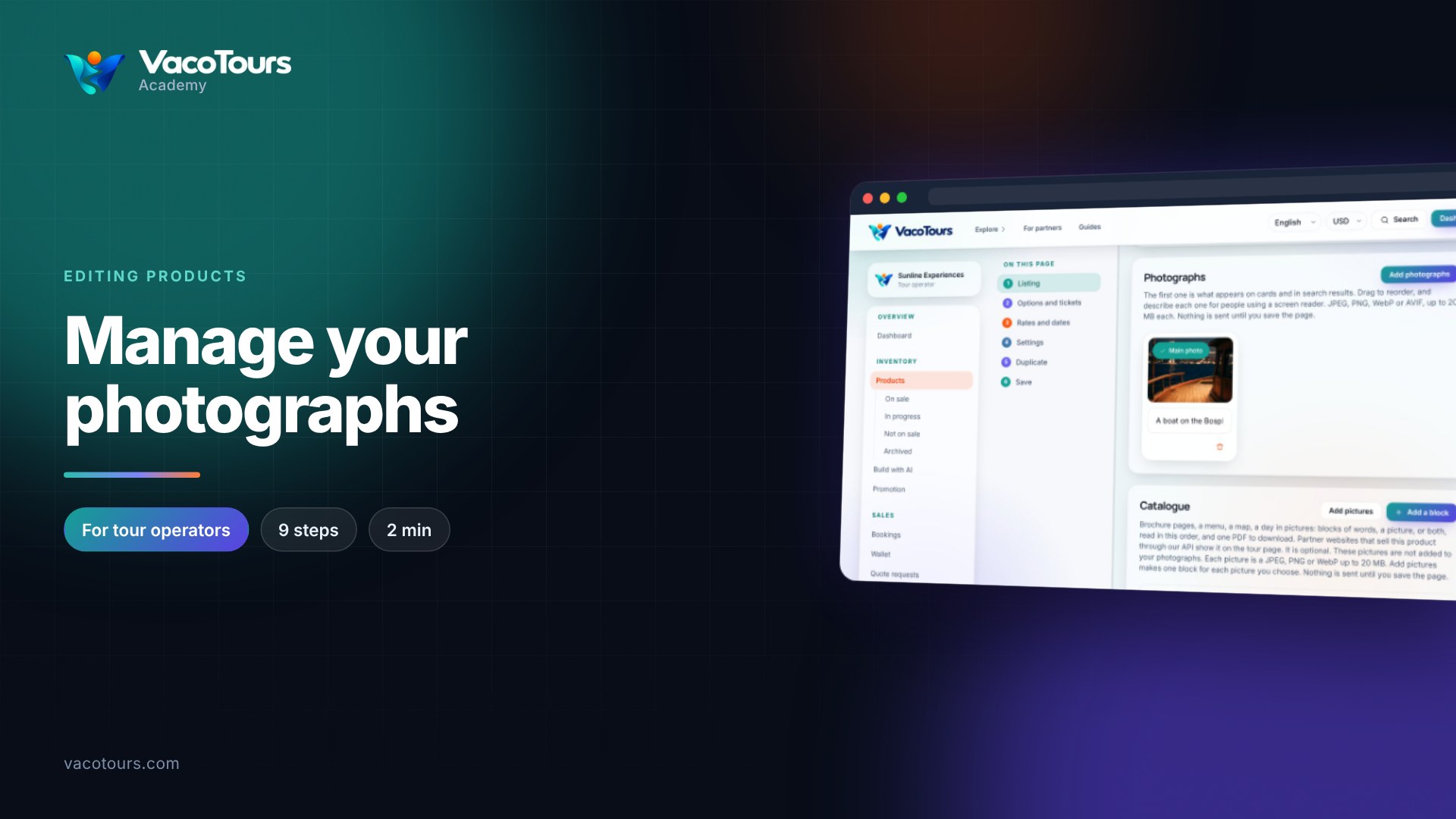
The catalogue is an optional set of blocks of words and pictures, read in order, with one PDF to download. Partner websites that sell your product show it on their tour page.
Open the product and scroll to Catalogue in the Listing part of the page.
Press Add a block and write a short paragraph. Press Add a picture beside it to attach a JPEG, PNG or WebP of up to 20 MB, then press Save.
Press Add a block again for each new block. A block can have words, a picture or both.
Use the up and down arrows on a block to move it. The bin removes it.
Under PDF to download, press Add a PDF and choose one file of up to 20 MB.
In Changes to save, check the list and press the save button.
Tip. Have brochure pages already? Add pictures at the top of the catalogue makes one block for each picture you choose.