Loading
Each option of a product carries its own itinerary and voucher rules. Change them on the product page, then save the list of changes to put them live.
In Products, On sale, open the product, then press Options and tickets in the On this page map.
Under Itinerary, press Add a stop. Name the place, choose its kind and type the minutes spent there. A description, address and map position are optional.
In How the voucher is used, write what travellers show and to whom. It is printed on the voucher.
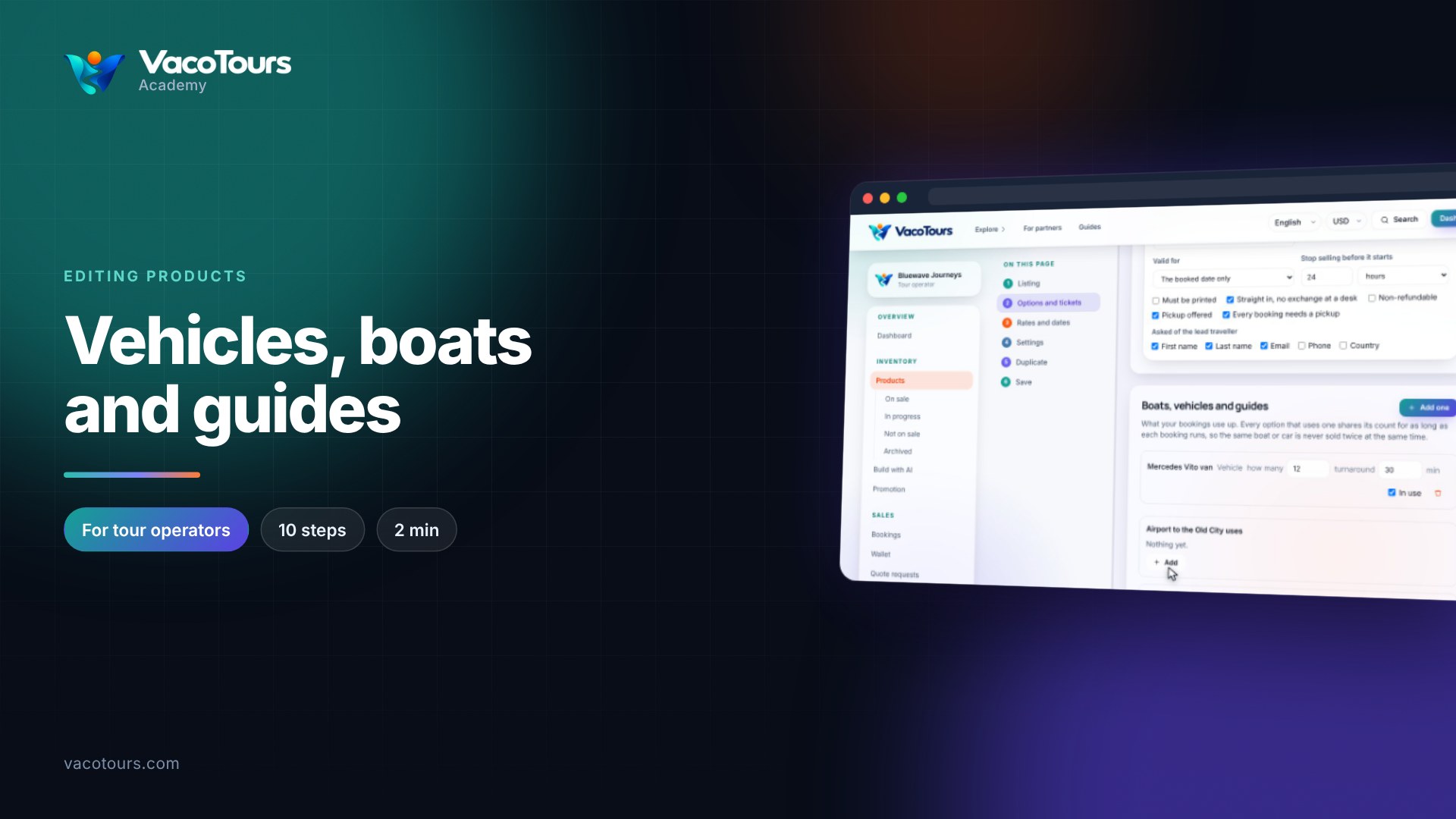
Valid for is the booked date only for a tour, or a number of days, open dated, or until a fixed date for a ticket.
Stop selling before it starts takes a number and a unit. Two hours keeps the option on sale until two hours before the start.
Must be printed asks for a paper voucher, Straight in, no exchange at a desk makes the voucher the ticket, and Non-refundable means nothing is refunded on cancellation. Under Asked of the lead traveller, tick the details checkout must collect.
Scroll to Changes to save, check the list and press Save all. Until then nothing reaches the listing.
Tip. Cancel in the same list drops every unsaved change and leaves the product as it was.