Loading
Every sale of your products appears under Bookings. The list gives you the essentials at a glance, and each booking opens on a page with everything you need to run it.
Each row shows the product and option, the travel date and time, the number of travellers under Pax and the lead guest.
Via says where the sale came from: web for a traveller on the website, panel for a trade buyer's panel, api for a connected system.
You receive is your price less our commission. The level under it is the promotion level the product sold on, which sets the commission.
Press anywhere on a row to open the booking.
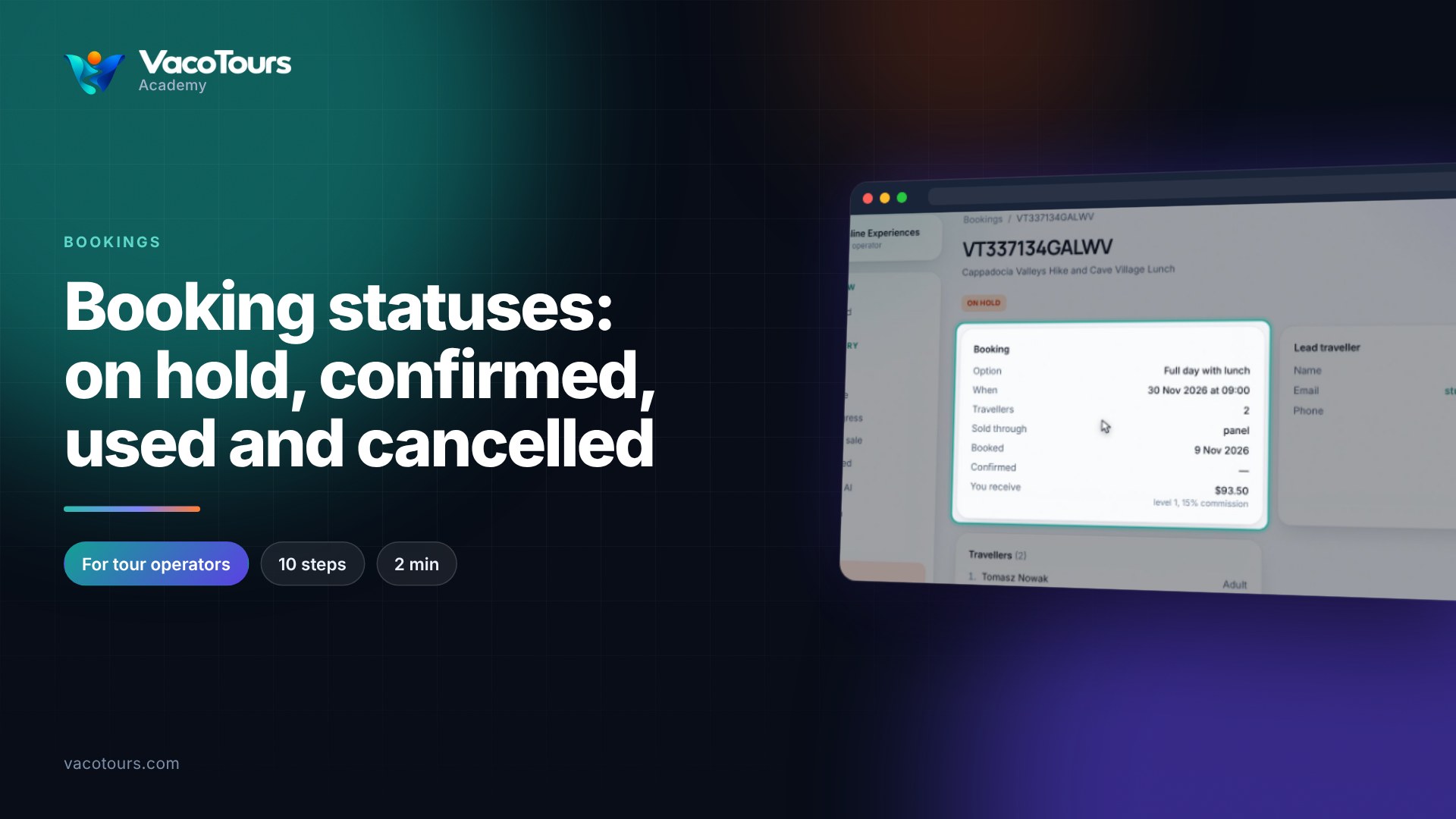
Booking shows the option, date and time, travellers, Sold through, the booked and confirmed dates, and You receive with its level and commission.
Lead traveller has the name, email and phone; press the email or number to get in touch. Travellers lists everyone with their ticket type.
When a booking has a meeting point, a pickup, checkout answers or notes, they are gathered in For the day.
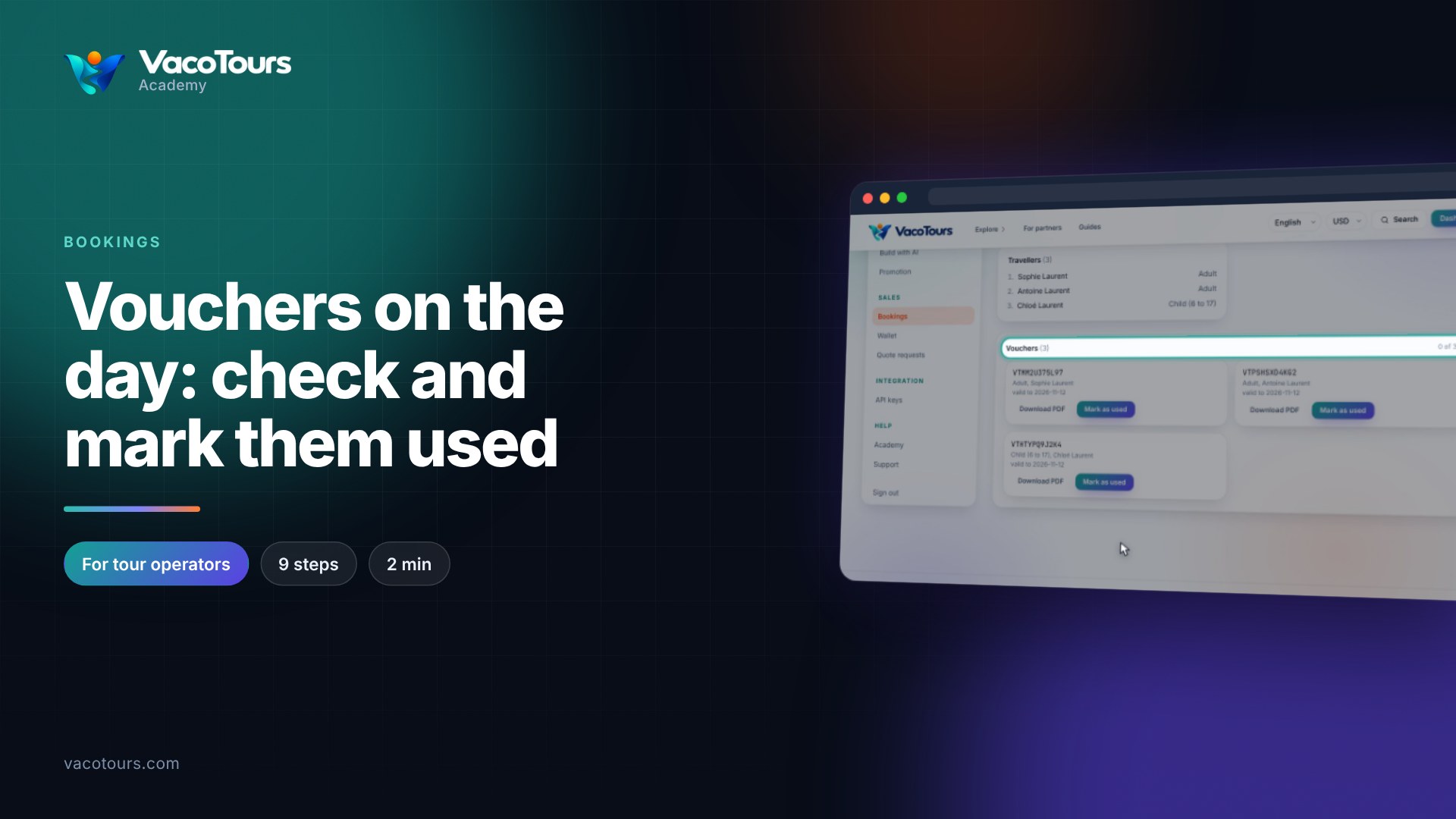
Tip. The vouchers are at the bottom of every confirmed booking. See the vouchers lesson to check them and mark them as used.