Loading
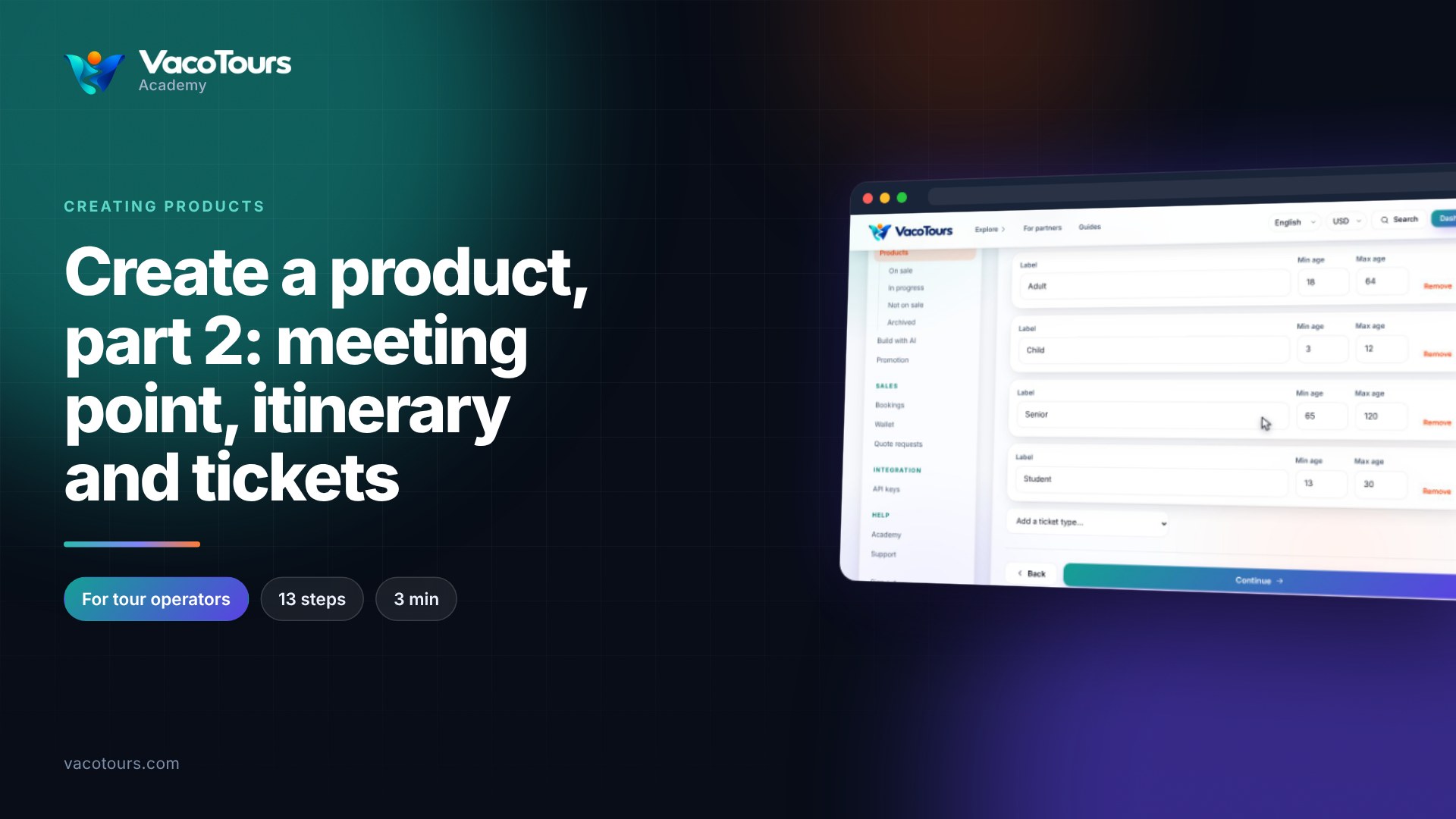
The second half of the setup flow sets when the tour runs, what it costs, its terms and its plan. At the end you create the product as a draft, ready for photographs.
On Departure times, type the start times separated by commas, then set Seats per departure and Close bookings, hours before.
On Availability calendar, set Selling from and Selling until. Blackout days are set on the calendar after saving.
On Pricing, give each ticket type its price. Your rate is what the buyer pays; the commission comes out of it. Use Add group price for a lower price from a group size.
On Cancellation and validity, keep or change the refund ladder rows and choose the Voucher validity.
On Checkout questions, press Add a question, write it, choose the answer type and untick Required if it is optional.
On Voucher and redemption, say how the voucher is used on the day.
On Promotion plan, choose Standard, Featured, Showcase or Spotlight. You can change it whenever you like.
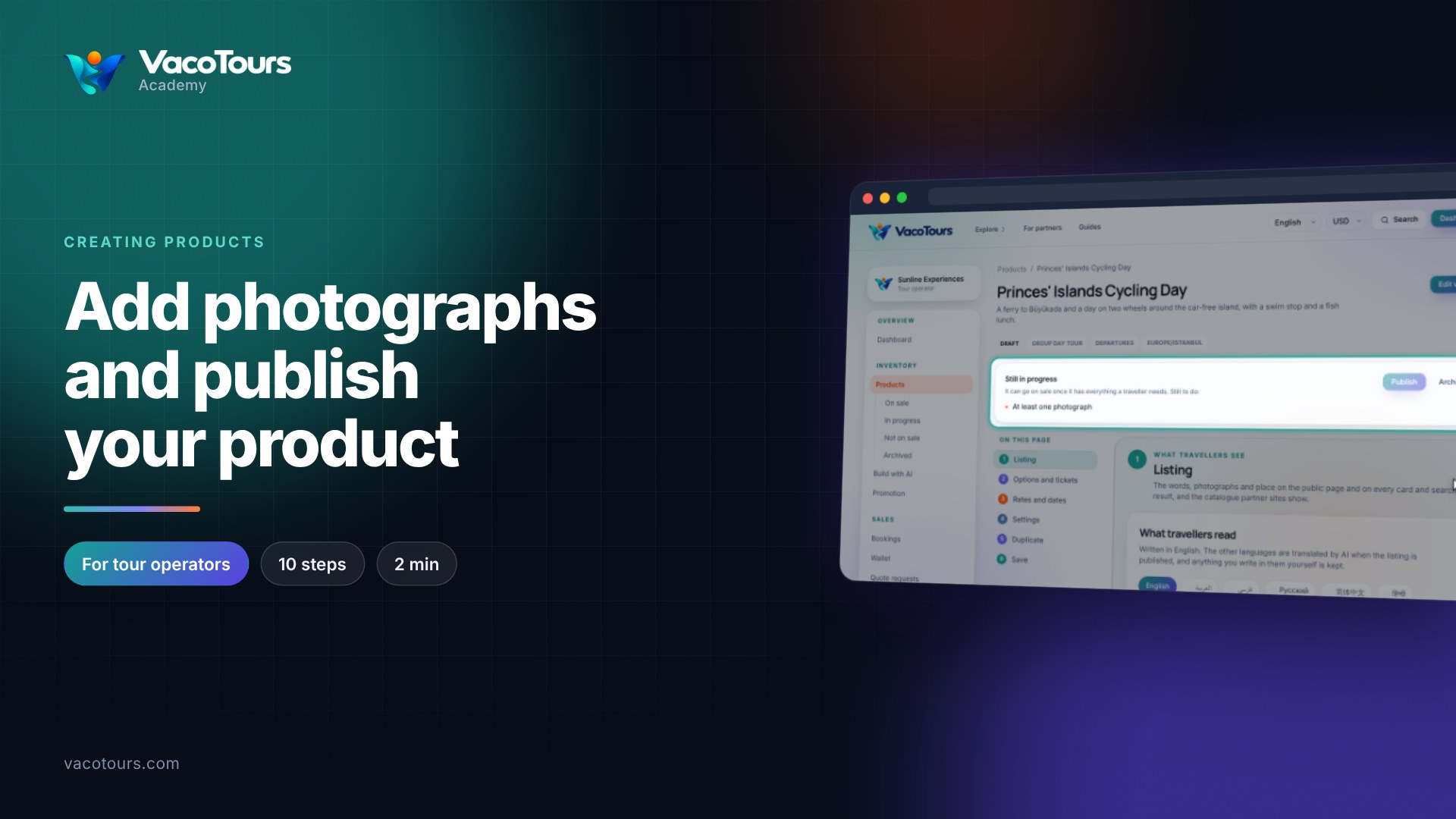
Read the summary on Review and publish, then press Create the product. It opens as a draft; add photographs next.
Tip. Anything still missing is listed on Review and publish, each item linking back to the step that asks for it.