Loading
A new product starts with its type, a title and a place. The setup flow saves a draft as you type, so you can stop at any step and carry on later.
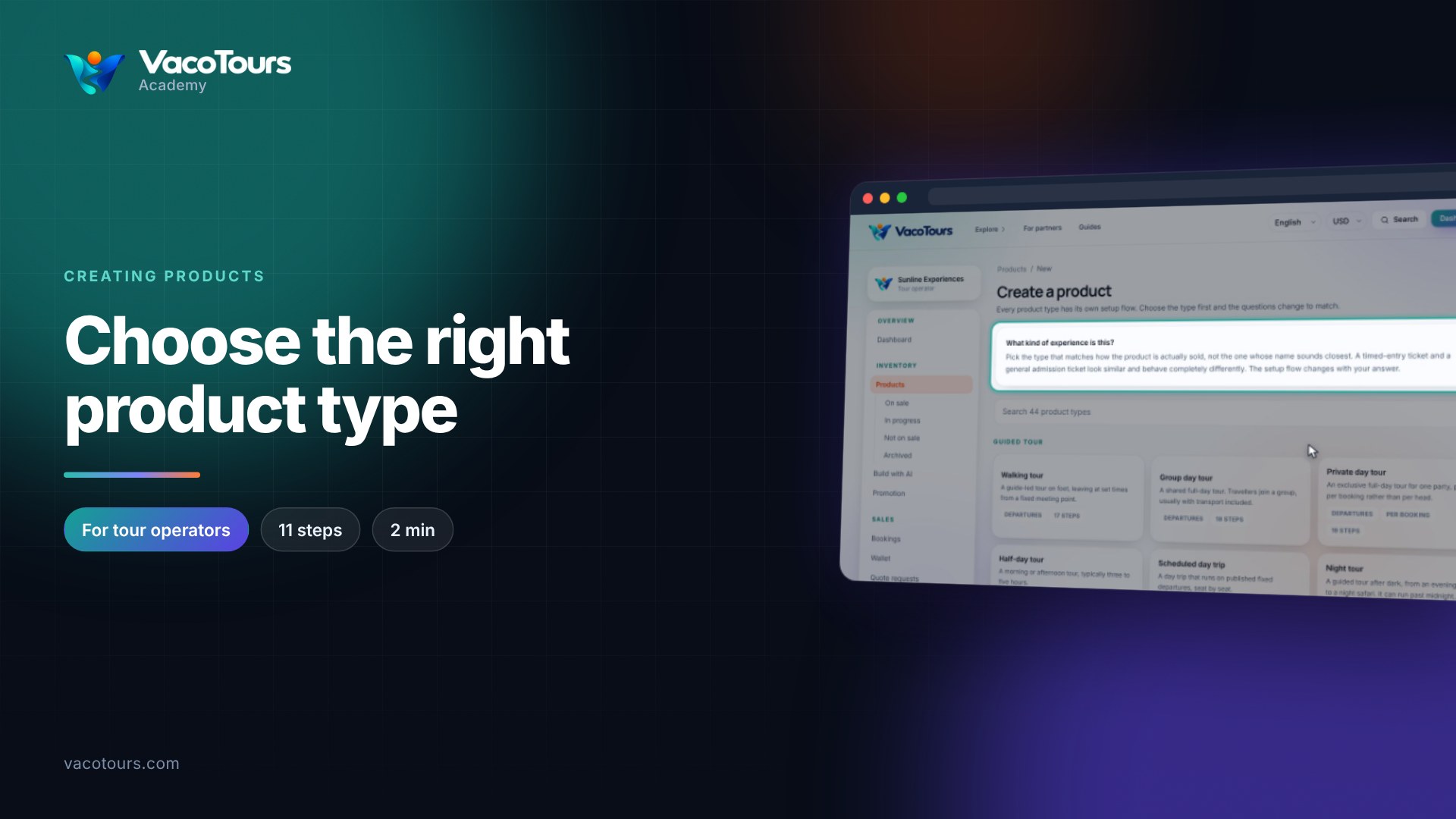
On Create a product, choose Walking tour. On Basics, type the Title travellers will see: what it is and where.
Type into the categories box and pick from the list, for example Walking Tours and City Sightseeing.
Press Continue. Fill the One-line summary and Full description, then Highlights, Included and Not included, one per line, and Know before you go.
Also in other languages is optional: anything you leave empty is translated automatically.
Photographs are added once the product is saved. Press Continue.
On Where it happens, choose the City and type the Address. Find the area above the map, click the exact spot to drop the pin, and choose a Marker.
Tip. Draft saved above the step means your work is kept. Find the draft later under Products, In progress.