Loading
A group price charges less for each traveller once a party reaches a size you choose. You can add several steps, each cheaper than the last.
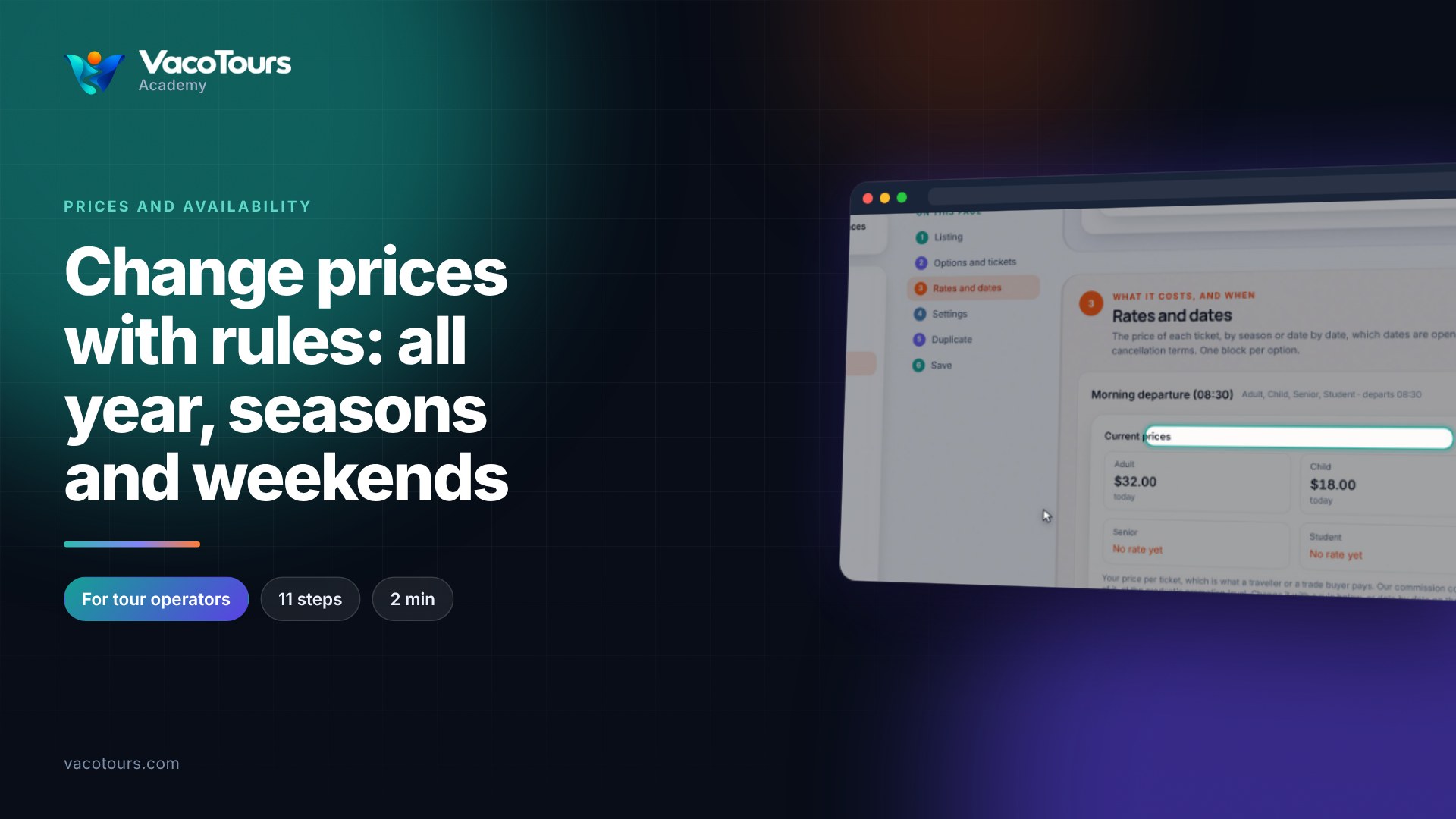
Open the product and press Rates and dates. Current prices shows each ticket's price today and any group price below it.
In the rule, press Add group price under the ticket type, then type the group size and the price each.
Group prices are saved only with the ticket's own price, so type it as well, even if it does not change.
In Changes to save, press Save the change. Current prices then lists every step.
Tip. A group price counts everyone on the booking, whatever their ticket, and the total is worked out again as soon as the party reaches that size.