Loading
Once you have sent a price, you can still change it while the request is open to the buyer. And when you cannot take a request, decline it with a reason, so the buyer knows where they stand.
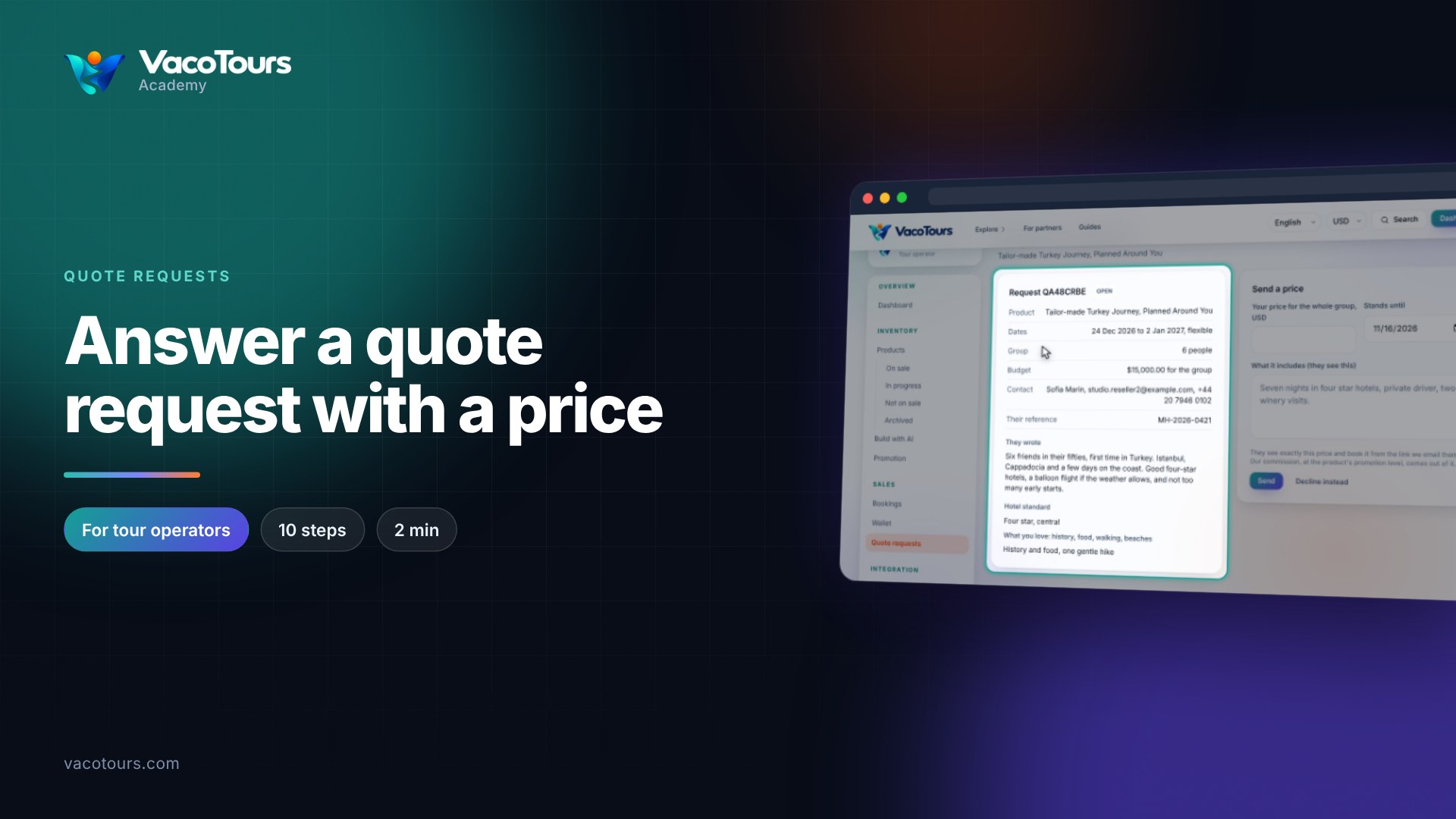
Under Quote requests, press the reference of a request marked Quoted.
In Change your price, enter the new price, end date or description and press Send. The new price replaces the old one for the buyer.
Open a request marked Open and press Decline instead.
Write a short, polite reason in Why (they see this). Send a price instead takes you back to the price form.
Press Decline. The request is marked Declined and the buyer receives your reason.
Tip. Suggesting another date or a different plan in your reason often turns a no into a booking.
More in Quote requests